Get to know your PictureMate Need a new photo cartridge and paper?
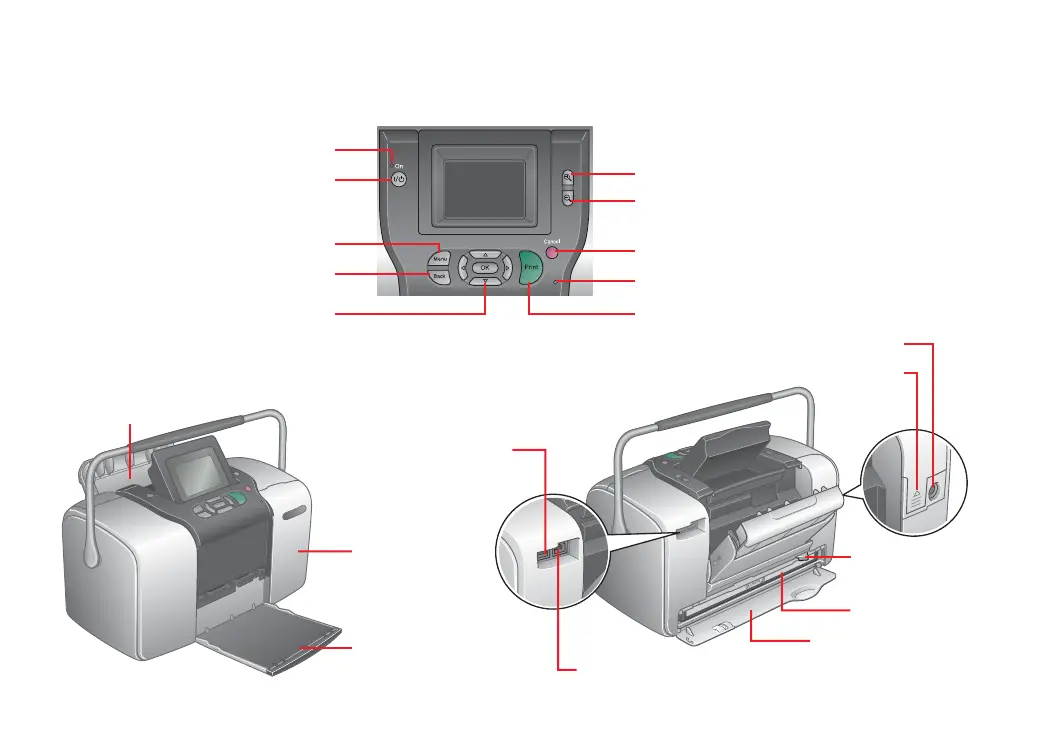
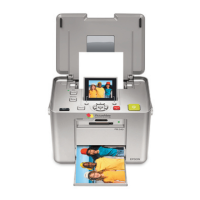
Power light
Turn PictureMate on or off
Move through menu options
Zoom in and crop
Stop printing or cancel settings
Zoom out/display 9 photos
Memory card light
Start printing
Set print options
Return to previous menu
Paper support
Memory card
door
Output tray
USB port for computer
EXT/IF (USB) port
for camera or
external drive
Battery cover
AC inlet
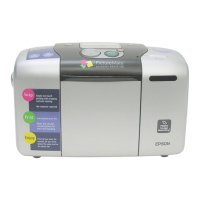
Photo cartridge door
Photo cartridge
Cartridge release
lever
You can get the PictureMate Print Pack (part# T5570) with
everything you need to print in one box: PictureMate Photo
Paper and a PictureMate Photo Cartridge.
You can also purchase these accessories for PictureMate:
•
The PictureMate rechargeable battery (part# C12C831074),
which lets you print just about anywhere
•
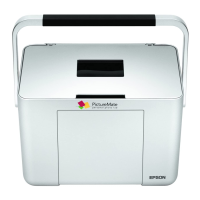
The PictureMate Carrying Case, just the right size for your
PictureMate, power cable, and an extra Print Pack
•
The Bluetooth Photo Print Adapter (part# C12C824142) for
printing wirelessly from your Bluetooth-enabled cell phone,
PDA, or computer to PictureMate
Visit your local retailer, or go to the Epson Store at
www.epsonstore.com (U.S. sales only).
In Canada, please call (800) 463-7766 for dealer referral.
For PictureMate information, special offers, and related accessories,
visit www.MyPictureMate.com.









 To Next Page