102 Fine-Tuning the Projector
Using the Menu System
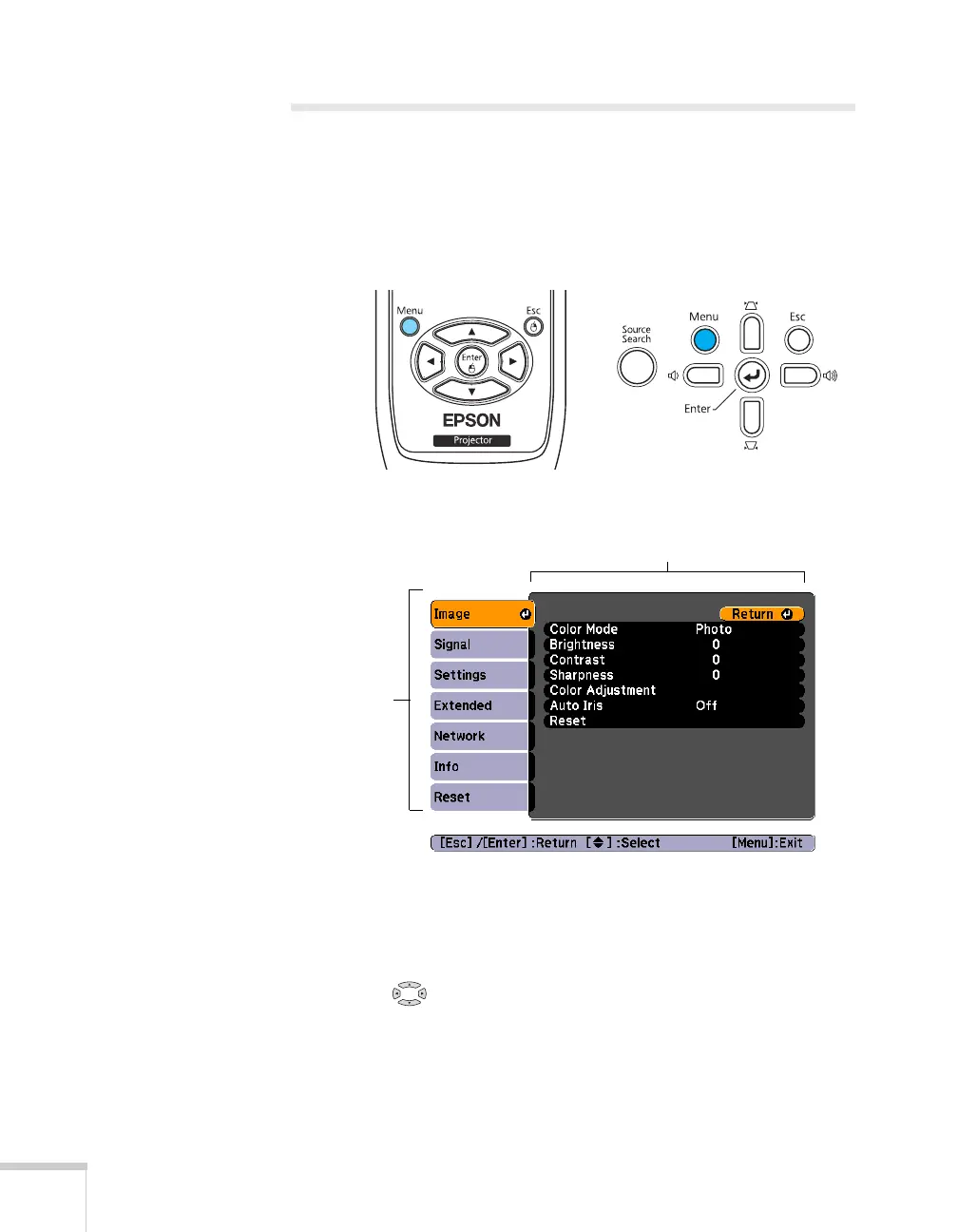
You can use the remote control or the projector’s control panel to
access the menus and change settings. Follow these steps:
1. To display the menu screen, press the
Menu button on the
remote control or on the projector.
You see a menu screen similar to the one below:
The menus are listed on the left and the options available for the
highlighted menu are shown on the right.
2. Use the pointer buttons on the remote control (or the
navigational buttons on the projector) to scroll through the menu
list. When you’ve highlighted the desired menu, press the
Enter
button to select it.
Menu list
Options







 To Next Page