128 Maintaining the Projector
Resetting the Lamp Timer
After you replace the lamp, you need to reset the lamp timer using the
projector’s menus.
1. Press the
Menu button on the remote control or on the
projector’s control panel. You see the main menu.
2. Use the buttons on the remote control (or the navigational
buttons on the projector) to highlight
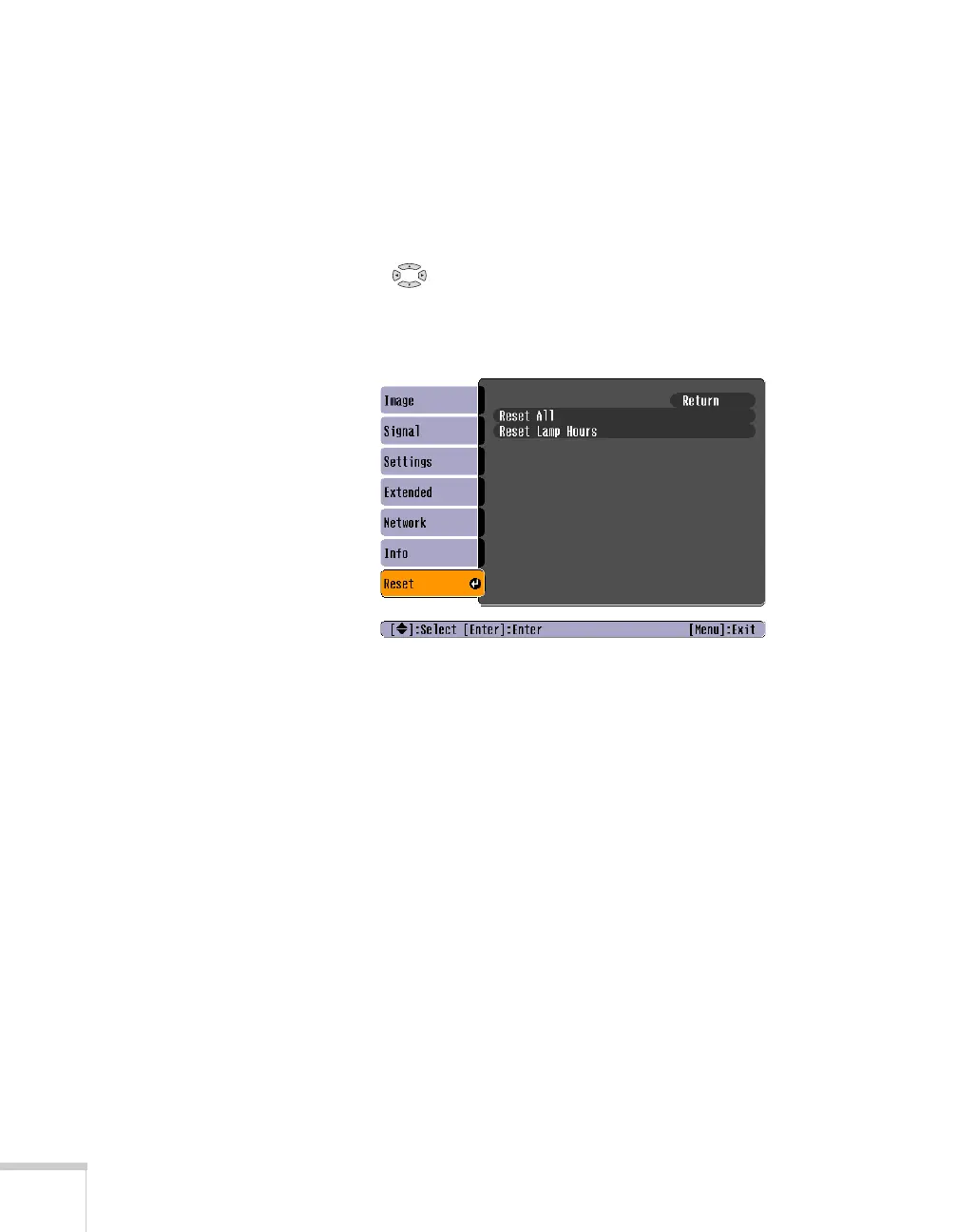
Reset, then press Enter.
You see this screen:
3. Select
Reset Lamp Hours and press Enter.
4. When you see the prompt, select
Yes and press Enter.
5. When you’re finished, press
Esc or Menu to exit the Menu
system.







 To Next Page