30 Displaying and Adjusting the Image
Correcting Computer Images
If you’re connected to a computer and the image doesn’t look right,
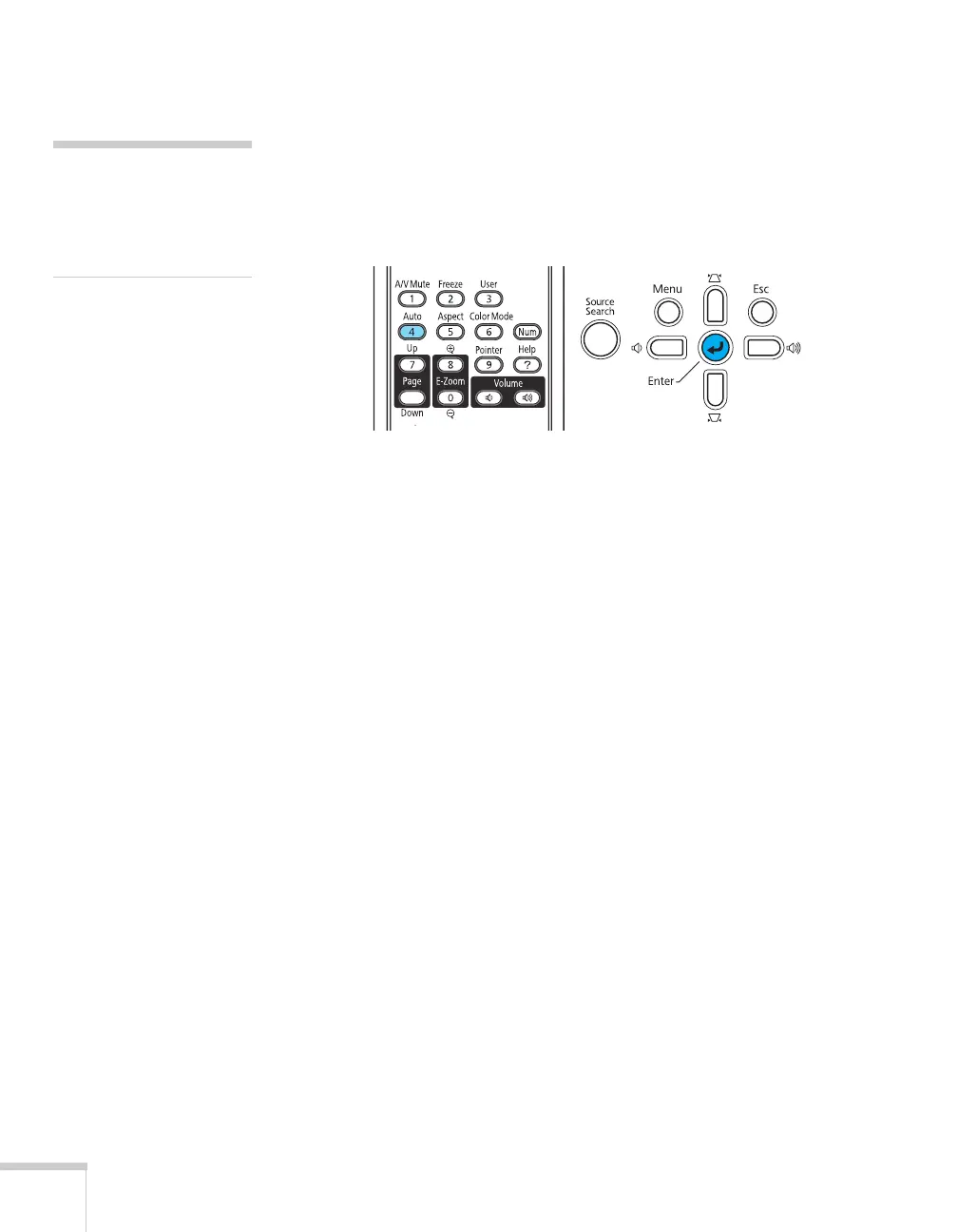
press the
Auto button on the remote control or the Enter button on
the projector. This automatically resets the projector’s tracking, sync,
resolution, and position settings.
If the
Auto button doesn’t correct the problem, you may need to
adjust the tracking or sync using the projector’s Signal menu. See
page 106 for more information.
note
The Auto button works only
with computer images
projected through the VGA
port.







 To Next Page