Using the Projector on a Network 67
Installing the Optional Wireless
802.11a/b/g Module
Make sure you have the optional Wireless 802.11a/b/g Module
(PowerLite 85+/825+/826W+ only). Turn off the projector and
disconnect the power cord before you install the module.
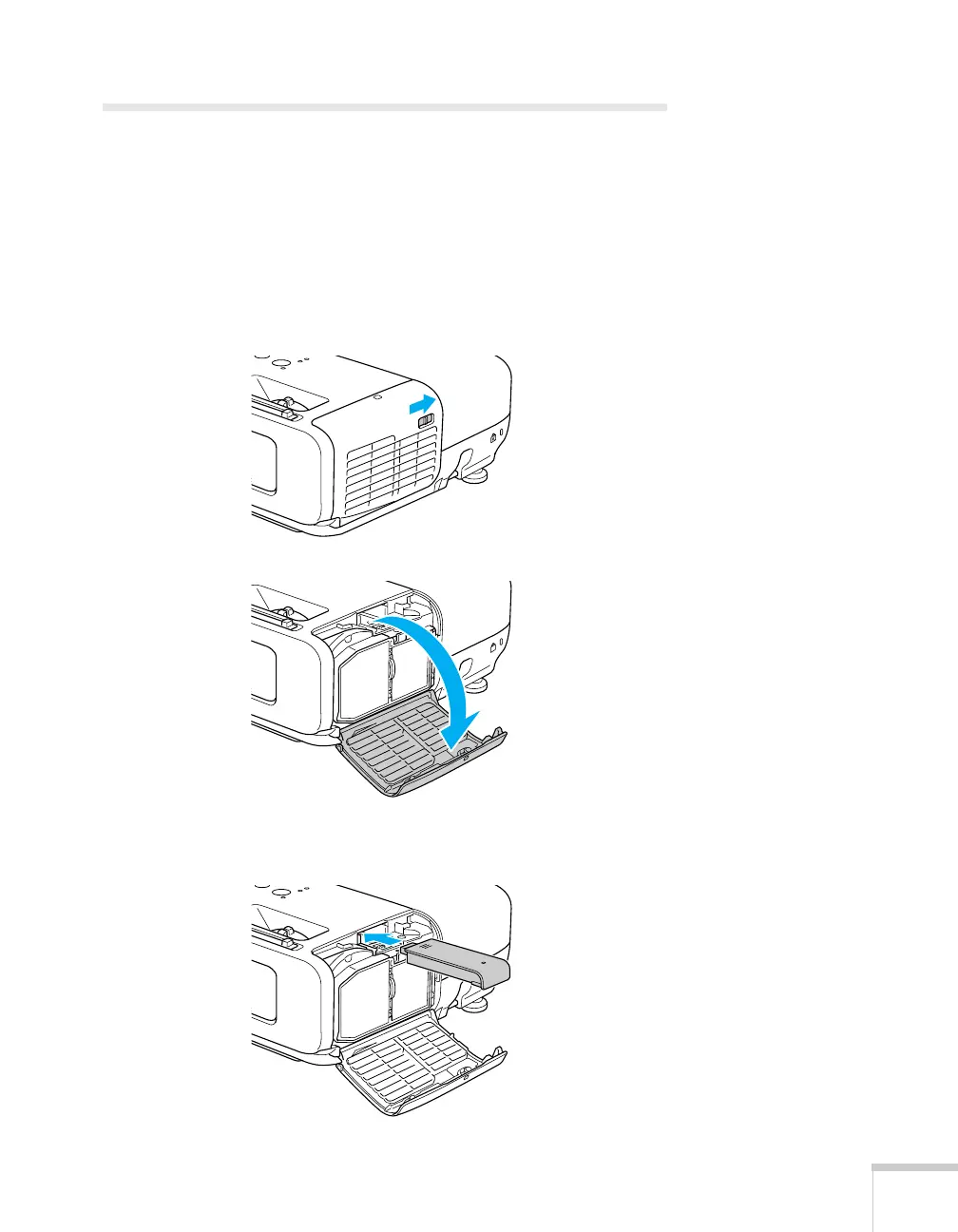
1. Open the air filter cover by sliding the switch and pulling down
the cover.
2. Insert the Wireless 802.11a/b/g Module as shown.







 To Next Page