Using the Projector on a Network 91
Enabling WPA Security
1. Press Menu. Highlight Network and then press Enter.
2. Choose
Network Configuration and press Enter.
3. Highlight
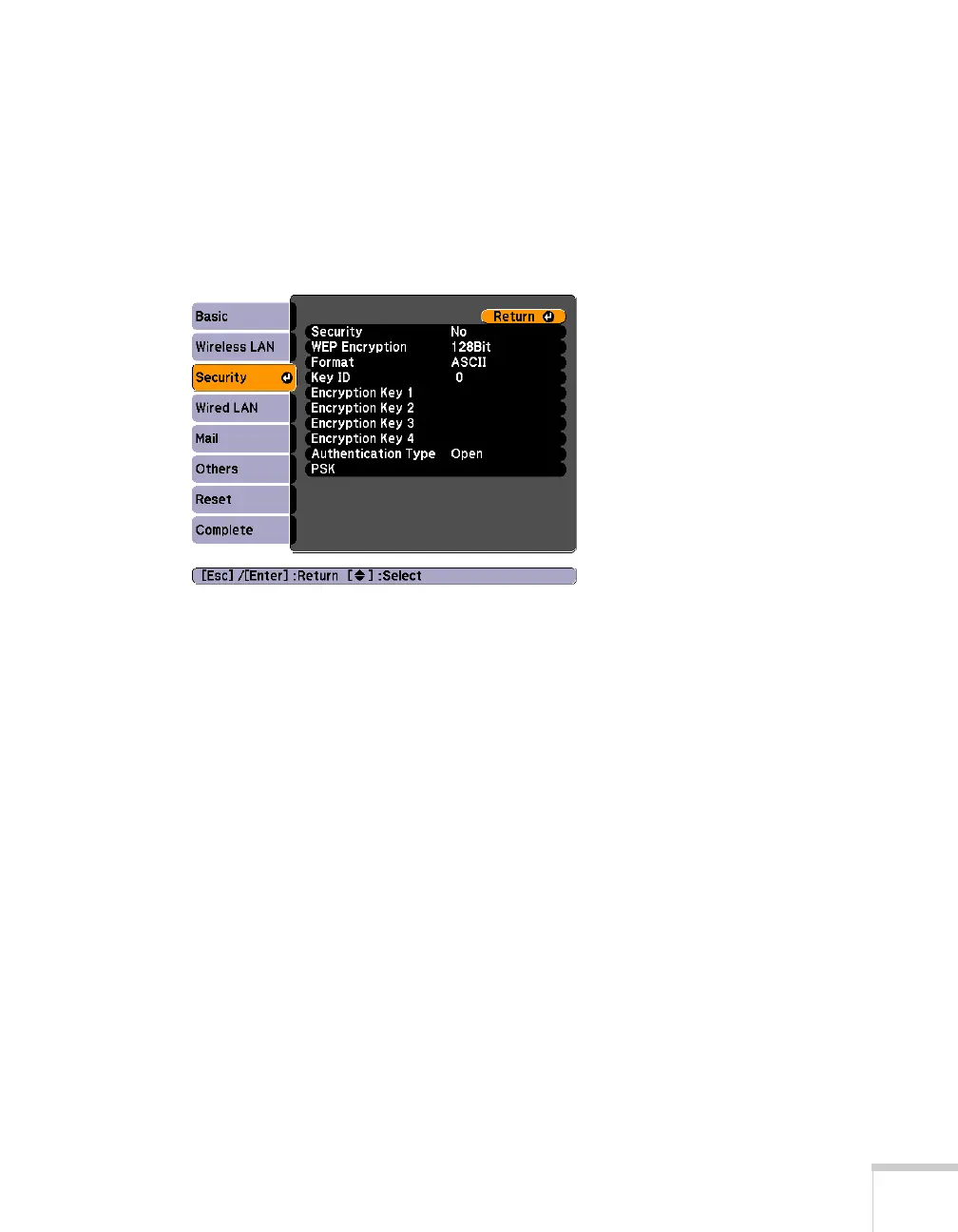
Security, then press Enter. You see the following
screen:
4. Press
Enter to show the menu, then choose one of the following
and press
Enter.
■ WPA-PSK (TKIP)
■ WPA-PSK (AES)
■ WPA2-PSK (TKIP)
■ WPA2-PSK (AES)
5. Press
Esc to return to the previous screen.







 To Next Page