Using the Projector on a Network 89
Enabling WEP Encryption
1. Press Menu on the projector remote. Highlight Network and
then press
Enter.
2. Choose
Network Configuration and press Enter.
3. Highlight
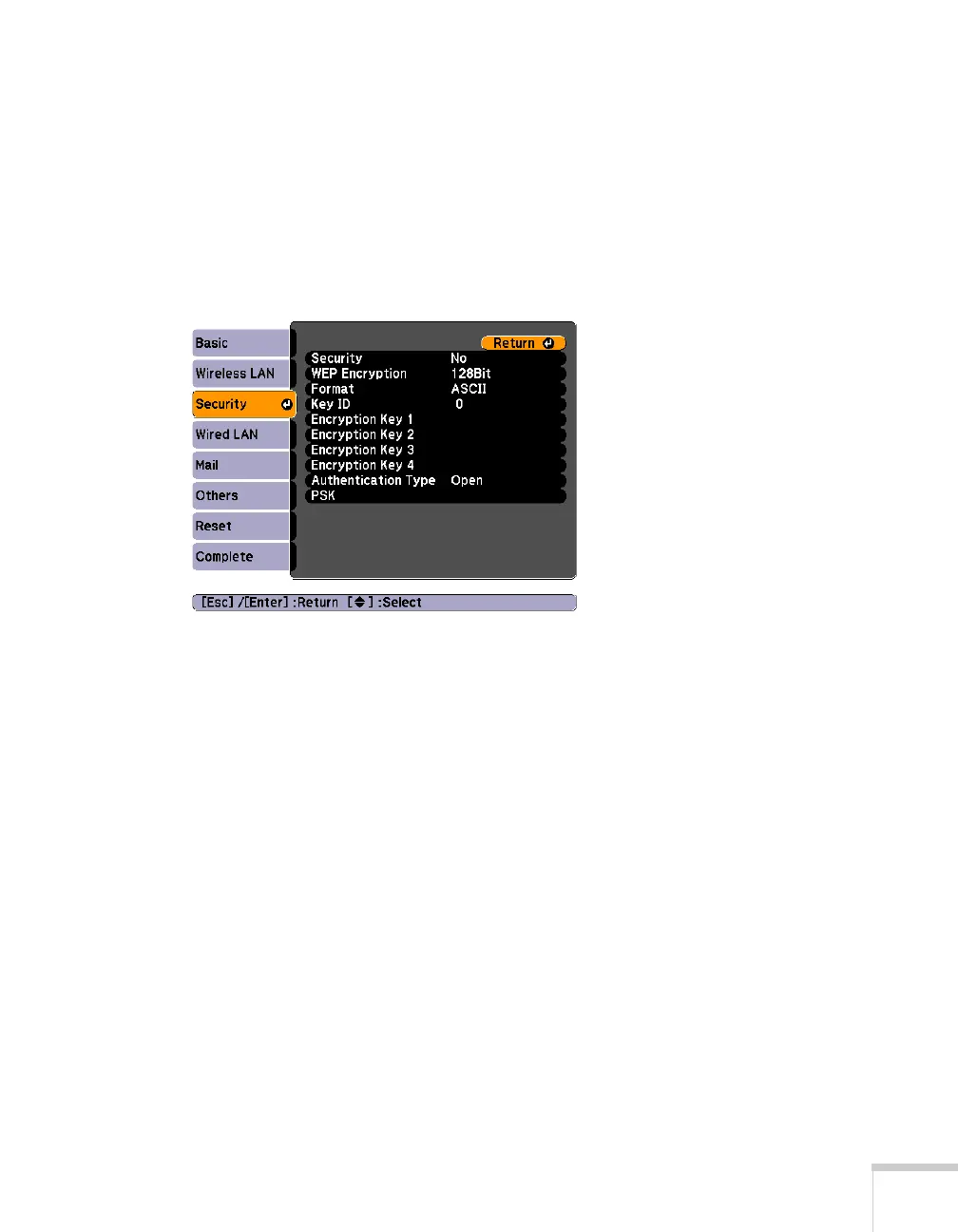
Security, then press Enter. You see the following
screen:
4. Press
Enter to select Security, then select WEP and press Enter.
5. For the WEP encryption setting, select
128Bit or 64Bit and press
Enter.
6. For Format, highlight
ASCII to enable text input or HEX to
enable hexadecimal input, then press
Enter.







 To Next Page