Using the Remote Control 33
Controlling the Picture and Sound
You can use the remote control to preview and select your picture
sources, temporarily turn off the picture and sound, freeze the action,
zoom in on the picture, and adjust the volume.
Switching Between Picture Sources
If your projector is connected to more than one computer and/or
video source, you can switch between the different sources:
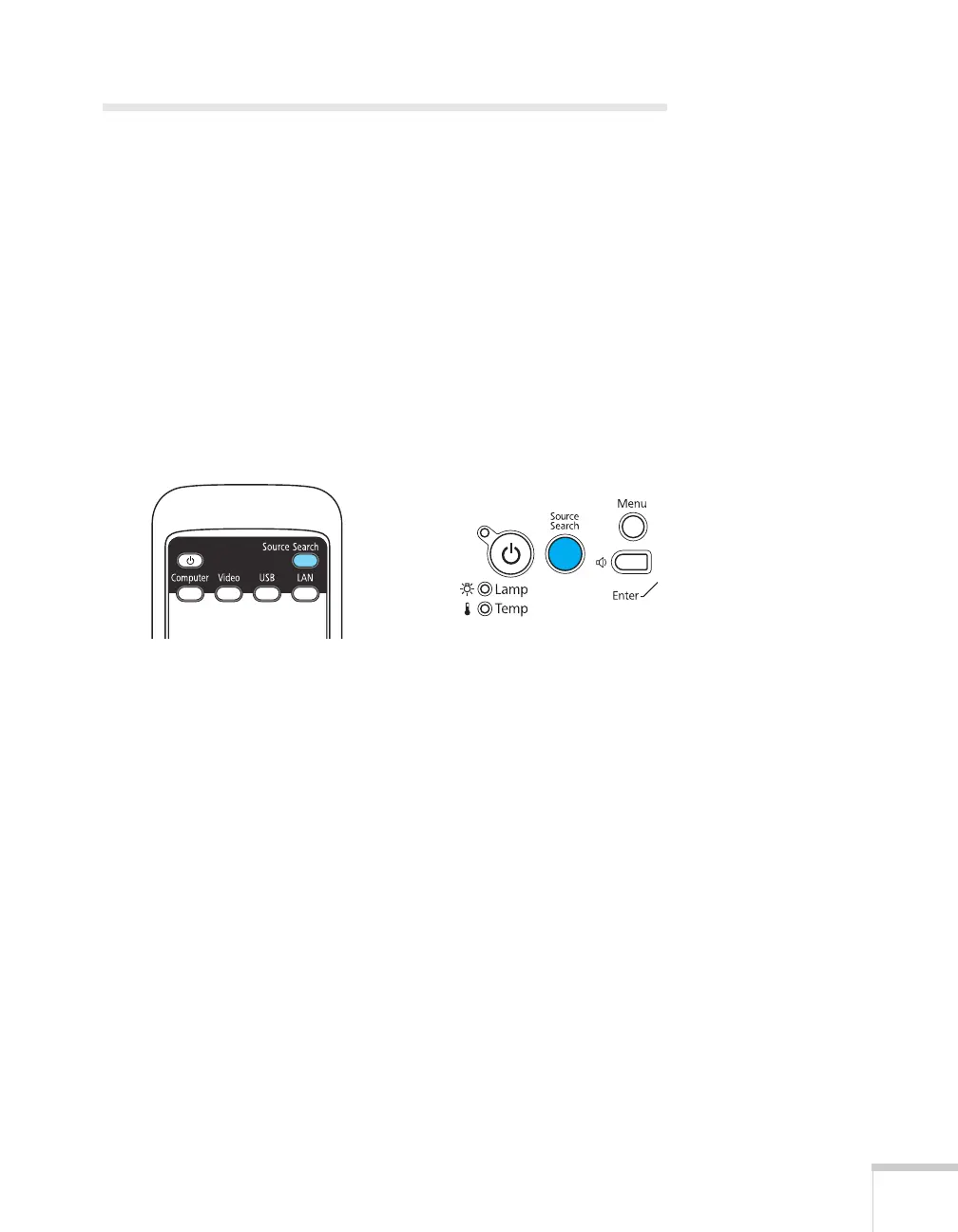
■ The easiest way to select your source is to press the Source
Search
button on the remote control or projector repeatedly
until you see the image you want on the screen.
■ On the remote control, there are four buttons you can use to
switch between equipment connected to the port identified on
each button:
Press the
Computer button to toggle between the Computer1
and Computer2 ports, press the
Video button to toggle between
the Video and S-Video ports, and press the
USB button to toggle
between the USB ports. (The PowerLite 84+ only has one USB
port.)
Or press the
LAN button to project through your network. (The
LAN button does not work with the PowerLite 84+ or 824+.)
After you select a source, the screen goes dark for a moment before the
image appears.







 To Next Page