Maintaining the Projector 127
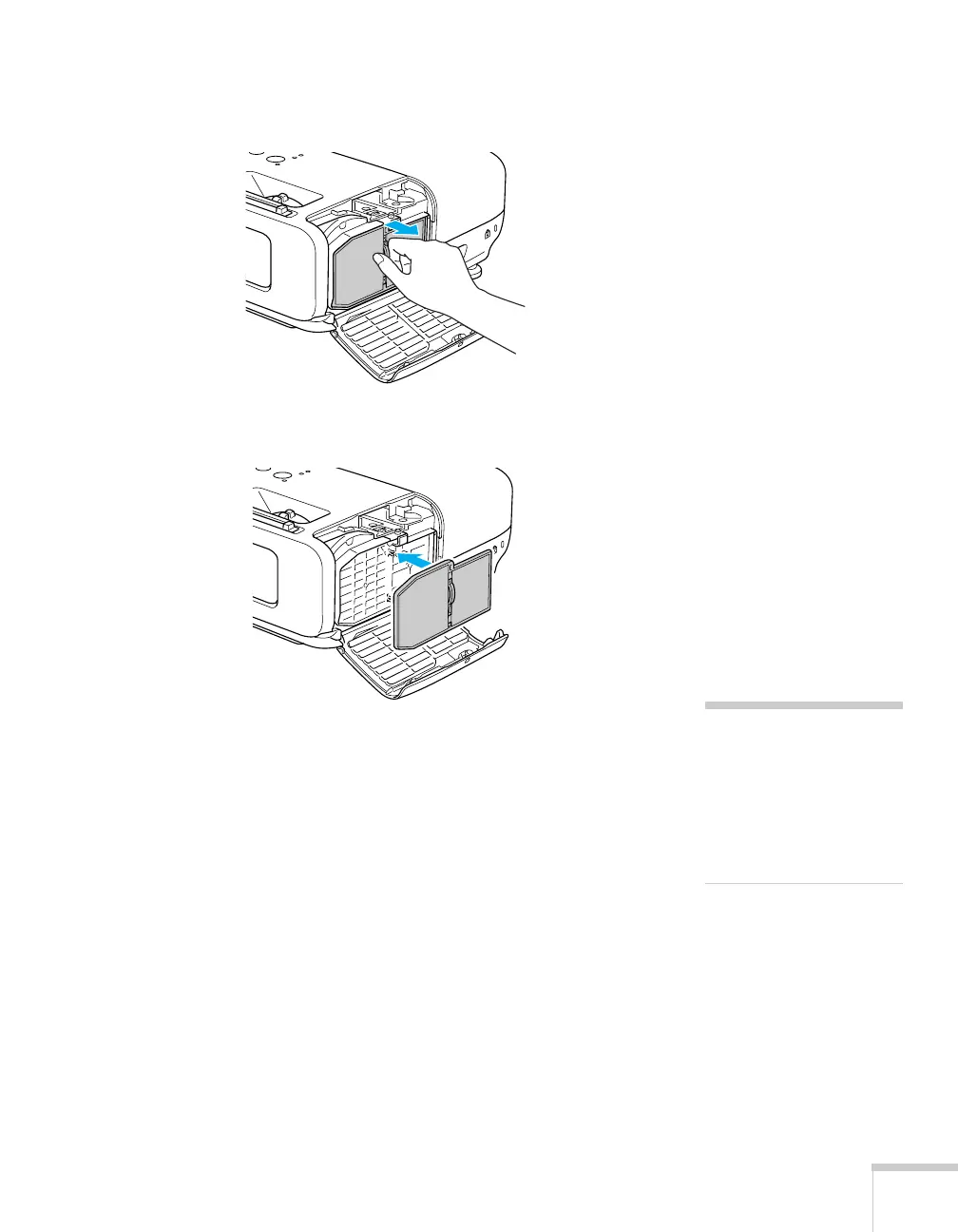
4. Grasp the tab and pull the filter straight out.
5. Press in the new air filter until it clicks in place.
6. Close the air filter cover.
note
The air filter contains
polycarbonate, ABS resin,
and polyurethane foam.
Dispose of used air filters
properly in accordance with
your local regulations.







 To Next Page