52 Connecting to Computers, USB Devices, and Other Equipment
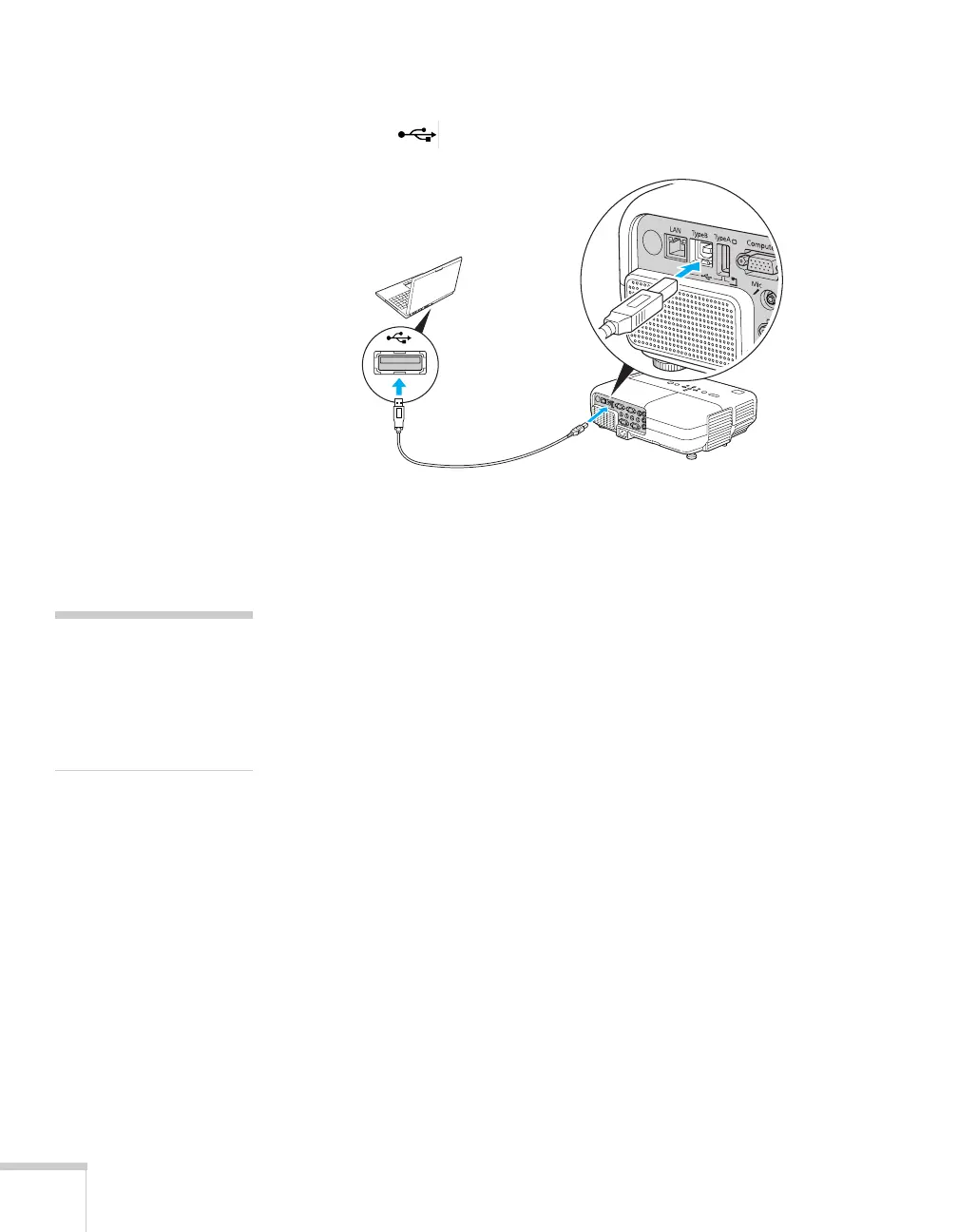
3. Connect the square end of the cable to the projector’s
Type B
(square) USB port.
4. Connect the flat end of the cable to any available USB port on
your notebook or desktop computer.
5. Press the
Computer button on the remote control to select your
computer as the source. (The wireless mouse function doesn’t
work when other sources are selected.)
6. If necessary, configure your computer to work with a USB mouse.
See your computer documentation for details.
USB cable
note
If you’re using Mac OS X
and you see a Keyboard
Setup Assistant window,
click Continue and then
close the next screen.







 To Next Page