Using the Projector on a Network 65
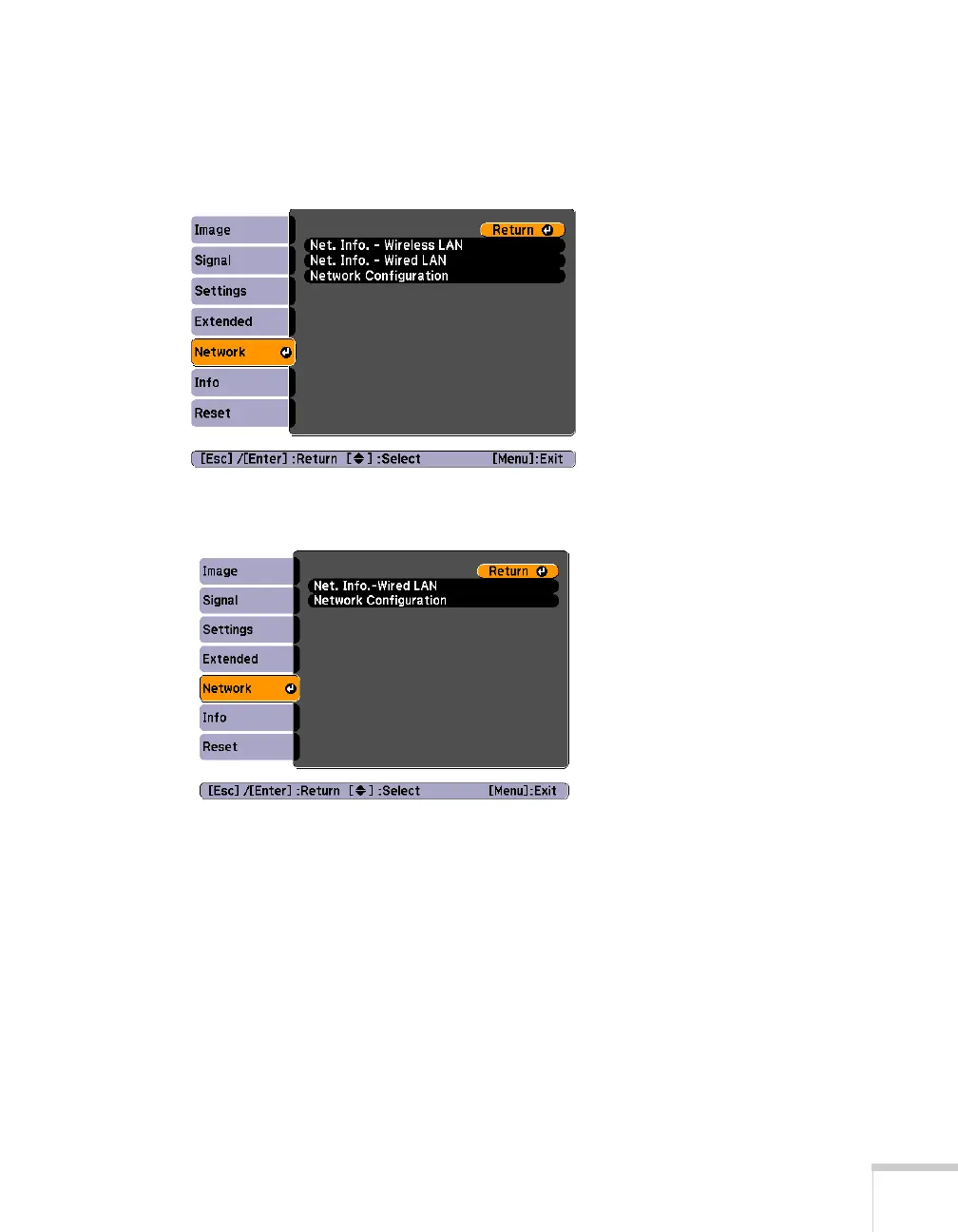
4. Press the Menu button on the remote control, select the
Network menu, then press Enter.
PowerLite 85+/825+/826W+
PowerLite 84+
5. Choose
Network Configuration and press Enter.
6. Select the
Wired LAN menu and press Enter.







 To Next Page