J
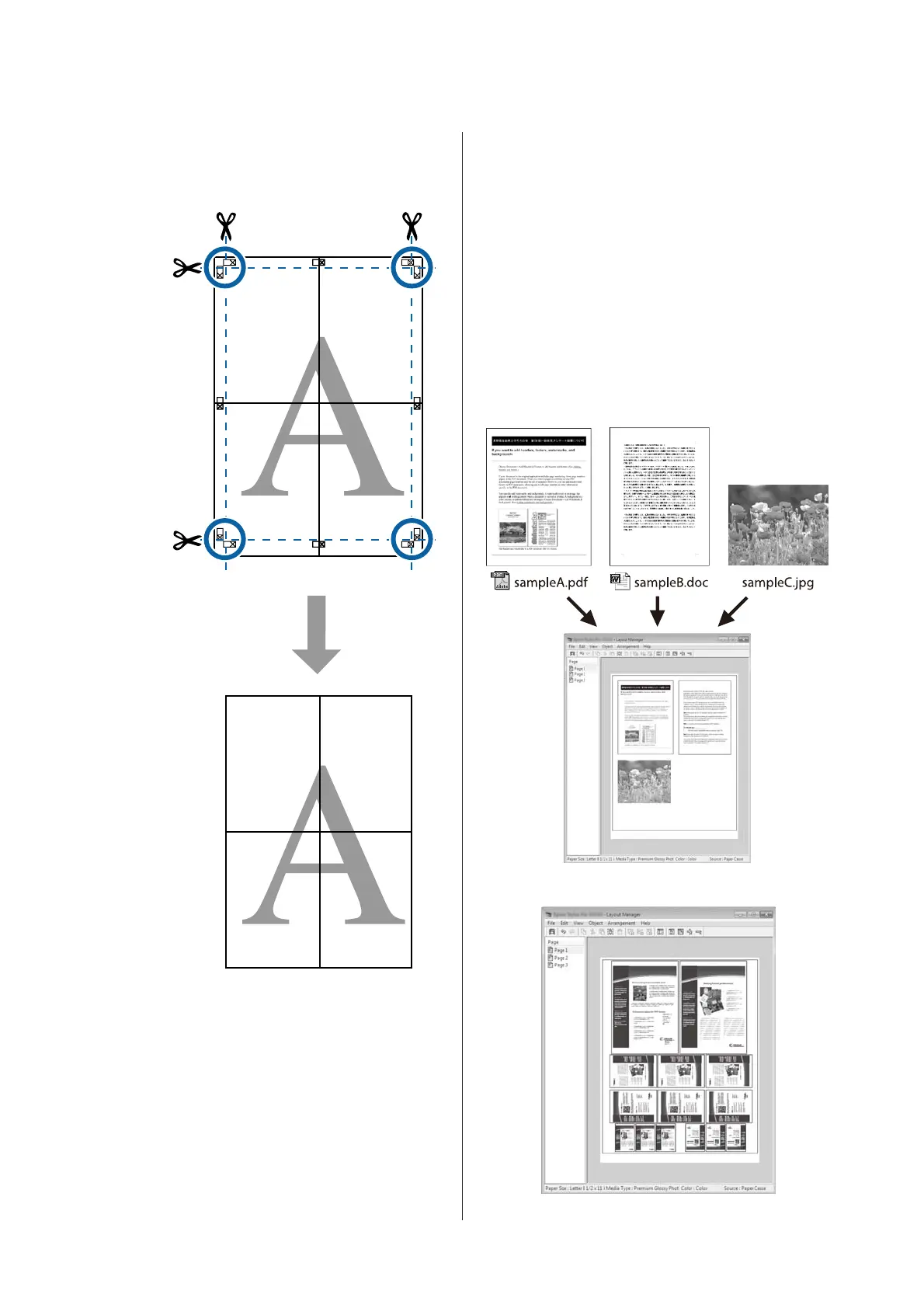
After joining all the sheets, trim off the borders by
cutting along the cut guides (outside the X
marks).
Printing Multiple
Documents (the Layout
Manager)
(Windows Only)
Documents created in different applications can be
printed together in your choice of layout. The Layout
Manager can be used to improve efficiency and
conserve paper.
Sample Multi-Document Layout
Sample Free Vertical/Horizontal Layout
SC-T7200 Series/SC-T5200 Series/SC-T3200 Series/SC-T7200D Series/SC-T5200D Series User's Guide
More Ways to Print
111


 To Next Page
 Loading...