-
: The Maintenance Tab
Displays Maintenance Box status in the info
display area.
When you press the Menu button, the Main-
tenance menu appears.
U “The Maintenance Menu” on page 145
The Info Display Area
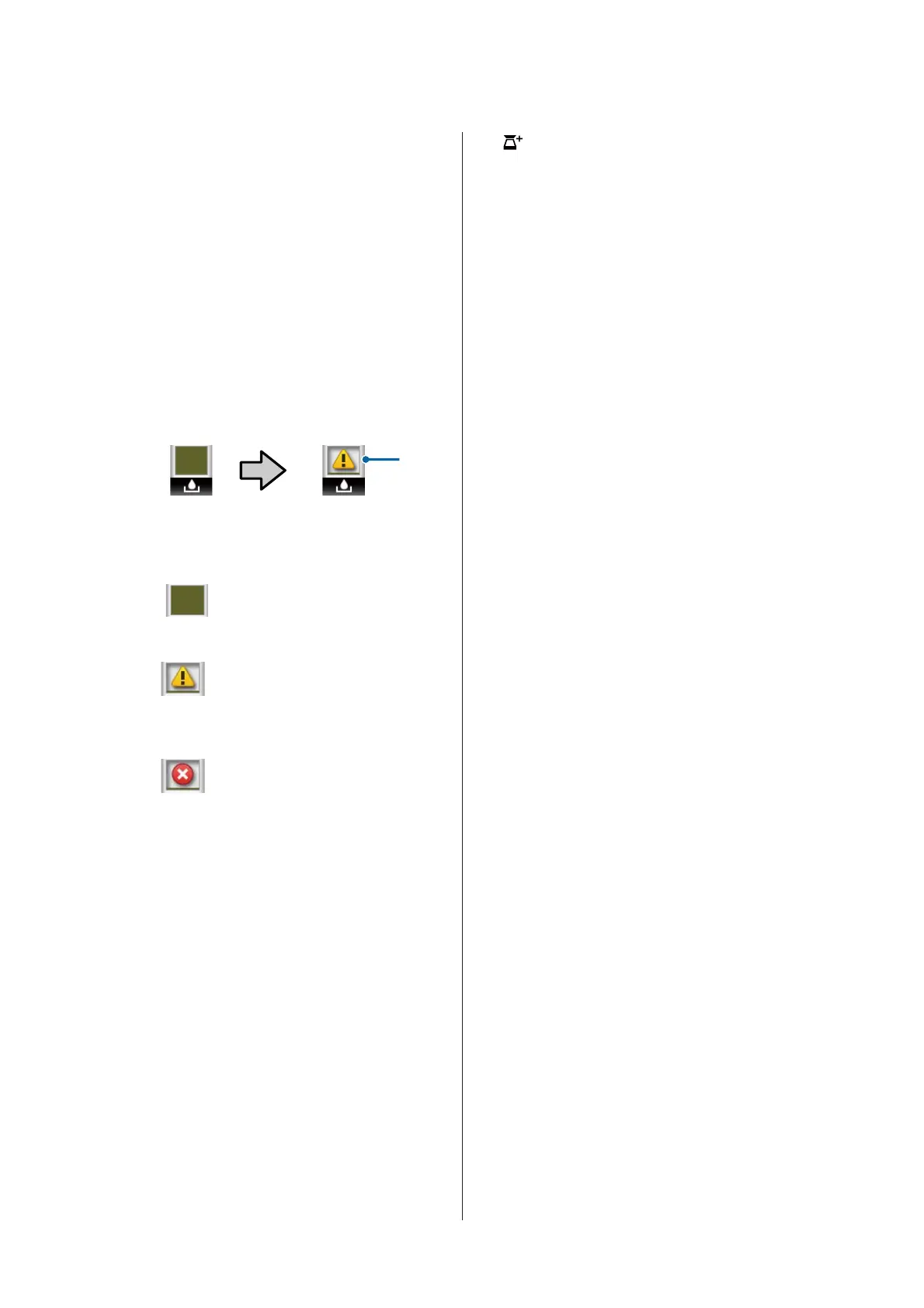
As shown in the following illustrations, the
icon changes based on the status of the Main-
tenance Box.
Normal Warning or error
1
1 Status indicators
: No error. The height of the
indicator corresponds to the
amount of space remaining.
: The Maintenance Box is nearing
the end of its service life. You need
to prepare a new Maintenance
Box.
: Maintenance Box is at the end of
its service life. Replace the
Maintenance Box with a new one.
/
:The Setup Tab
Shows the specified IP address in the info
display area.
When you press the Menu button, the Setup
menu appears.
U “Setup menu” on page 146
:The Large Copy Tab
This tab is displayed only when the optional
MFP Scanner is connected.
In this tab, select a job you want to do, and then
press the Z button. When the optional hard
disk unit or Adobe PostScript 3 Expansion
Unit is installed, you can also use the scan
function.
U “Large Copying and Large Scanning using
the MFP Scanner (Option)” on page 71
+
: The Enlarged Copy Tab
The enlarged copy tab is displayed only when a
scanner is connected.
Pressing the Z button when this tab is
selected displays the Enlarged Copy screen.
U “Enlarged Copy menu” on page 161
SC-T7200 Series/SC-T5200 Series/SC-T3200 Series/SC-T7200D Series/SC-T5200D Series User's Guide
Introduction
17


 To Next Page
 Loading...