J
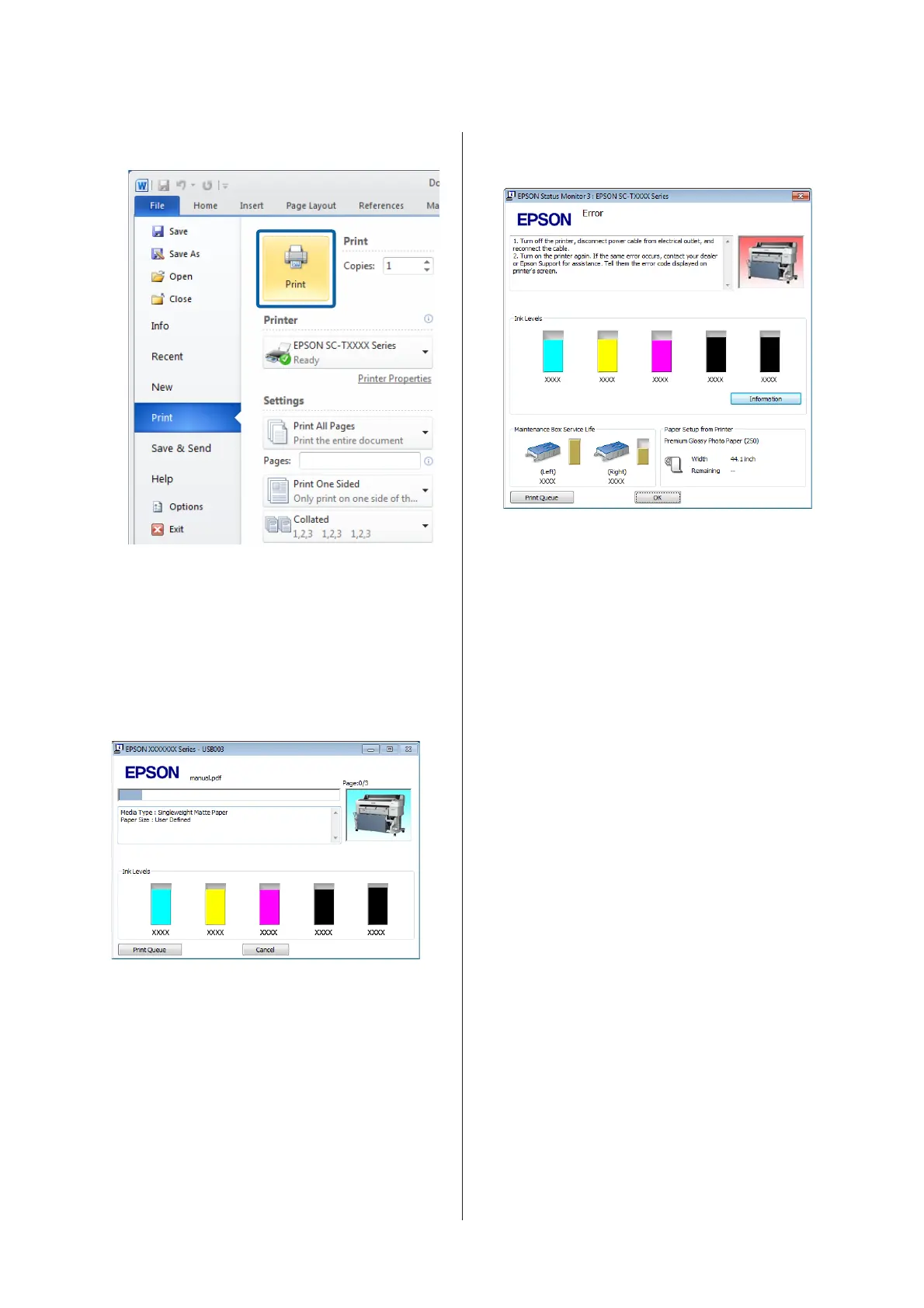
When settings are complete, click Print.
The progress bar is displayed, and printing starts.
Screen while printing
The following screen is displayed when you start
printing, and the progress bar (the computer's
processing status) is displayed. On this screen you can
check the remaining ink level, product numbers for the
ink cartridges, and so on.
An error message is displayed if an error occurs or an ink
cartridge needs replacing while printing.
SC-T7200 Series/SC-T5200 Series/SC-T3200 Series/SC-T7200D Series/SC-T5200D Series User's Guide
Basic Operations
59


 To Next Page
 Loading...