20 TM-U220II User’s Manual
English
STD
Note:
• Notes on the wired LAN interface
Do not change "Pin 31 reset signal" to a setting other than "Used".
Doing so will cause the printer to stop working.
• Notes on the receive buffer capacity
Depending on the model, the receive buffer capacity is 4 KB or 40 bytes.
For more details, please contact your qualified service personnel.
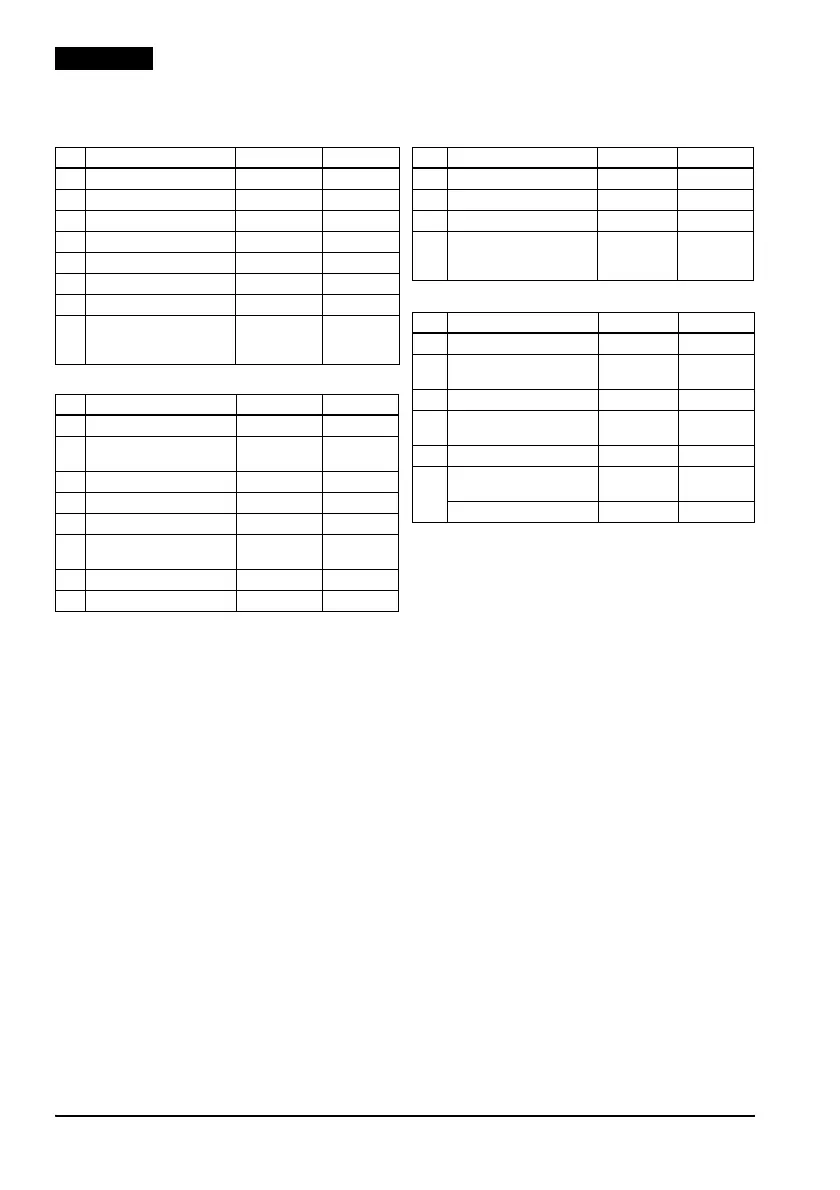
Serial interface (DIP Switch 1)
SW Function On Off
1 Data receive error Ignored Prints “?”
2 Receive buffer capacity 40 bytes 20 KB
3 Handshaking XON/XOFF DTR/DSR
4 Word length 7 bits 8 bits
5 Parity check Yes No
6 Parity selection Even Odd
7 Transmission speed 4800 bps 9600 bps
8
BUSY condition Receive buffer
full
Receive
buffer full or
Offline
Serial interface (DIP Switch 2)
SW Function On Off
1 Print column 42/35 40/33
2 For internal use only
(autocutter)
Enabled Disabled
3 Undefined - -
4 Serial interface selection Memory switch DIP switch
5 Undefined - -
6 For internal use only
(flash memory rewriting)
Enabled Disabled
7 Pin 6 reset signal Used Not used
8 Pin 25 reset signal Used Not used
Other interfaces (DIP Switch 1)
SW Function On Off
1 Auto line feed Enabled Disabled
2 Receive buffer capacity 40 bytes 20 KB
3–7 Undefined - -
8 BUSY condition Receive buffer
full
Receive
buffer full or
Offline
Other interfaces (DIP Switch 2)
SW Function On Off
1 Print column selection 42/35 40/33
2 For internal use only
(autocutter)
Enabled Disabled
3–5 Undefined - -
6 For internal use only (flash
memory rewriting)
Enabled Disabled
7 Undefined - -
8 Wired LAN, parallel: pin 31
reset signal
Used Not used
USB-B: Undefined - -













 To Next Page