20
1. Press the home button, if necessary.
2. Press the preset button.
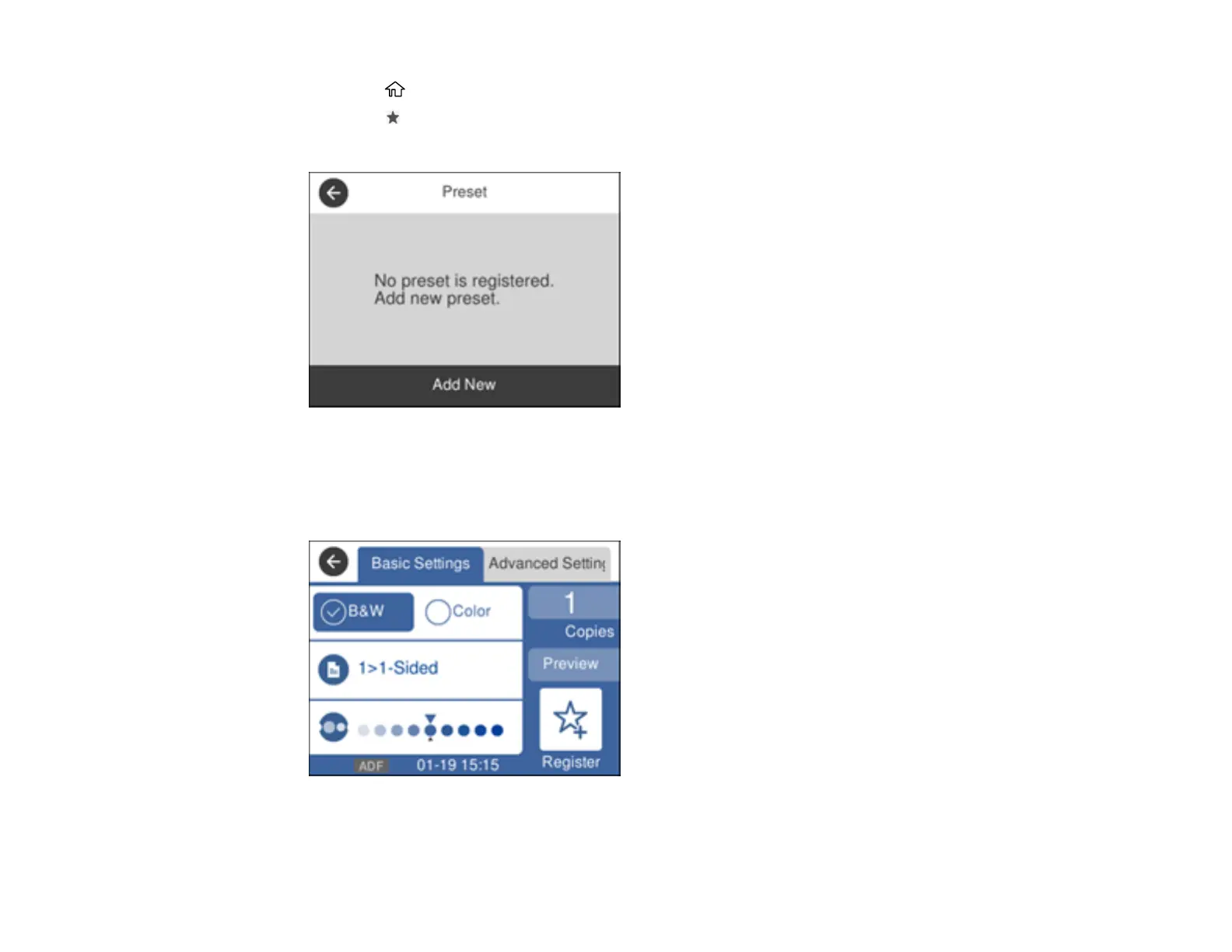
You see a screen like this:
3. Select Add New.
4. Select the function for which you want to set up a preset.
You see the main screen for that function, such as the Copy screen:
5. Select the settings you want to save and select Register.



 To Next Page
 Loading...









