10.7 Changing the control box joystick unit
Fig. 120
Fig. 121
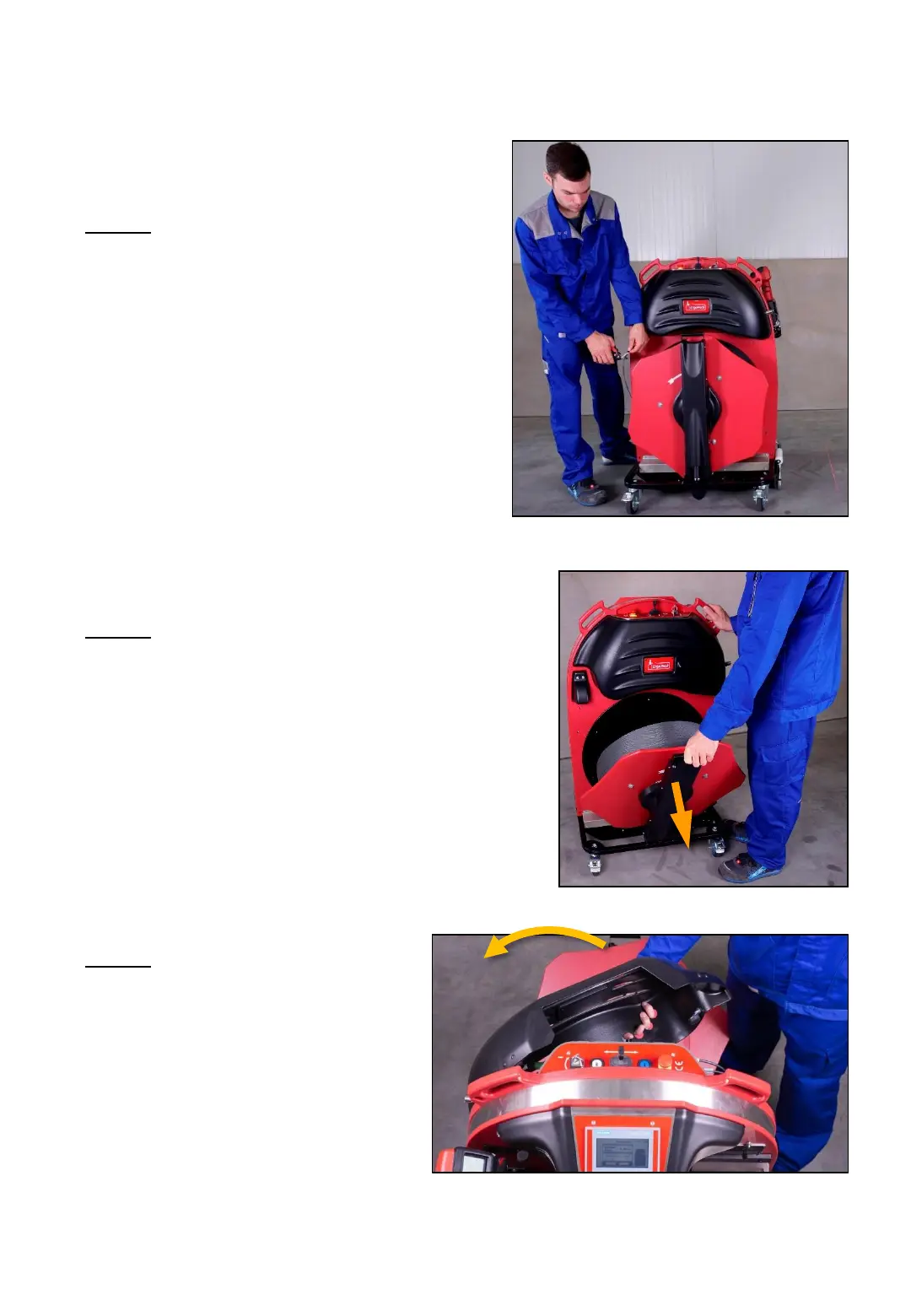
3. Step
Remove the cover „joystick“ by
pulling on the handle holes,
provided at the bottom side
(the cover is fixed by magnets).
-74-
2. Step
Fold down the pivot arm.
Fig. 119
1. Step
Cut off the strap in front of the white
roll and fix it with an adhesive strip to
the coil. Pull out the rest of the strap
remaining in the strapping system
through the head piece of the
ChainLance and dispose it.



 To Next Page