-85-
11. Software Updates
1. Step
Remove the cover „joystick“ as described in section 10.7 step 1 to 4 and take
off the cover „display“ in accordance with the instructions in point 10.8, step
1 to 3.
2. Step
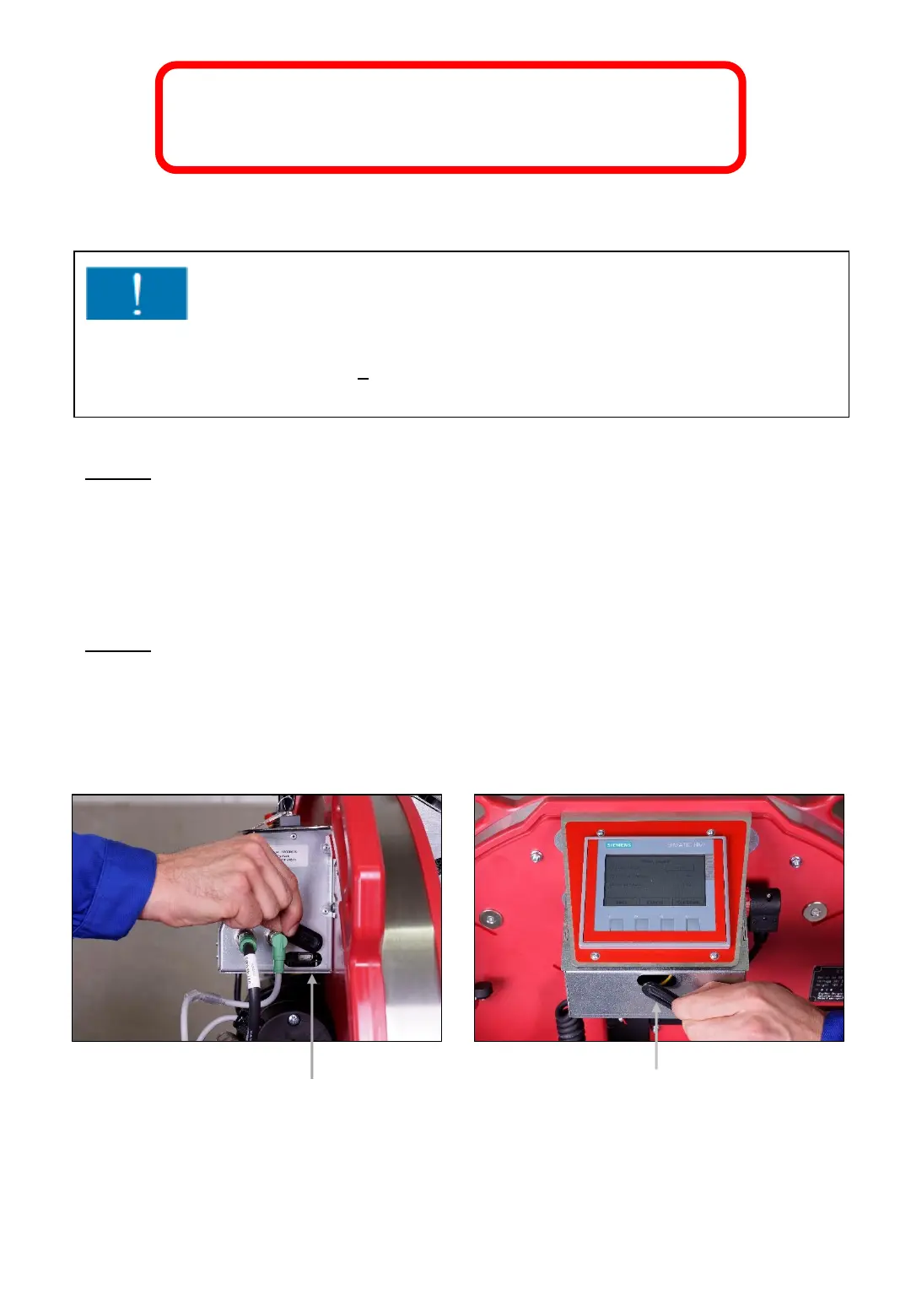
Remove the rubber plugs from the USB-ports (145a/146a).
Fig. 145 Fig. 146
145a
146a
Attention!
Updates on the control units „Joystick“ and „Display“ only through trained
and properly instructed staff. The necessary access code will be provided by
your ErgoPack service partner.



 To Next Page