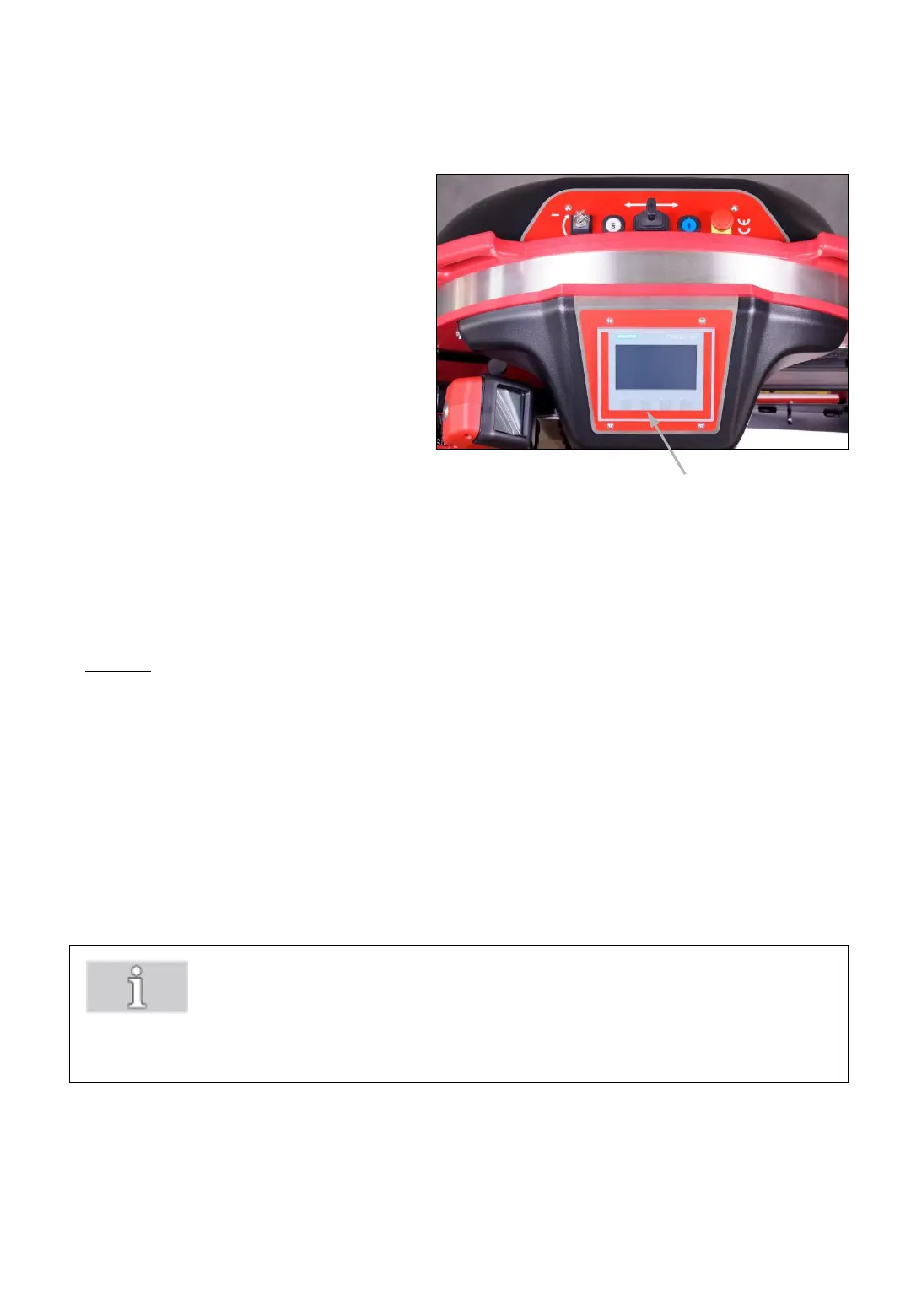
Switch on the strapping system as
described in section 7.4
For changing the strap coil
press „F2“ button (30a) and
follow the instructions
appearing on the display.
7.10 Changing strap coil
1. Step
By pressing the „Positioning ChainLance“ button, the ChainLance will
automatically reach the correct position so that the red chain link stops in the
middle of the sliding window.
For this process the sliding window must be closed!
Once the ChainLance reached the right position, the 2. Step appears
automatically.
30a
Fig. 30
-34-
By pressing „next“ button, 1. Step appears on the display.
Note!
By pressing the „Stop“ button the strap coil changing mode can be stopped at
any time and you will get back to the main menu.



 To Next Page