BPage18 BEA--220265-EN-04
CCDarraycameraOptoLineOL80..
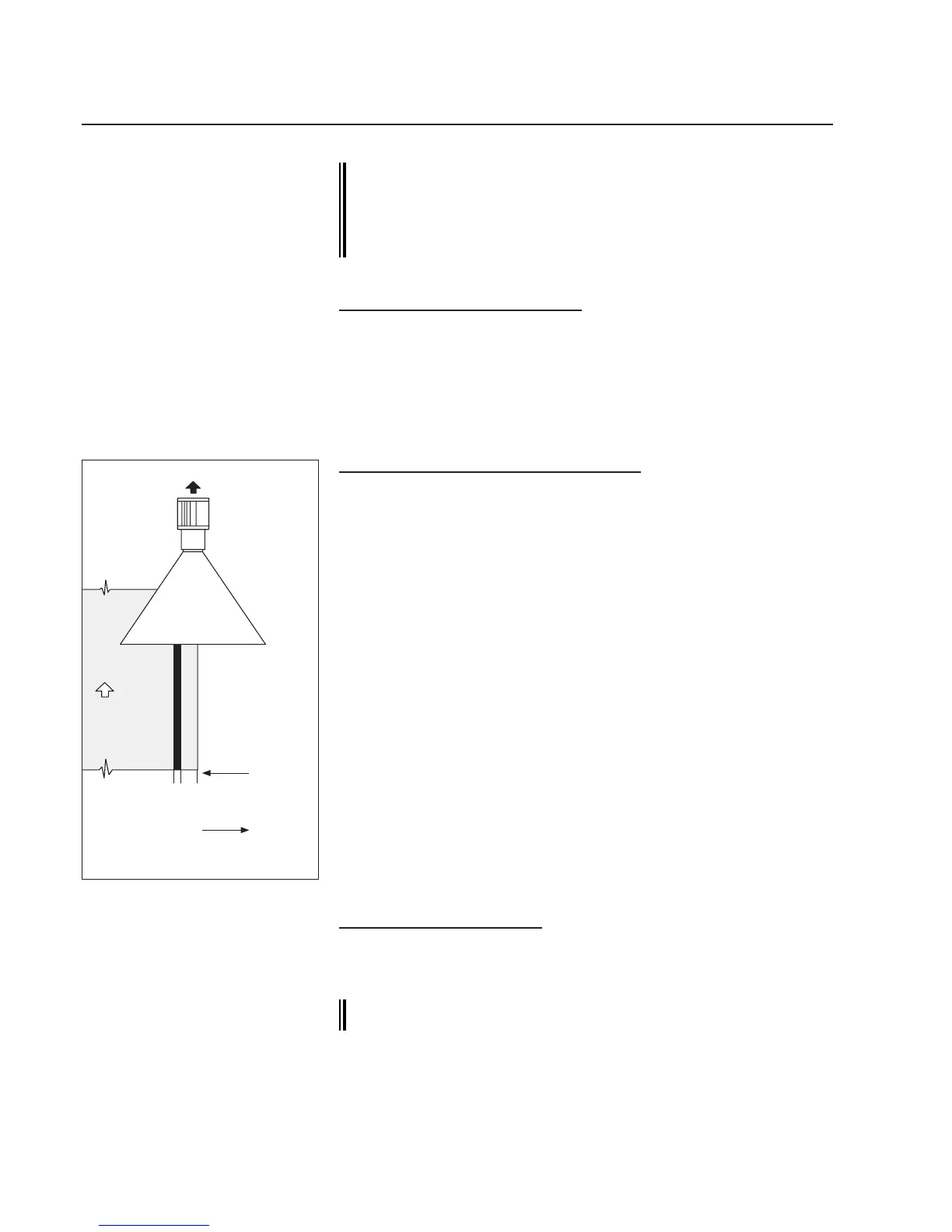
Countingdirection,contrastingedges
Example:rightcameraindirectionof
webtravel
7.7.1 Conguring the rst measured value:
A CAN address should be set for each measured value to be
output. The CAN address of the rst measured value is usu-
ally the address specied on the module reference on the
camera or in the block diagram.
Thefollowingexamplesallrefertotheillustrationonpage16.
7.7.1.1 Setting the CAN address
➜Callupthesetupeditor.
➜Enterthecameradevicenumberinparameter0.
1 for measured value 1 (right sensor)
➜Enterthecameragroupnumberinparameter1.
0 for measured value 1
7.7.1.2 Determining the operating mode
➜Setthecameraoperatingmodeinparameter6:
"1"=contrastingedge
"2"=centerbetweentwocontrastingedges.
1 for measured value 1
➜Enterthecontrastingedgenumber,thepositionofwhichistobe
output,inparameter7.Theprecedingsignindicatesthedirection
ofcounting,seeg.opposite:
Thefollowingappliesforcamerasmountedinthedirectionof
right webtravel:
Nopre-sign=directionofcountingfromoutsidetoinside
Negativepre-sign=directionofcountingfrominsidetooutside.
Thefollowingappliesforcamerasmountedinthedirectionofleft
webtravel:
Nopre-sign=directionofcountingfromoutsidetoinside
Negativepre-sign=directionofcountingfrominsidetooutside
1 for measured value 1
➜Enterthecontrastingedgenumberinparameter8(onlyifcamera
operatingmode2isset).
No entry for measured value 1
7.7.1.3 Emergency guiding
➜Ifnecessary,entertheaddressofthesensorthatistoperform
emergencyguidinginparameter9.
no entry for measured value 1
If the camera is only to output one measured value, it is now
ready for calibration.
-1-2-3
3
2
1
Counting
direction
contrastingedges
Counting
direction
contrastingedges



 To Next Page