17
WARNING: to avoid damage to the instrument, pin 1, 6 and 9 must
be ever disconnected (we suggest the use of the "connection cable
for PC" supplied with the instrument)
Selecting the SERIAL LINK and depressing the FUNC push-button,
the display will show the following:
where:
AD is the address of the serial communication interface (from 1
to 255 ).
BR is the communication baud rate (600, 1200, 2400, 4800,
9600, 19200).
XBUS Shows the desired communication protocol (MBUS = Mode
bus or JBUS = Jbus).
PA is the communication parity control (NONE, EVEN, ODD).
With the s or t push-buttons modify the numerical values, while,
with FUNC push-button, go to the following field.
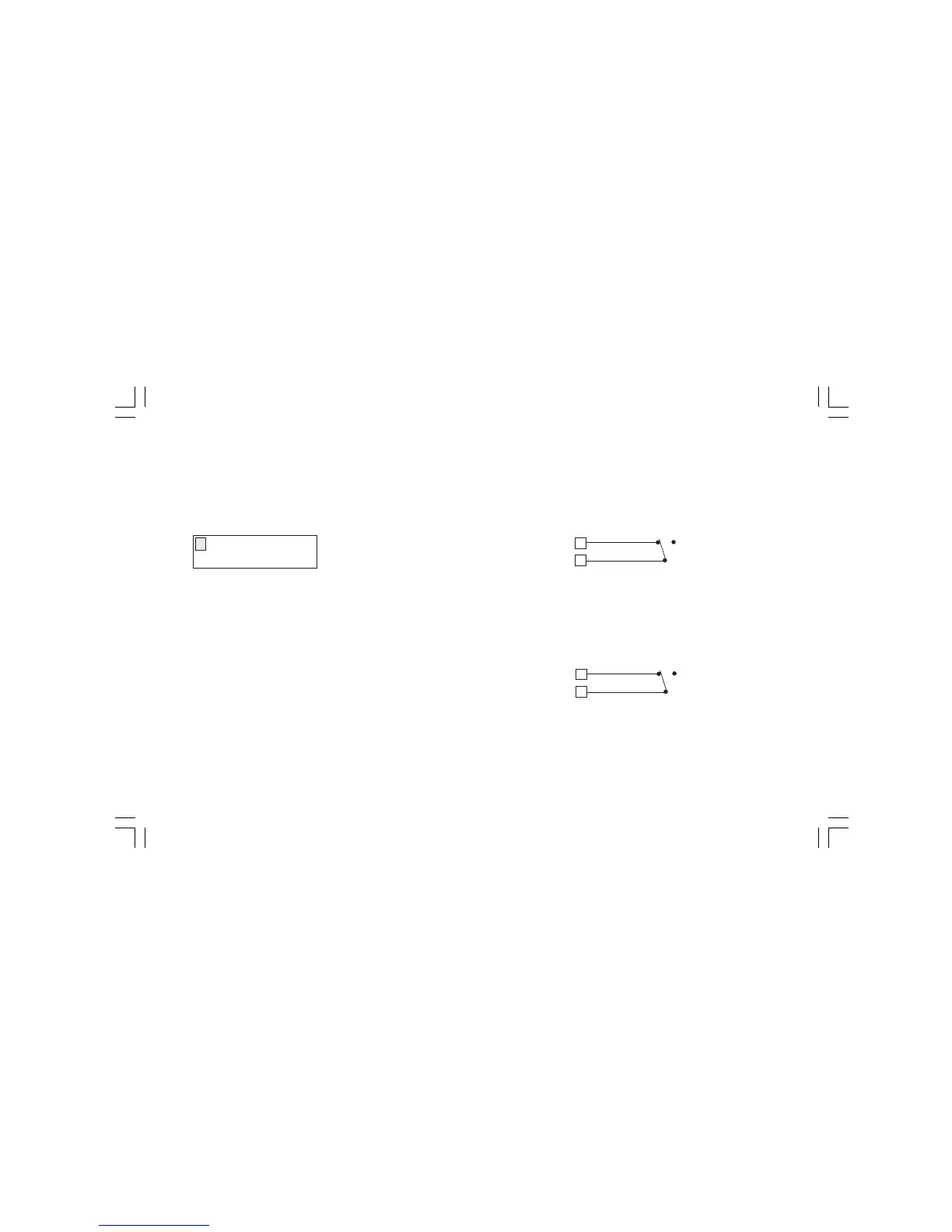
AD XX BR XXXXX
XBUS PA XXXX
2.3.2 DIGITAL INPUTS
WARNING: to avoid damage to the instrument, pin 1, 6 and 9 must
be ever disconnected.
DIGITAL INPUT 1
During a sequential function routine execution, when the instrument
detects a transition from OFF to ON of the logic input 1, it will stop
to execute the actual step and will start immediately to execute the
next step (STEP ADVANCE) of the selected sequential function
routine.
DIGITAL INPUT 2
During a sequential function routine execution, it allows to stop
(WAIT) or to continue (RUN) the routine execution.
When the logic input 2 is in ON condition, the routine execution is in
WAIT status.
When the logic input 2 is in OFF condition, the routine execution is
in RUN status.
8
4
OFF
ON
2
4
OFF
ON
M20-e-2.p65 7/9/01, 2:40 PM17



 To Next Page