2xx Series IP Phone
www.escene.cn/en/
Escene Communication
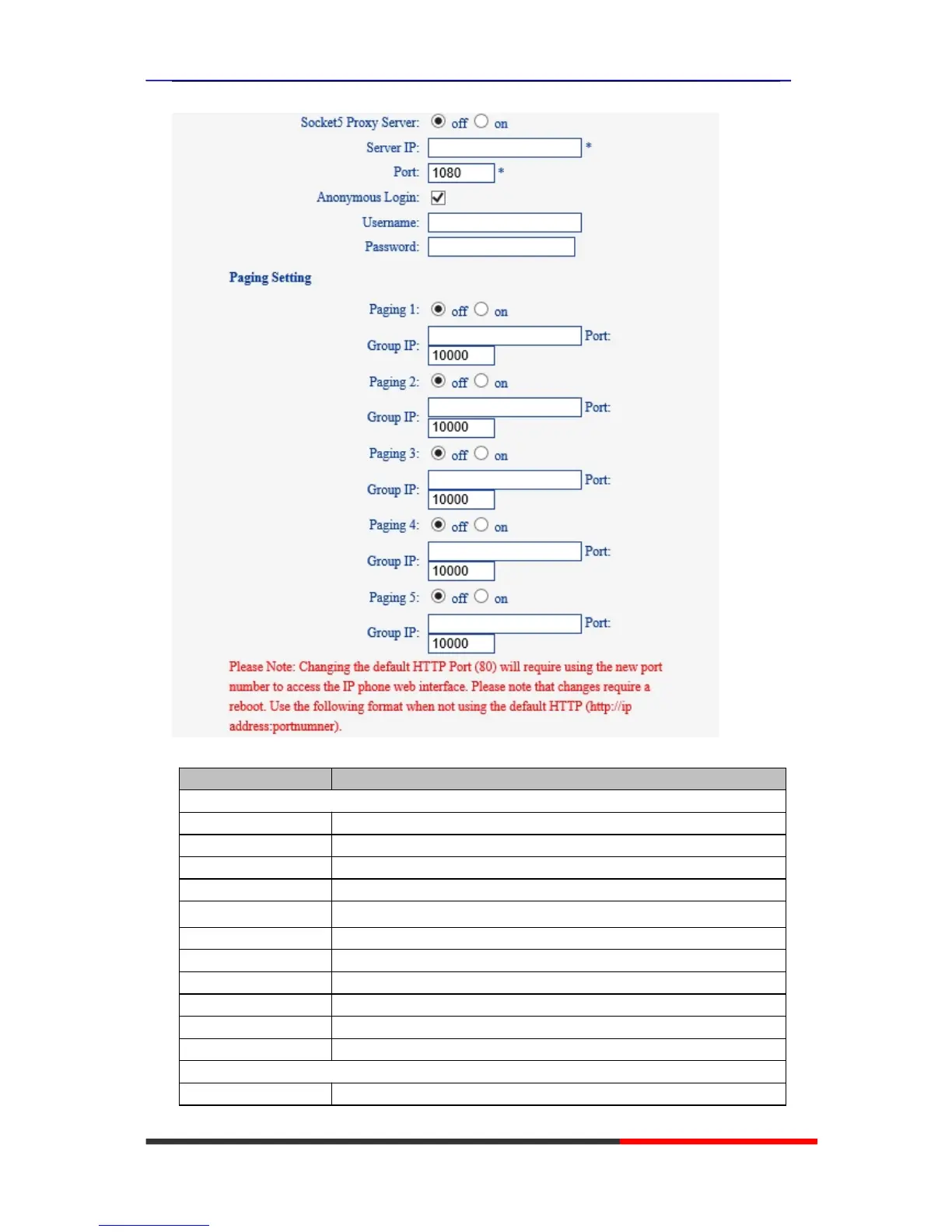
Choose network, you will find the following parameters:
Config the phone get ip info from DHCP server
Set the hostname with the option.
Set the hostname with the option.
Set the IP want you want to set.
Config the ip manual for phone
Config the netmask manual for phone
Config the gateway manual for phone
Use the PPPoE to connect the network.
The mtu for pppoe,default is 1500
Automatic to get the DNS.



 To Next Page