2xx Series IP Phone
www.escene.cn/en/
Escene Communication
Setting the DNS want you want to set.
Display the MAC of the phone
The default web port is 80,if you change it(for example change it to88),
You must use IP and Web port to login the web page(for example
http://192.168.0.200:88). It will take effect on next reboot.
the default Telnet port is 23,if you change it(for example change it to
2003),you must use IP and Telnet port to login the manage page (for
example telnet 192.168.0.200:2003).It will take effect on next reboot.
Enable/Disable Socket5 Proxy Server.
Socket5 Proxy Server ip address.
Socket5 Proxy Server port, default is 1080.
Enable/Disable Socket5 Proxy Server login username.
Paging Setting(NOTE: This feature priority is follow the serial number, one is highest than
the others)
Enable/Disable Paging feature.
Group IP and Port with Paging.
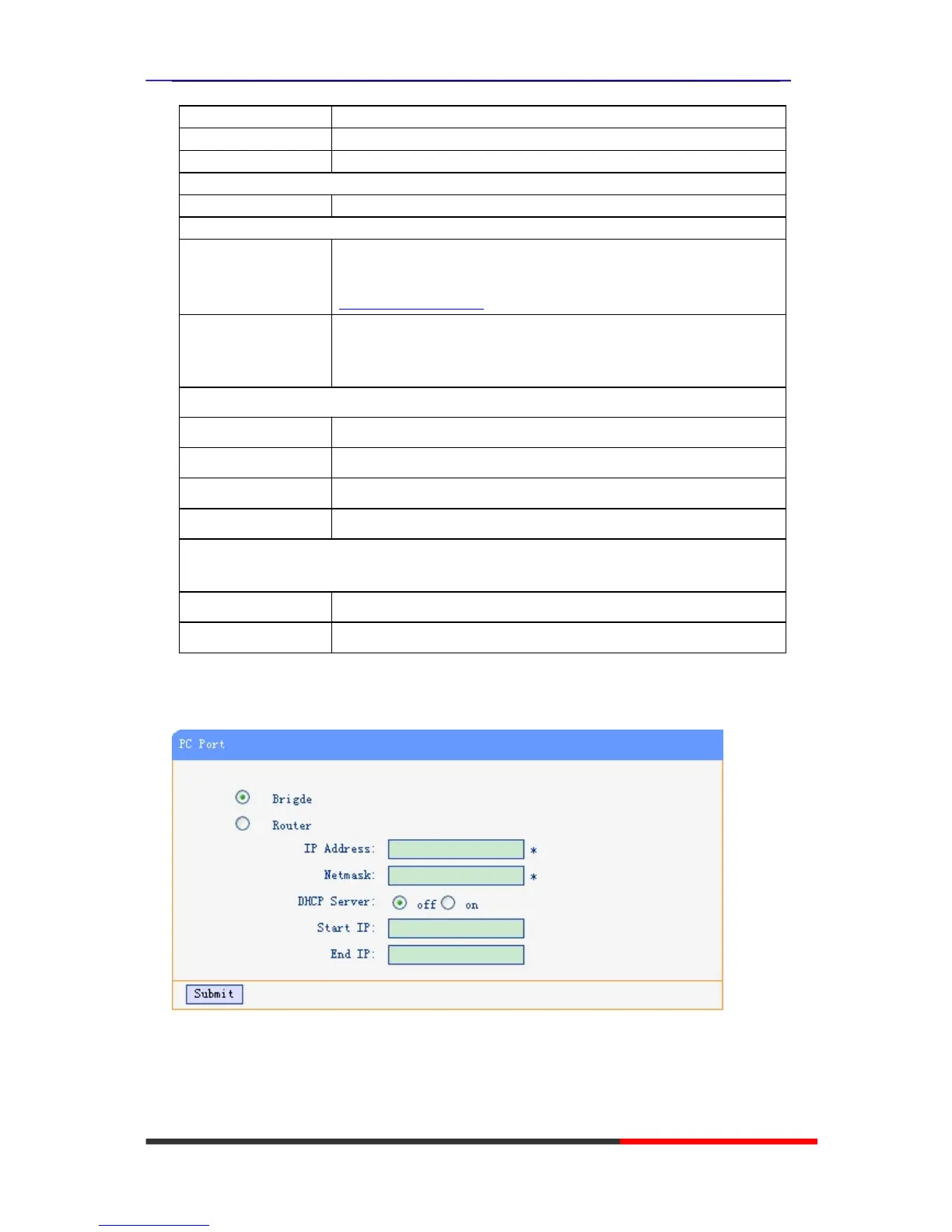
PC Port
Normally choose Brigde,if you choose Router ,you need to input router IP address ,netmask.



 To Next Page