Escene Communication www.escene.cn/en/
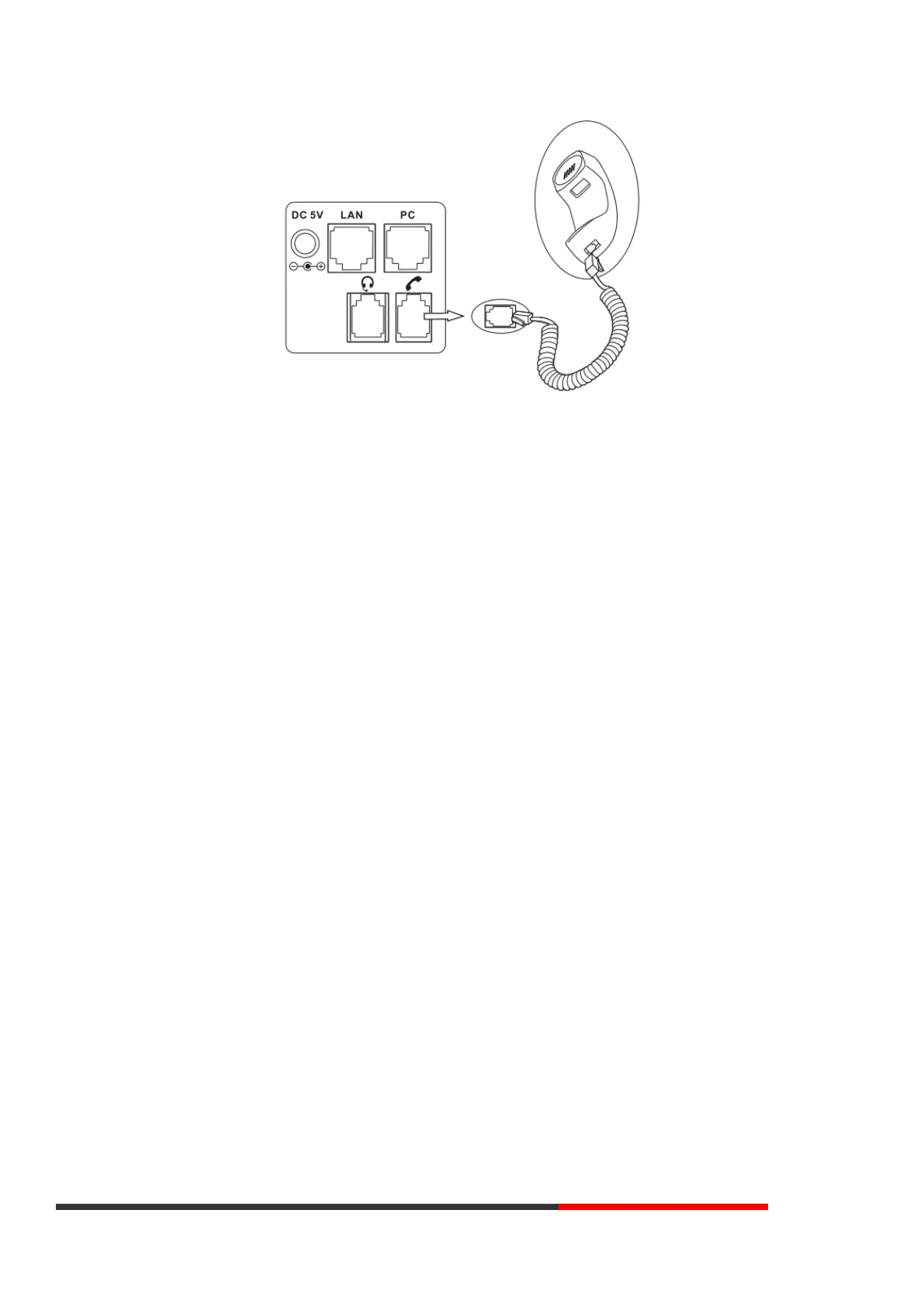
NOTE: Headset port & PSTN port is option. The Back light of LCD also is option.
Connect the Network and Power
You have two options for power supply. Your system administrator will advise you which one to use.
⚫ AC power adapter
⚫ POE (Power over Ethernet) IEEE802.3af
NOTES:Pls make sure your phone support POE feature. You can check the label on the back of the phone, for example "Model: ES270-C-P
Rev:2.1.0", the P means it support POE feature.
Note: If POE works, the phone does not need to connect to the AC power adapter. Make sure the Ethernet cable and switch/hub are POE compliant.
3. Phone User Interface
3.1 Hardware Component Instructions
The main hardware components of the ES270-C IP Phone are the LCD screen and the keypad.



 To Next Page