www.escene.ru
Escene Communication
4.Basic Call Handling
You can perform basic call-handling tasks using a range of features and services. Feature
availability can vary; see your system administrator for more information.
Note: The bold type of the following text and following a “button” in table signifies the
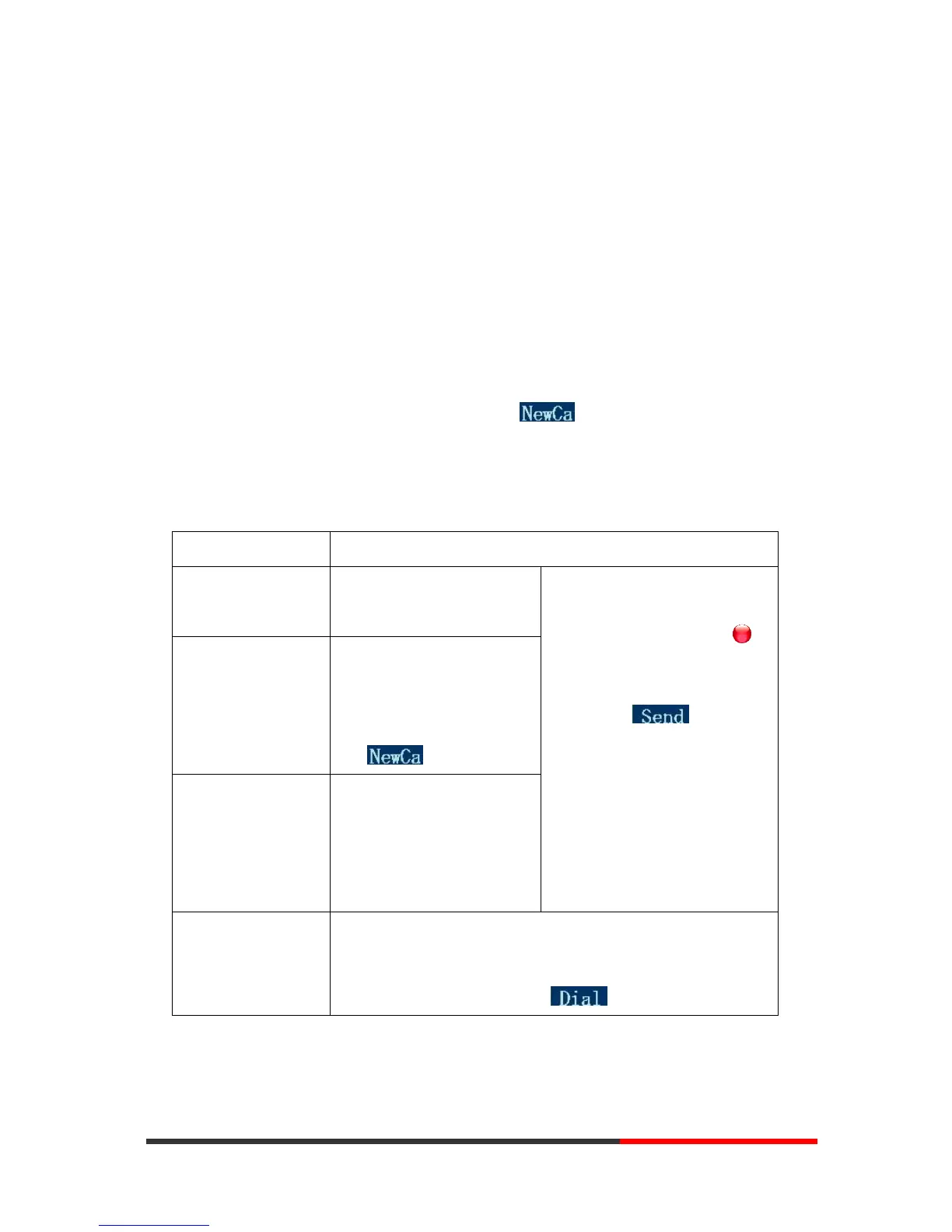
phone's button (for example, OK button), and the signifies softkey.
Placing a Call
Here are some easy ways to place a call on SayHi ES320 IP Phone:
Place a call using the
handset
--1) You can hear the dial
tone;
--2) The first line light is ;
--3) Enter a number;
--4) Press ‘#’ button(default) ,
-or press ;
-or wait 5s (default), then it
send the number
automatically.
Place a call using a
speakerphone
Press Speaker,
or Programmable
buttons
or
Place a call using a
headset
Put on your headset and
active Headset button, and
then do as using
speakerphone
--Press REDIAL button to dial the last number
-or press Navigation button-Right > “Dialed number”,
select a number, and press or OK button.



 To Next Page