www.escene.ru
Escene Communication
Using Call Logs
Your phone maintains records of your missed, placed, and received calls.
--1) Press MENU button > “Call history” > “Missed Calls”,
“Received Calls”, or “Dialed numbers”
--2) Use the navigation keys to view the call record information.
Please refer to the previous part
4.Basic call handing – Placing a
call.
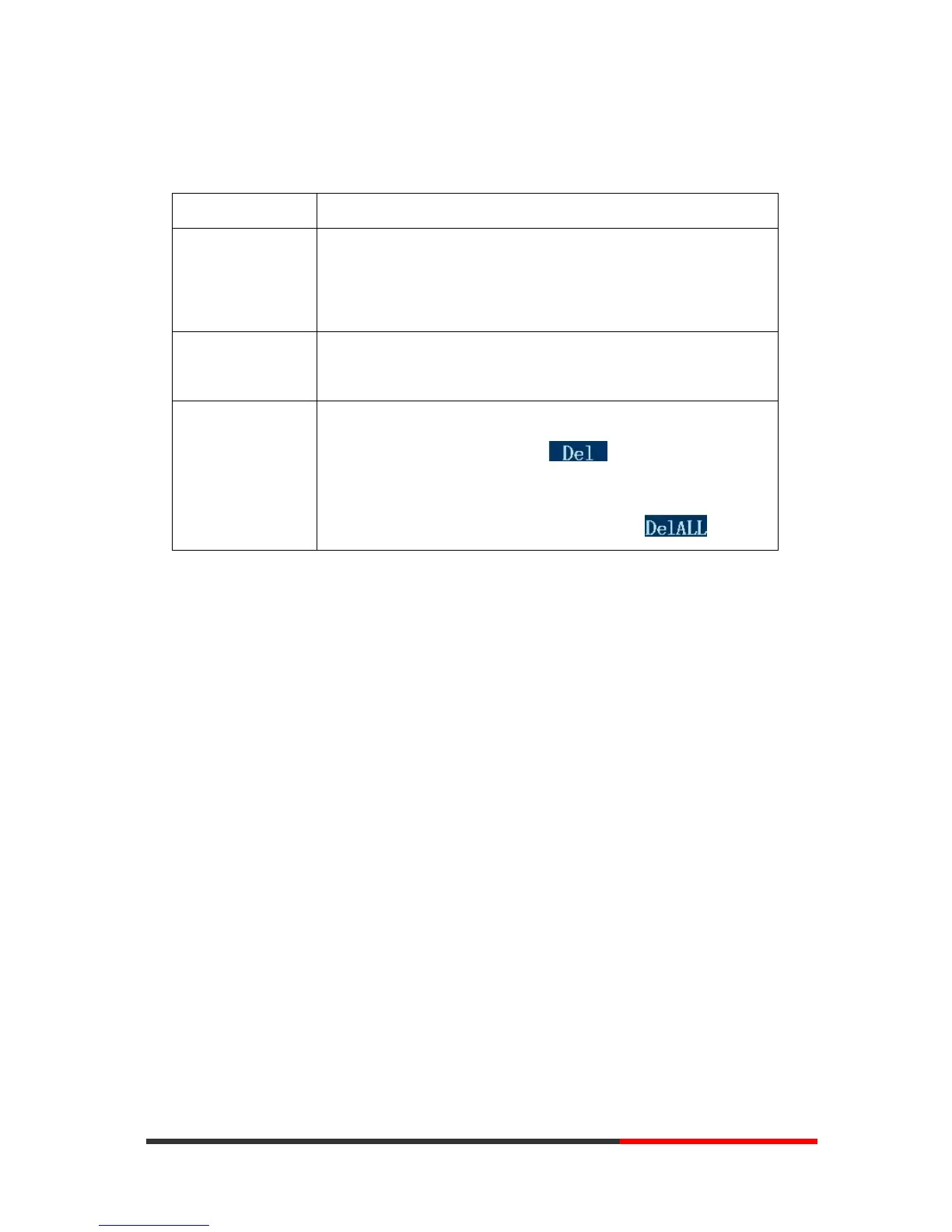
--1) If you want to delete a call record, you have to select this
record from the logs and press ;
--2) If you want to delete an entire call record list, you have to
select this record list from the logs and press
Tips
• Each call log store up to 20 entries on SayHi ES320 IP phone.



 To Next Page