ES320 IP-Phone
www.escene.ru
Escene Communication
You can edit an existed Contact by click .
You can delete an existed Contact by click , if you want to delete all Contacts, you just
ought to click ’Delete All Contact’.
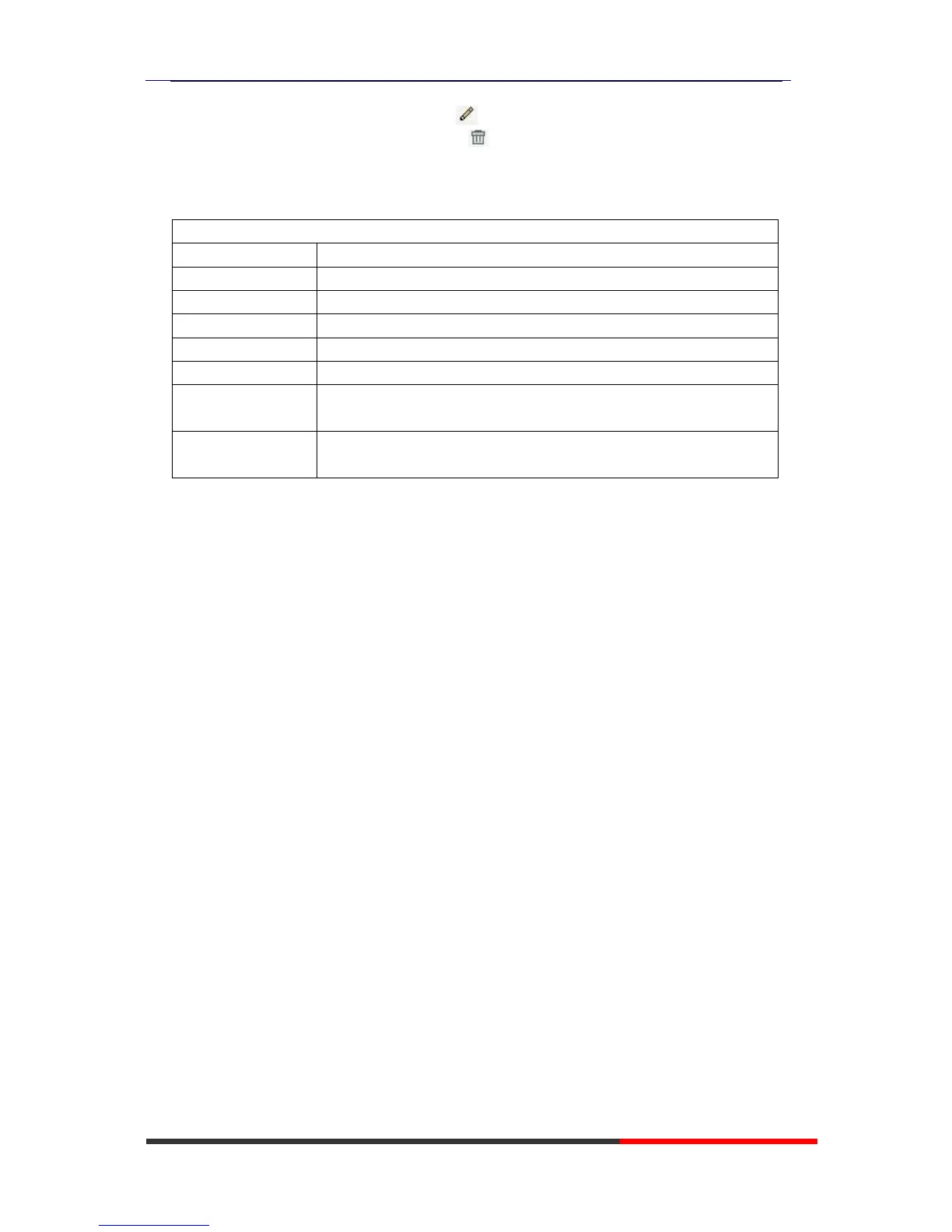
2) When you add a Contact or edit an existed Contact, you can set several parameters as
follow:
Serial number of a contact
The First Name of a contact
The Last Name of a contact
The Number1 phone number of a contact
The Number2 phone number of a contact
The Number3 phone number of a contact
You can assign a contact to a specific group. If there isn’t any
group set on the phone, the group is None by default.
Select a SIP account relating this contact, that is you can dial to
the contact from this SIP account.
LDAP
1).
O
ve
r
view
LDAP stands for Lightweight Directory Access Protocol which is a client-server
protocol for accessing a directory service. LDAP lets you locate organizations,
individuals, and other resources such as files and devices in a network, whether on
the Internet or on a corporate intranet, and whether or not you know the domain
name, IP address, or geographic whereabouts.
An LDAP directory can be distributed among many servers on a network, then
replicated and synchronized regularly.
2).
C
o
n
fig
u
r
a
t
io
n
Please note that LDAP Phonebook support on ES620\ES410\ES330\ES320\ES310\ES210,
the version must be V2.2.3.1-2210 and higher, then access to the web
“PhoneBook>LDAP page, you can find the configured option is like following picture. the
detail configure in the appendix.



 To Next Page