ES320 IP-Phone
www.escene.ru
Escene Communication
ought to click ’Delete All BanList’.
2) When you add a BanList or edit an existed BanList, you can set several parameters as
follow:
Serial number of a BanList
The First Name of a ban contact
The Last Name of a ban contact
The number1 phone number of a ban contact
The number2 phone number of a ban contact
The number3 phone number of a ban contact
Select a SIP account relating this ban contact, that is the ban
contact can’t dial to this SIP account.
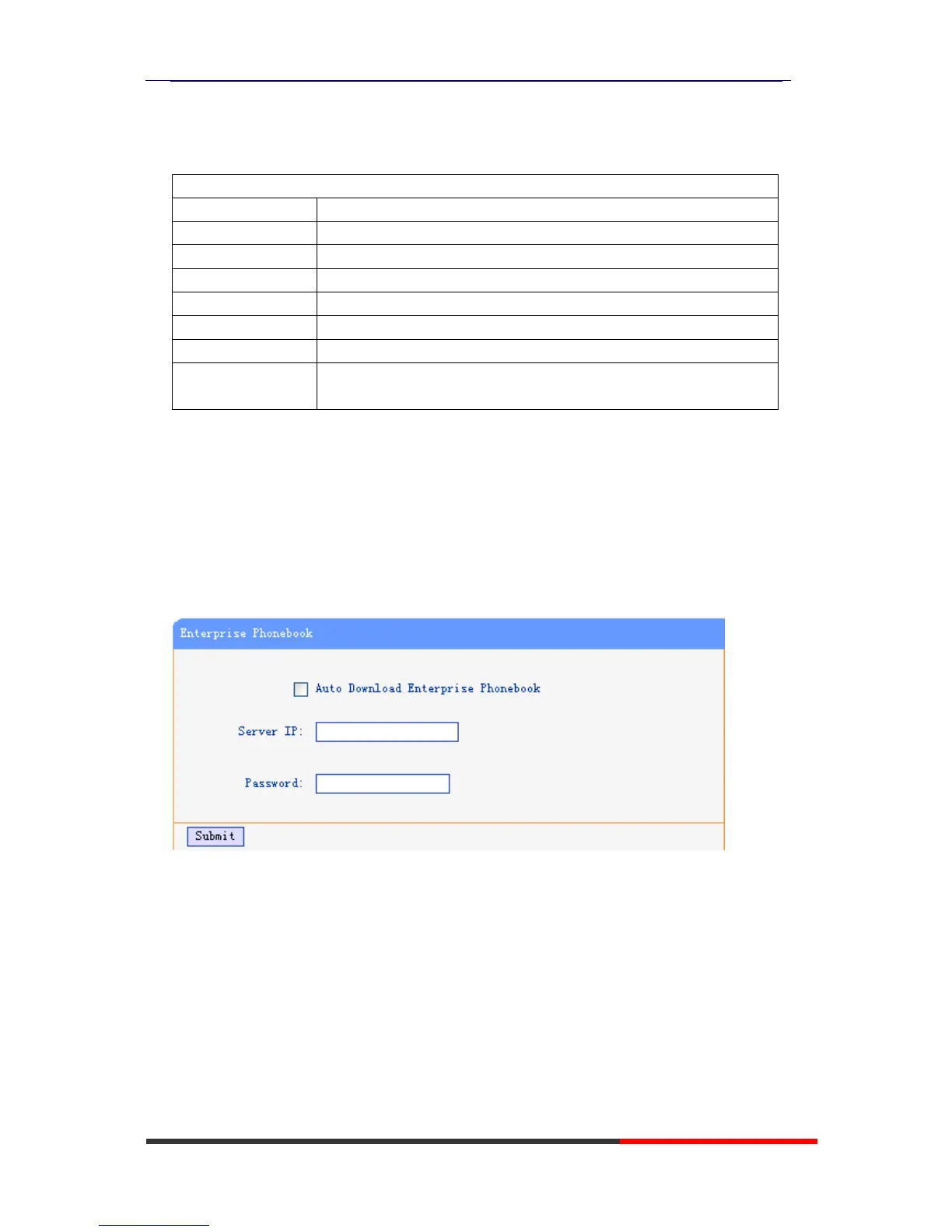
Enterprise Phonebook
You can download Enterprise Phonebook from this web interface. But you should do
second develop on the sip server to enable this function completely.
If the sip server no add some function to hold this option ,this option can be userd.
Advance
Phone Setting
You can use phone setting to set the time,qos,port Mirroring for the phone.



 To Next Page