www.escene.ru
Escene Communication
--1) Press MENU or OK button > “Call history”, you can select
“Missed calls”, “Received calls” and “Dialed numbers”,
- or press Navigation button (in Standby interface) > select
“Missed calls” (down), “Received calls” (left) and “Dialed
numbers” (right) );
--2) Then press OK button or .
Place a call while
Another call is active
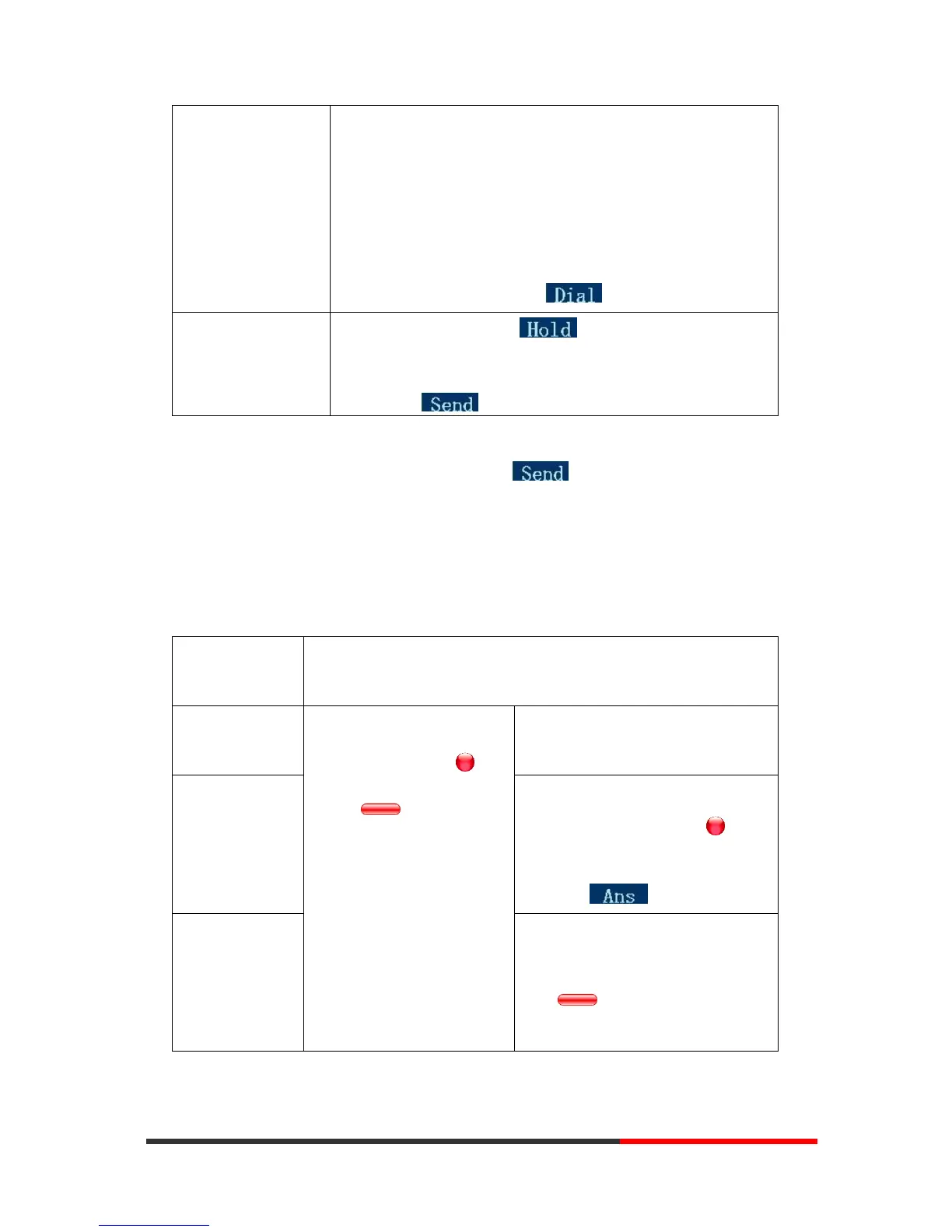
--1) Press Hold button or ;
--2) Enter a number;
--3) Press ‘#’ button (default) ;
-or press to send the number.
Tips
• You can dial on-hook, without a dial tone (pre-dial). To pre-dial, enter a number, and
then go off-hook by lifting the handset or pressing , Headset or Speaker button.
• If you make a mistake while dialing, press C button to erase digits.
Answering a Call
You can answer a call by simply lifting the handset, or you can use other options if they are
available on SayHi ES320.
--1) Your phone ring;
--2) Line button of the
ringing line is Red and
flashing, Light strip is
Red and flashing;
Answer with the
speakerphone
(Non-headset
mode)
--Press Speaker button
-or press the flashing Line
button,
-or press
Answer with the
a headset
--Put on headset, press Headset
button so that the status light is
Red , and then do as using
speakerphone



 To Next Page