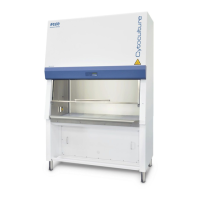
Class II Biological Safety Cabinets
A B
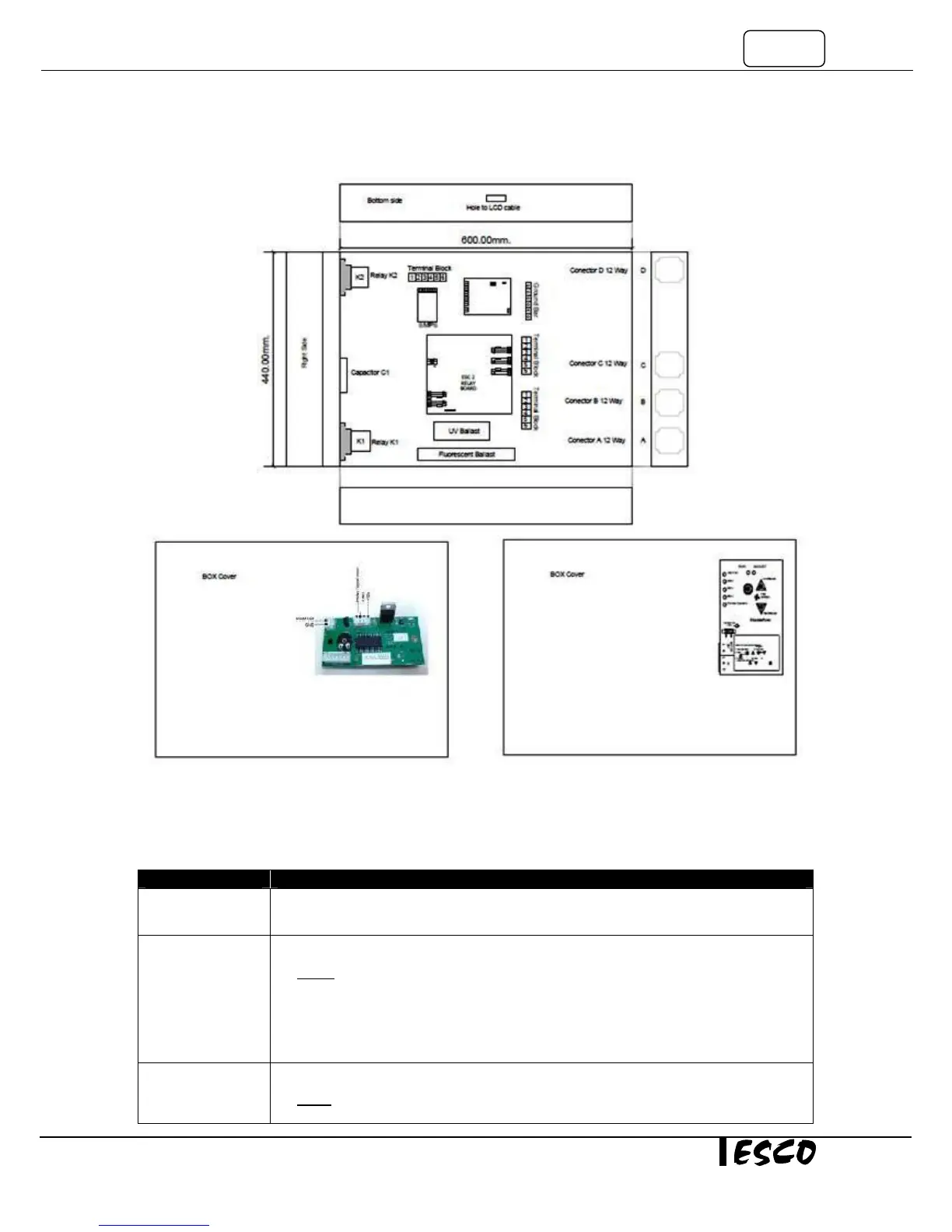
Figure 7.2. A - Layout Electrical Box AC2 D, E, G and S; B - Layout Electrical Box AC2 N
Problem 1: Cabinet does not start (LCD, button, fan light, and socket are inoperative)
Cause Corrective Action
Power Failure
• Check wall outlet for power.
• If the outlet has a switch make sure it is turned ON.
Power cord is not
connected properly
or faulty
• Ensure the power cord is connected correctly to the wall outlet.
NOTE: Some cabinets have 2 cordsets.
• Disconnect the power cord at the cabinet and measure the AC voltage between the
live and the neutral terminal of the cord.
• If the voltage is not within ±2% of the wall socket voltage, replace the cordset;
otherwise Proceed to the next step.
Circuit breaker has
tripped
• Check the circuit breaker inside the electrical panel.
NOTE: If circuit breaker has tripped, do not reset the breaker before checking all electrical
components and wiring connections. (See Figure 1-1 in the next page).
Stable Flow
Speed Control
N1
ECMS
Speed Control
For D, E, G and S


 To Next Page