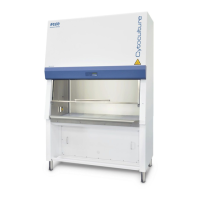
Class II Biological Safety Cabinets
Cause Corrective Action
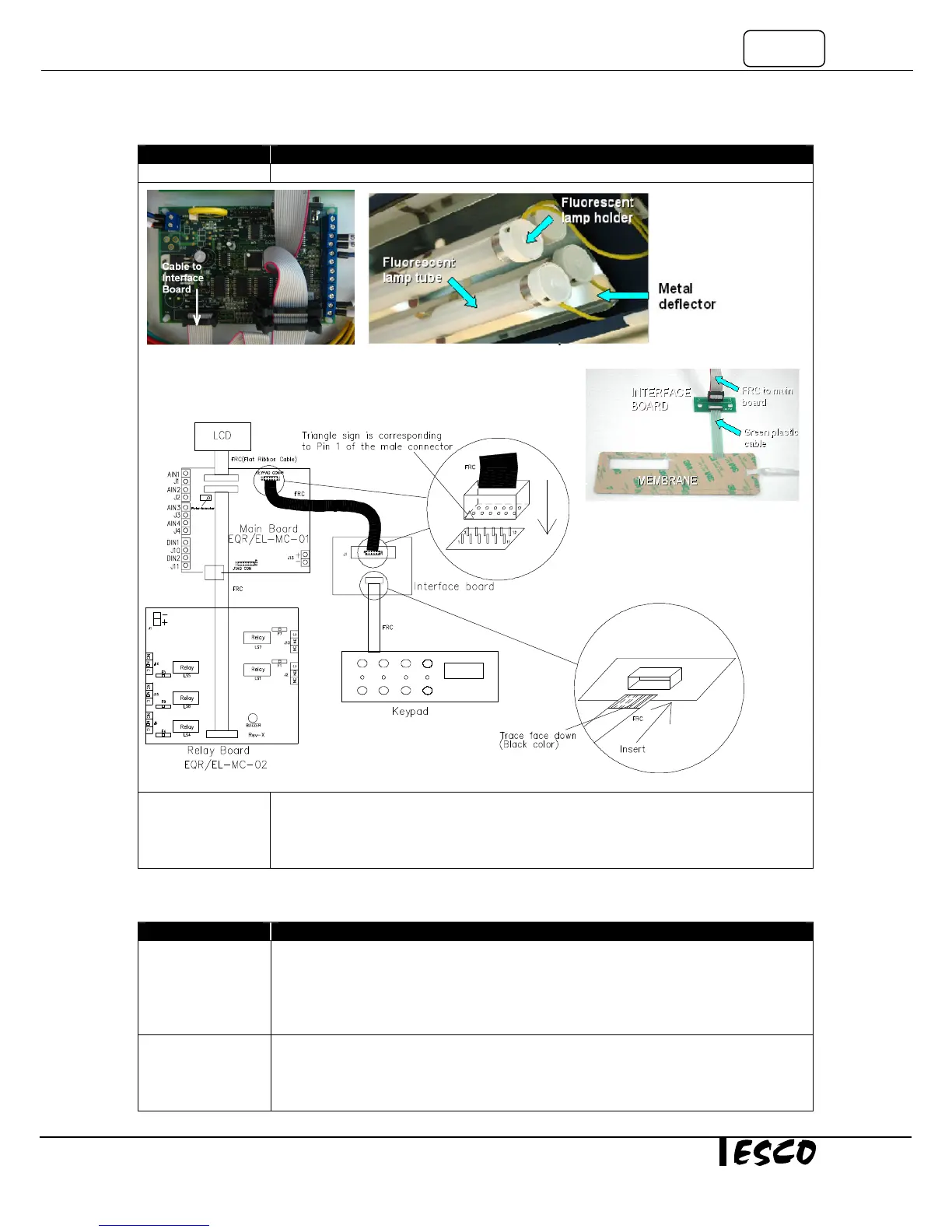
board and the Display board. Figure 3-4.
Defective Cable
and / or Interface
Board and / or
• Replace them one by one, to check which one(s) is/are Defective.
• Replace the Defective part(s).
Problem 4: Blower does not function
Motor Blower Fan
is not running
• Switch on the Fan by pressing Fan button on control panel.
• Enter the Fan PIN number if required (default is 0001).
• The LED for FAN should illuminate and the FAN should start.
• If the FAN does not operate, Proceed to the next step.
•
If the LED on the cabinet front does not illuminate
DC Voltage
Connection
problem to relay
• Measure the incoming voltage on the Relay Board at terminal J 1 (Note polarity, BLUE
cable closest to edge is negative -). See Figure 4-1.
• Voltage should be between 6.75 – 8.25VDC, if 7.5 VDC SMPS (item code 1080328) is
used.
Figure 3-1
Figure 3-2


 To Next Page