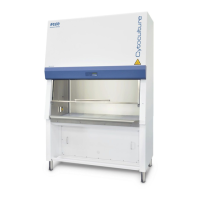
Class II Biological Safety Cabinets
Cause Corrective Action
• If airflow sensor is working properly, Proceed to the next step.
B. Temperature Sensor Failure
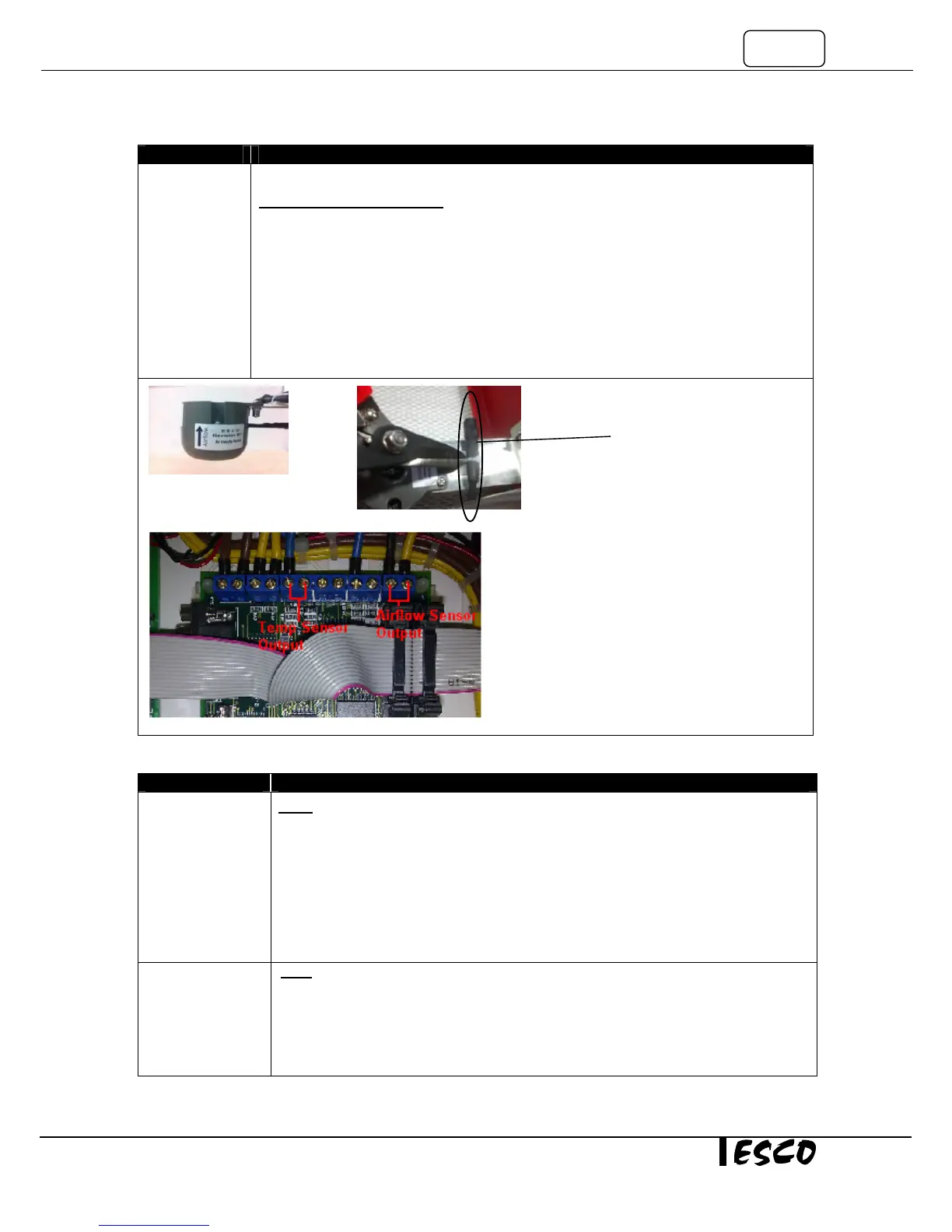
• Temperature sensor is located on top of the unit, close to exhaust airflow sensor. See
Figure 5-4.
• Using multimeter, check the temperature sensor’s output voltage (DC) at channel AIN4(-
) and J4(+) on main board See Figure 5-3.
• 0.01VDC should represent one degree Celsius. For example, if output is 0.25 VDC, it
indicates temperature of 25
o
C. Tolerance of ±1
o
C is acceptable.
• Replace temperature sensor if the reading is wrong.
• If temperature sensor is working properly, Proceed to the next step.
Problem 6: Excessive Blower Noise
Resonance Note: Requires a Certifier or qualified personnel
• Locate the motor speed controller.
• Measure the motor voltage and record this number
• Increase the motor speed by 5 – 10 VAC. Does the noise change or go away?
• If the noise is gone, measure the actual airflow velocity. Requires a Certifier
o If the velocity is still in the acceptable range, maintain it.
o If velocity is out of acceptable range, or if noise persists, go to next step.
Loose motor or
impeller wheel
mounting
Decontaminate cabinet first before accessing the blower
• Open the blower access panel and check if the blower mounting bolts are tight
• Does the motor rotate freely without noise?
• If motor is physically damaged, replace it.
Figure 5-5
Temperature


 To Next Page