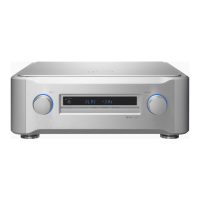
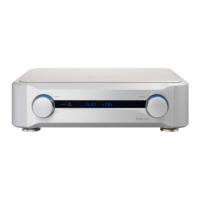
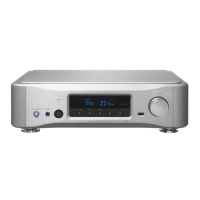
16
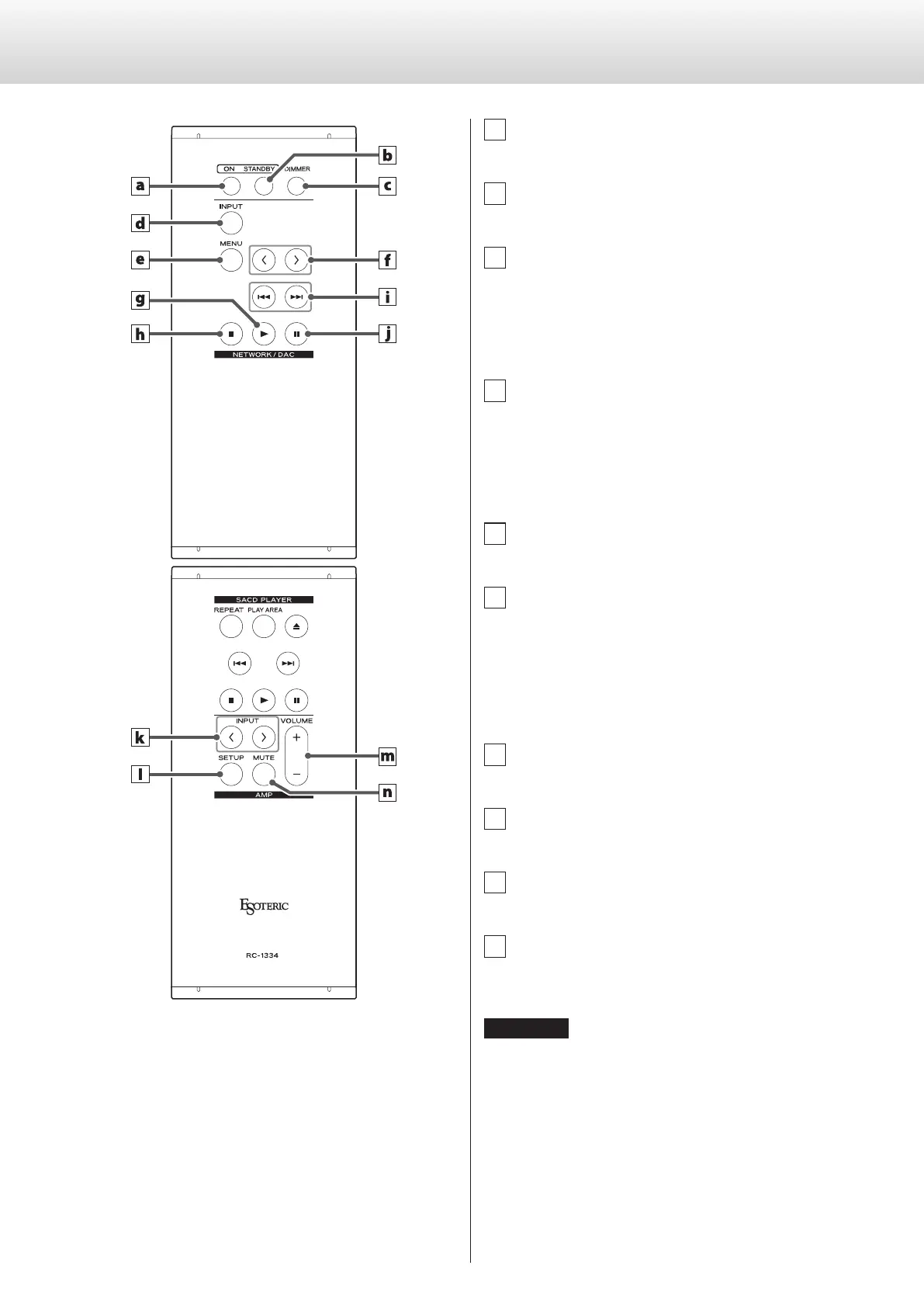
When the main unit and the remote control both have buttons
with the same functions, this manual explains how to use one
of the buttons. The other corresponding button can be used in
the same manner.
a ON button
Press this to turn the unit on.
b STANDBY button
Press this to put the unit into standby mode.
c DIMMER button
Press this to adjust the brightness of the main unit’s display
(page17).
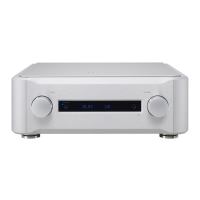
NETWORK/DAC section
d INPUT button
Press this to select the input source. If no digital signal is input
when the input source is digital, the input source name will
blink.
o Press this when a setting is shown to complete the setting
and return to ordinary display (page24).
e MENU button
Press this to enter setting mode (page24).
f Setting adjustment (l/;) buttons
Use these to change parameters when in setting mode.
Use these also for operations when pairing with another
Bluetooth device (page21).
The following buttons can be used when the input source is
NET or Bluetooth.
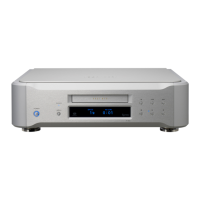
g Play (7) button
Press this to start disc playback.
h Stop (8) button
Press this to stop playback.
i Skip (.//) buttons
Use these to skip to the previous or next track.
j Pause (9) button
Press this to pause playback.
ATTENTION
During Bluetooth input, the play, stop, skip and pause buttons might
not be supported by some apps on the Bluetooth source device.
Remote control parts and functions


 To Next Page