17
English
AMP section
When the remote control AMP button setting (AMPRM>) is ON,
the k–n buttons in the AMP section will be enabled (page30).
o When using an ESOTERIC integrated amplifier or preamp, set the
remote control AMP button setting (AMPRM>) to OFF (page30).
k INPUT (l/;) buttons
Use these to switch between input sources. Select the connec-
tor type that is connected to the desired audio output device.
Use these when changing L/R balance (BAL>) and input gain
(LVL>) settings (page25).
l SETUP button
Use these when changing L/R balance (BAL>) and input gain
(LVL>) settings (page25).
m VOLUME (+/−) buttons
Use these to adjust the volume. Press the + button to increase
the volume and the − button to decrease it.
o When “THRU” appears on the display, the volume cannot be
adjusted on this remote control (page29).
n MUTE button
Press this to temporarily mute the sound. Press this again to
restore the volume setting.
o When muted, “MUTE” blinks on the screen.
o The buttons not explained here do not function with this product.
o This remote control can also be used for other ESOTERIC products.
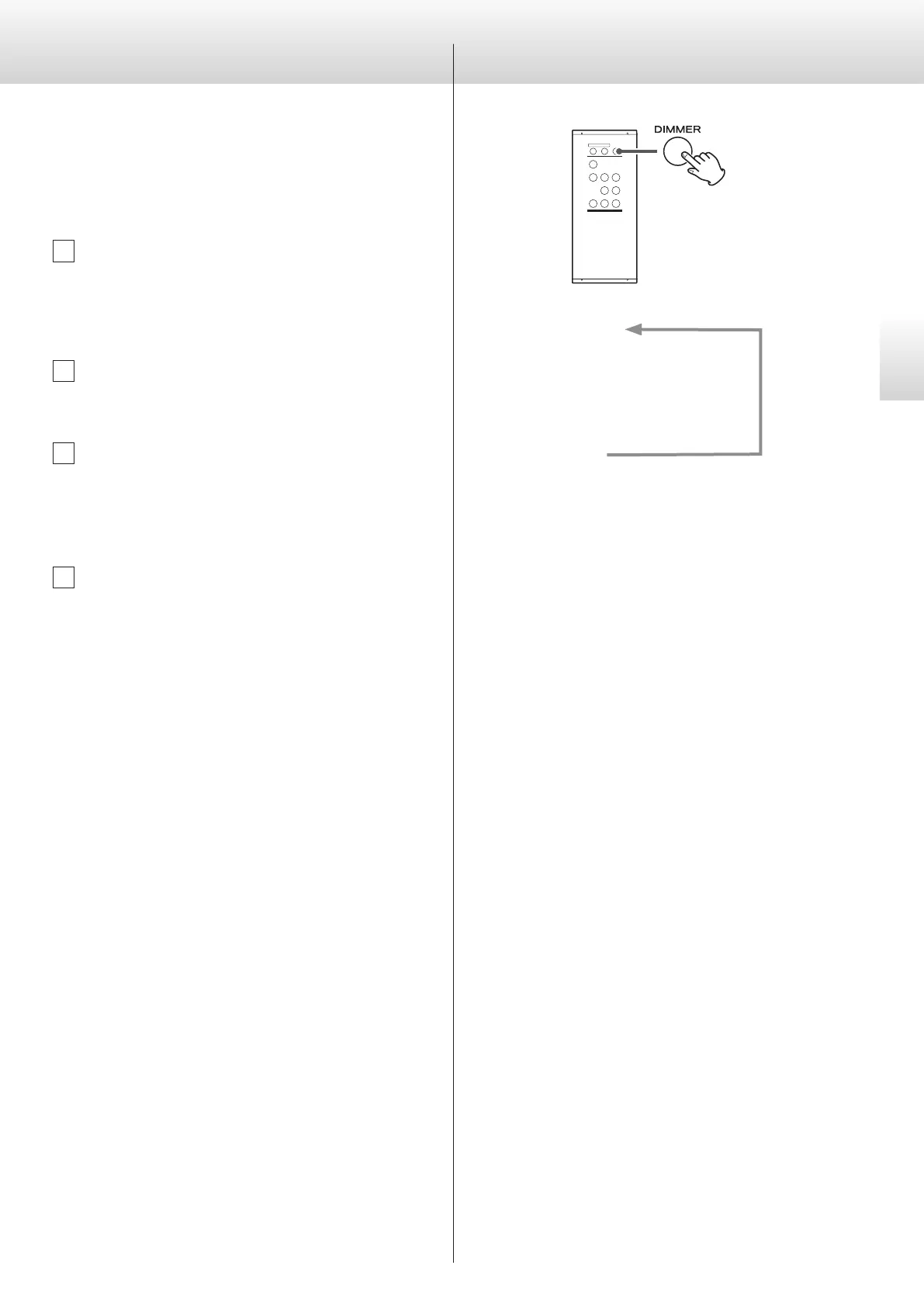
Dimmer
This can be used to adjust the brightness of the main unit’s display.
DIMMER3
c
DIMMER2
c
DIMMER1
c
off
(normal brightness)
o Even when the dimmer is set to off, the display will light at normal
brightness for about three seconds when you press the play (7)
or another button.
o Even when set to DIMMER1 or off, setting menus and error mes-
sages will be shown with normal brightness (DIMMER2).
o Pressing and holding the button will set the brightness to DIMMER2
(normal brightness).


 To Next Page