14
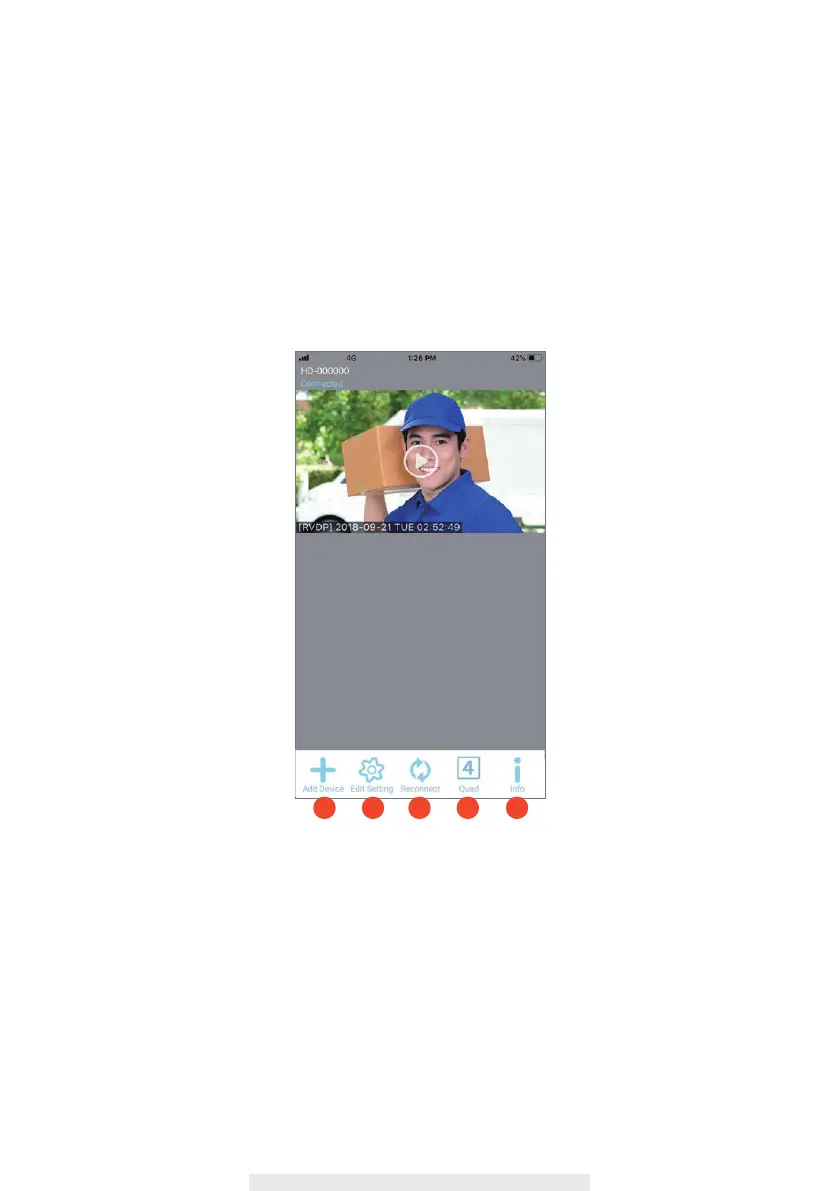
Home Page / Device List
1. ADD Device: To add the new devices in list.
2. Edit Setting: To access “Setting”, “Delete” & “Event”.
3. Reconnect: Refresh connection of all the devices in list.
4. Quad:Select the devices and click the icon to combine the devices liveview into
same image(It is available for more than 1 devices).
5. Info: Setup PIN Lock, APP version information.
1 2 3 4 5



 To Next Page