6
VIDEO DOOR PHONE INSTALLATION
2
1
4
3
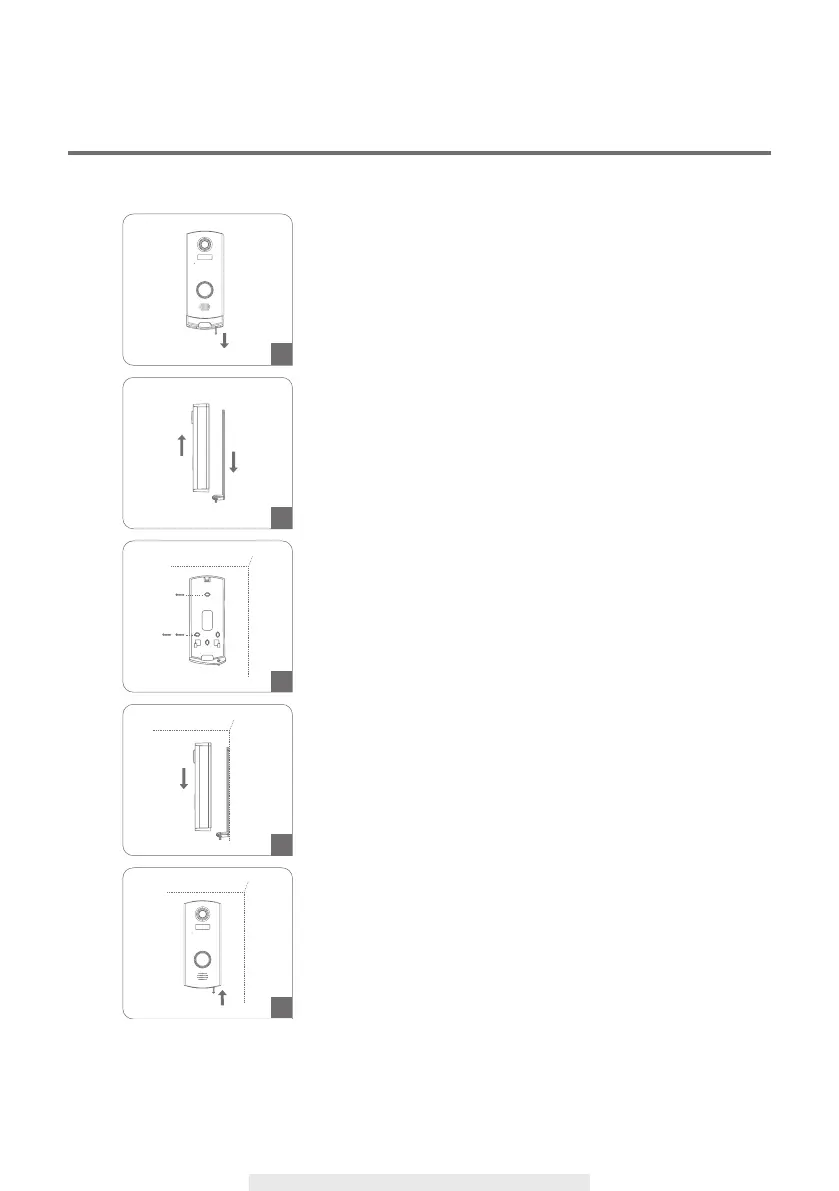
Use a phillips screwdriver to remove the set screw.
Confirm position and mount the bracket via the
screws supplied.
Placing video door phone at 150cm~160cm above
the ground is the ideal position.
Remove the device from the wall mount bracket.
Fully charge the video door phone before
installation.
Fasten the screw to secure video door phone to
the bracket.
Install the device from the bracket.



 To Next Page