27
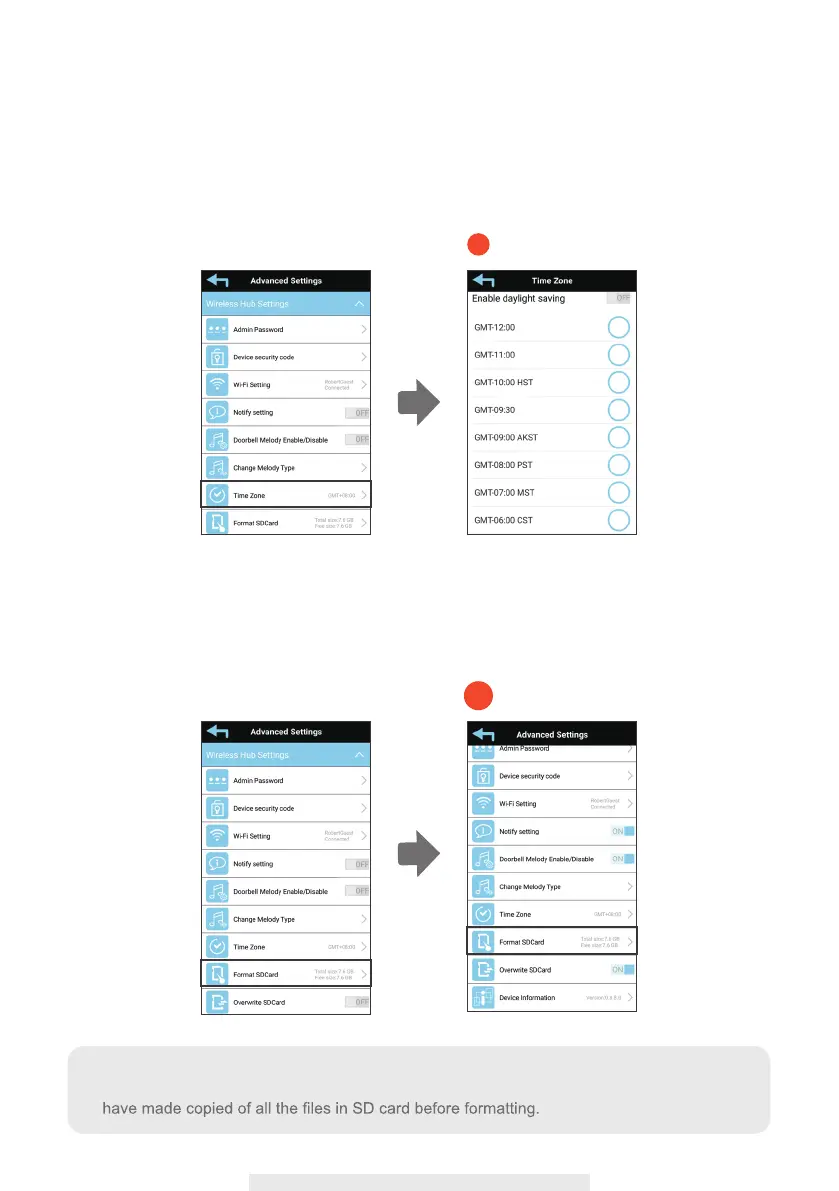
(1-9) Time Zone
The drop-down list shows the world time zone. Select the time zone that will work the best
for you.
If your date/time is during the daylight saving time period, please check the Daylight
Saving box to adjust the system time properly.
(1-10) Format SD Card
This function allows you to format your SD card. Please always format your SD card
before using it. Class 10 SD card with better R/W speed is recommended.
1-9
1-10
Note:
Formatting will erase all the recorded video clips in your SD card. Please make sure you



 To Next Page