17
Edit Setting
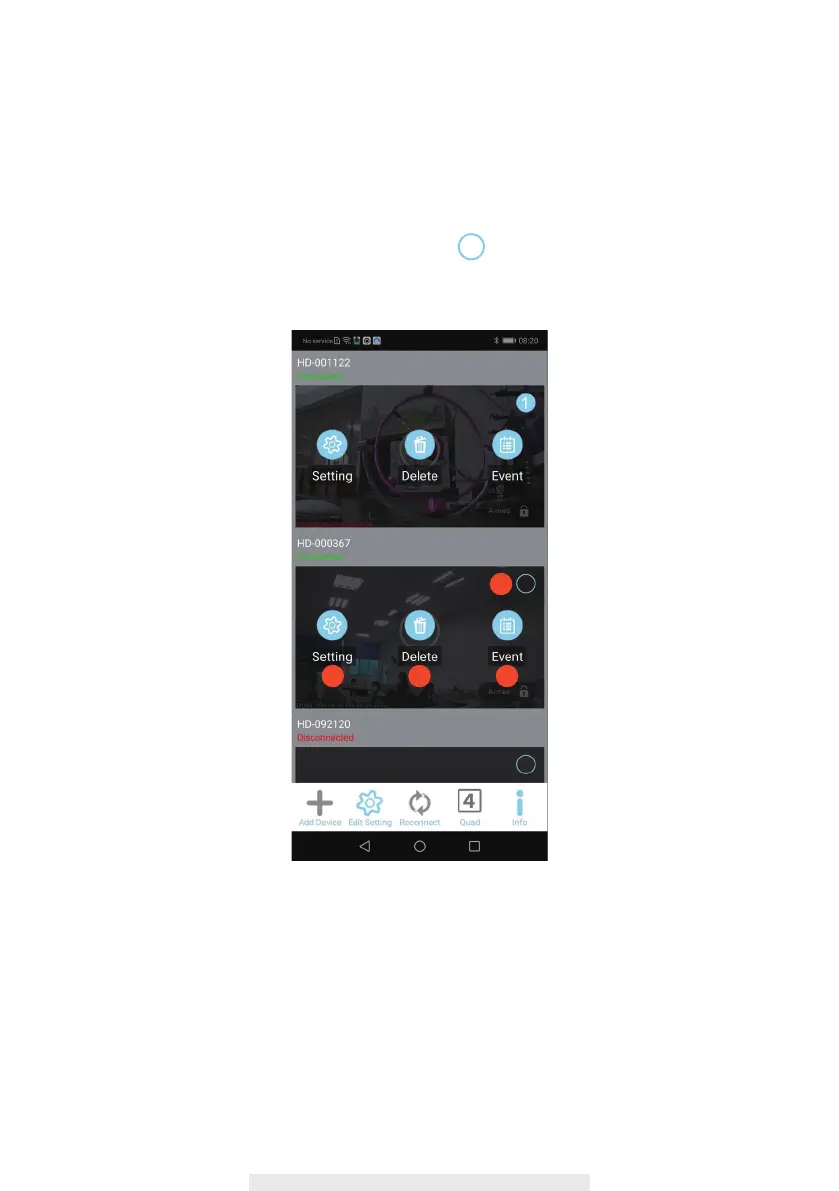
1. Setting: Tap to access Basic and Advance setting, Please refer to “Basic & Advance
Setting” Section.
2. Delete: Tap to delete the device.
3. Event: Tap to review recording clips, please refer to “Event” section.
4. Circle:
1 2 3
4
In case more than 1 pcs devices, select on the top left and click the
Quard icon. The devices liveview will be combined into one image.



 To Next Page