26
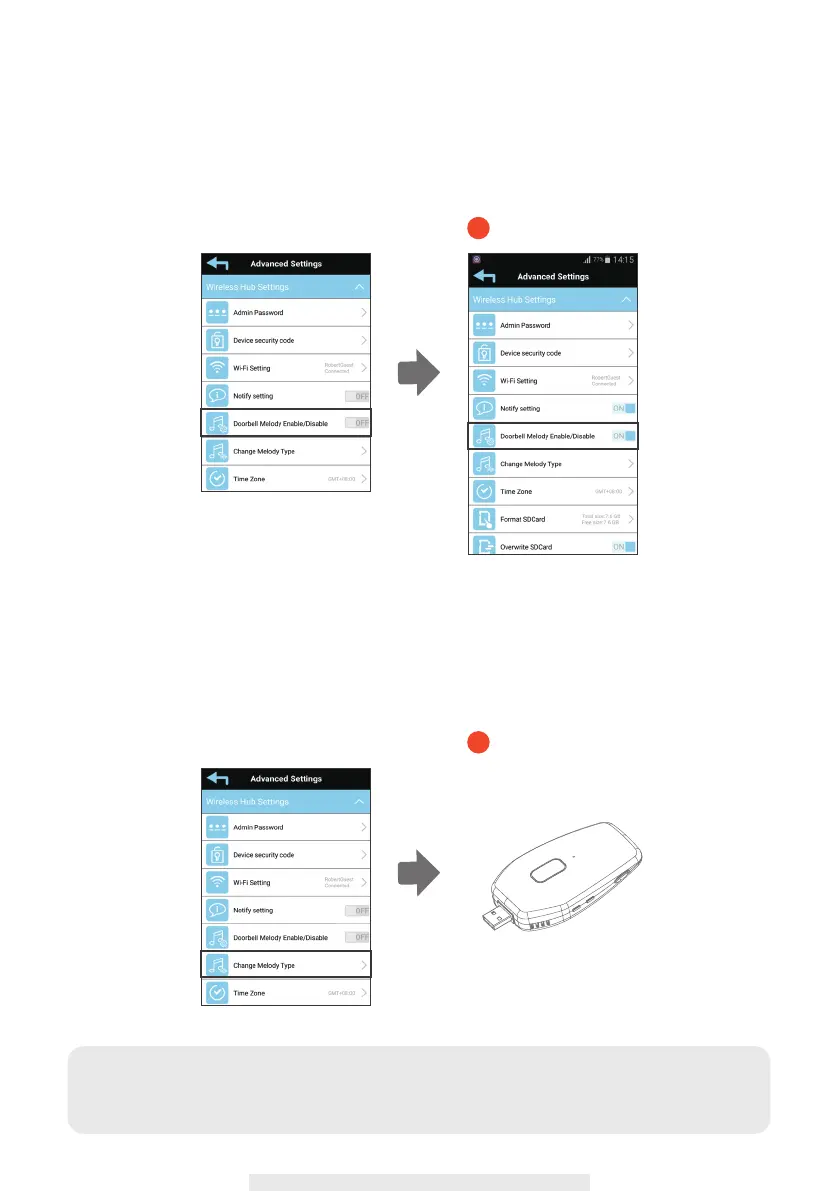
(1-7) Doorbell Melody Enable/Disable
Please note this function ONLY supports the Video Door Phone. Battery IP camera is
NOT supported.
(1-8) Change Melody Type
There are 3 types of ringtone for your selection. the wireless hub will play each ringtone
while you tap this function. please note this ringtone will only play while you enable
melody and the call key be pressed on the Video Door Phone.
1-7
1-8
Note:
Please note this function ONLY supports the Video Door Phone. Battery IP camera is NOT
supported.



 To Next Page