20
2. Play Back
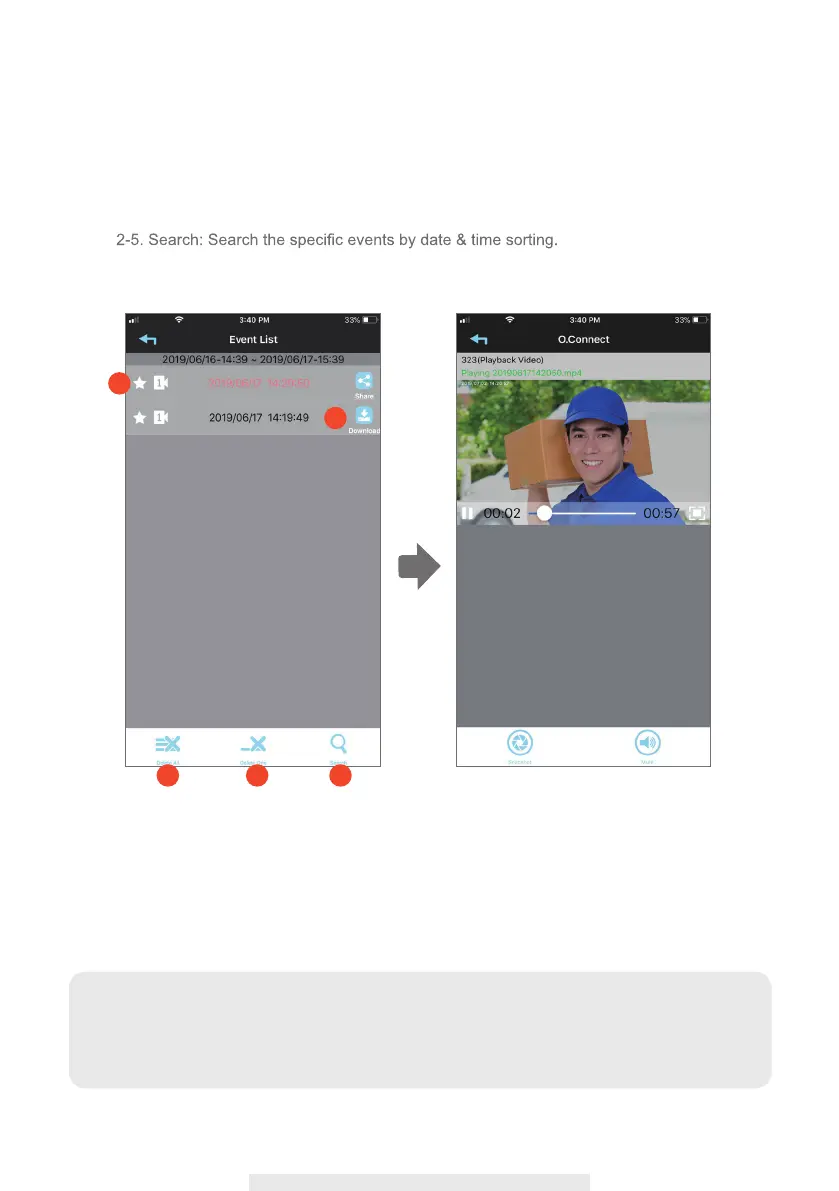
2-1. Select the event you would like to play back.
2-2. Download the video clip into your mobile device.
2-3. Delete All: Delete all the video clips in the event list.
2-4. Delete One: Delete individual clip you selected.
2-1
2-2
2-3
2-4 2-5
Note:
During the download process, system will stop both the live view streaming and recording
functions. APP will automatically inform any user accessing the camera that the system is
busy and the connection has been terminated.



 To Next Page