MAGDUO Control Panel Engineering and Commissioning Manual
35
Note: Ancillary equipment e.g. repeaters connected to the network do not meet EN 54-2 requirements.
These are described below. Note that actual display indications may differ from those shown in the grey
boxes below, depending on actual set up.
The Active Log will display any current fires. These are displayed in
text format and may be scrolled through by pressing the UP and
DOWN keys. Press the ESC key to exit the menu.
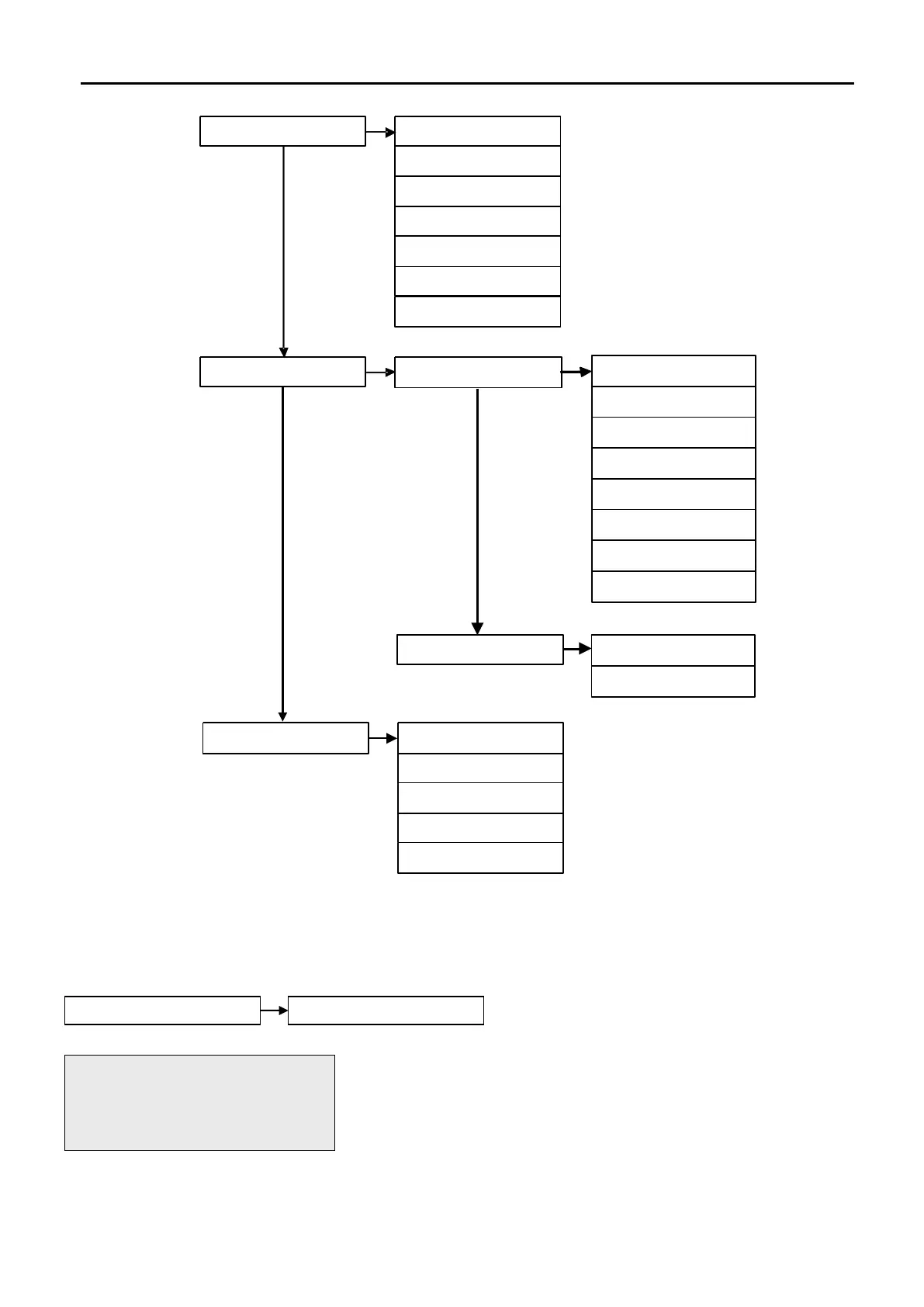
10. Panel I/O 1. Programmable I/P 1
2. Programmable I/P 2
3. Monitored I/P
4. Monitored O/P 1
5. Monitored O/P 2
6. Fire Relay
7. Fault Relay
11. Peripheral Buss
1. PB RDU Supervise
1. RDU 1 Supervise
2. RDU 2 Supervise
3. RDU 3 Supervise
4. RDU 4 Supervise
5. RDU 5 Supervise
6. RDU 6 Supervise
7. RDU 7 Supervise
8. RDU 8 Supervise
1. View PB Baud Rate
2. View PB Mess Rate
2. PB Comm Configure
12. Printer 1. Printer Status
2. All Event Log
3. Fire Events
4. Fault Events
5. Panel Events
FIRE 001 OF 001
Z01: ZONE 01
Press <> OR Esc Key


 To Next Page