16
7.2.2. Programming on the main track
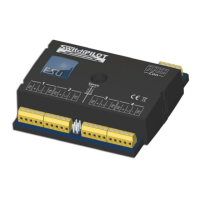
The SwitchPilot can remain installed on your layout during the
programming. In order for the main track programming to work
your digital system must also understand „Programming on the
Main: (POM) for solenoid devices. In addition you must know the
decoder address of your SwitchPilot decoder.
Please make sure to carefully read Chapter 8 so you understand
the difference between turnout number and decoder address.
Thanks to the built-in RailCom® technology, ECoS owners can
program the SwitchPilot while it is installed on the layout. More
can be find in chapter 11.
7.3. Programming with Märklin® central stations
A direct programming possibility with a Marklin central unit (e.g
6021, Mobile Station®, Central Station®) is not possible due to
the missing DCC format. However, the most important properties
can still be changed.
The desired turnout numbers can be set directly with buttons.
Chapter 8.4 has more information. By means of the operating
mode switch you can chose between k83 or k84 mode (find more
5.2.1).
For all options we recommend the use of the ESU Lokprogramer.
7.4. Programming with the ESU LokProgrammer
Owners of the ESU LokProgrammer device are able to set up the
SwitchPilot decoders very comfortably. Please always use the latest
computer software. It can be downloaded from our website wit-
hout any charge. The LokProgrammer will occasionally update the
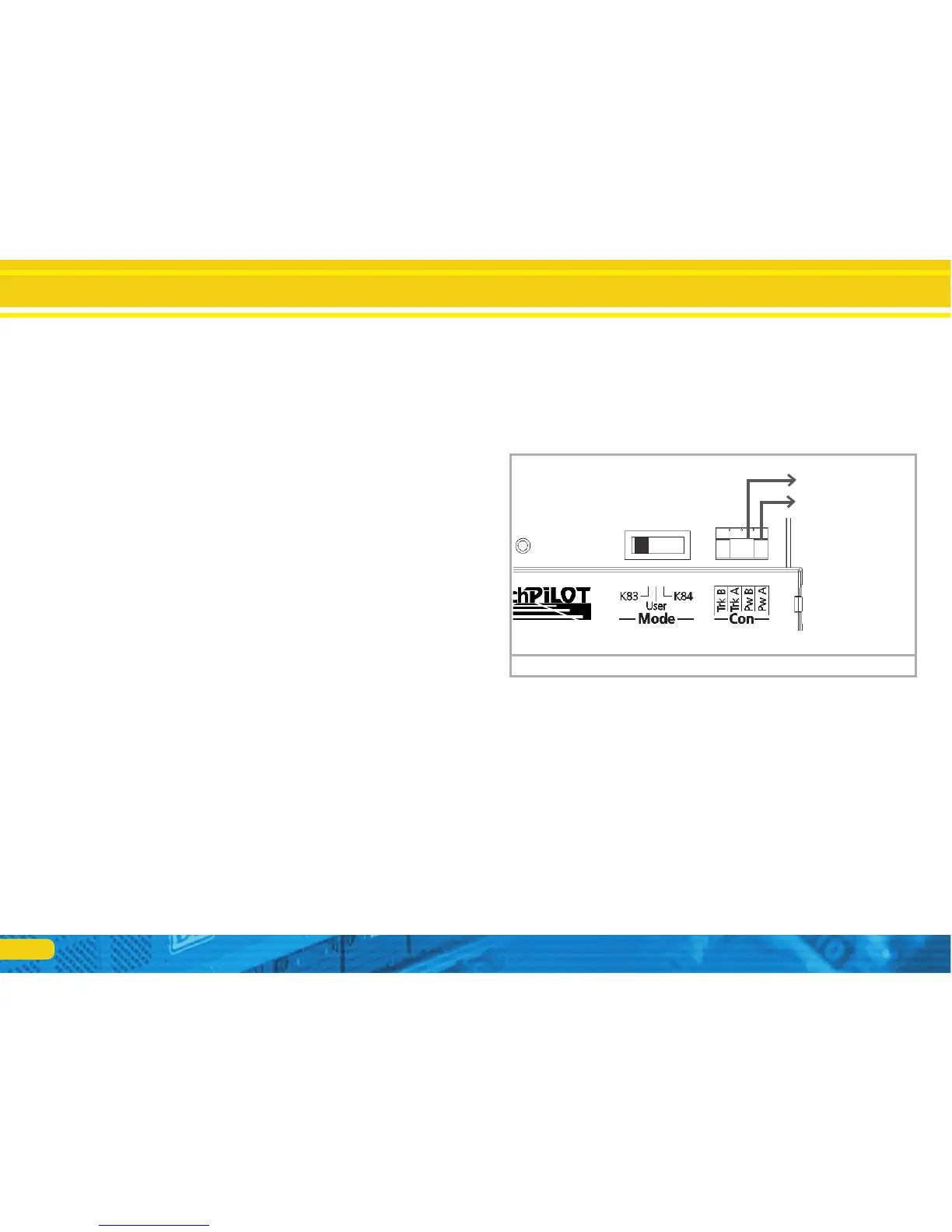
firmware. Connect your SwitchPilot as shown in fig. 12 to make
sure everything works as expected.
Programming
Figure 12: Programming with the ESU LokProgrammer
to
LokProgrammer


 To Next Page