19 | Commissioning
ETAS ES582.2 | User Guide
3.4 Establishing the USB Connection
After successful driver installation, the ES582.2 module can be connected to the
PC. Windows should recognize the device and install the corresponding driver.
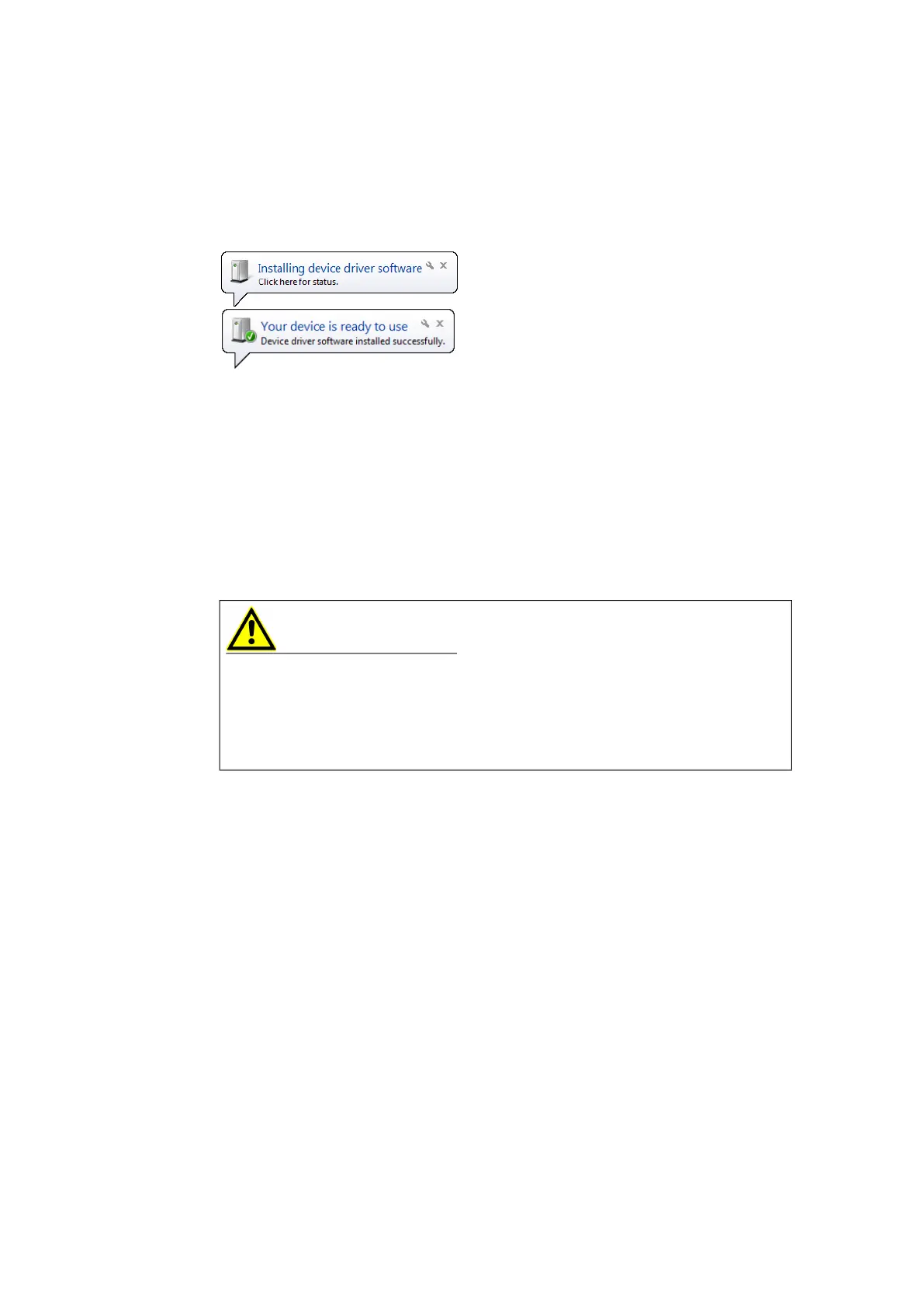
Windows displays an information note in the start bar.
Fig. 3-2 on page 19 shows a
representation of the information notes that are displayed.
Fig. 3-2 Windows Information Note
3.5 Updating the USB Driver
Updating the ES582.2 must be done in the following order:
1. Ensure that the client software applications are closed.
2. Start the installation program and uninstall the old driver.
3. Install the new driver.
3.6 Application
WARNING
Risk due to undefined vehicle behavior during an ECU reset
If you operate the product in combination with ETKs, the ECU must not be reset
in an uncontrolled manner.
- Only make changes when the vehicle is stationary (e.g., changes to the test
setup, changes to the ETK configuration, software updates).


 To Next Page