Navis 100 Installation Guide 9
Installation
This section provides instructions for installing the Navis 100 luminaire.
See the installation manual for your driver for information about
installing the driver.
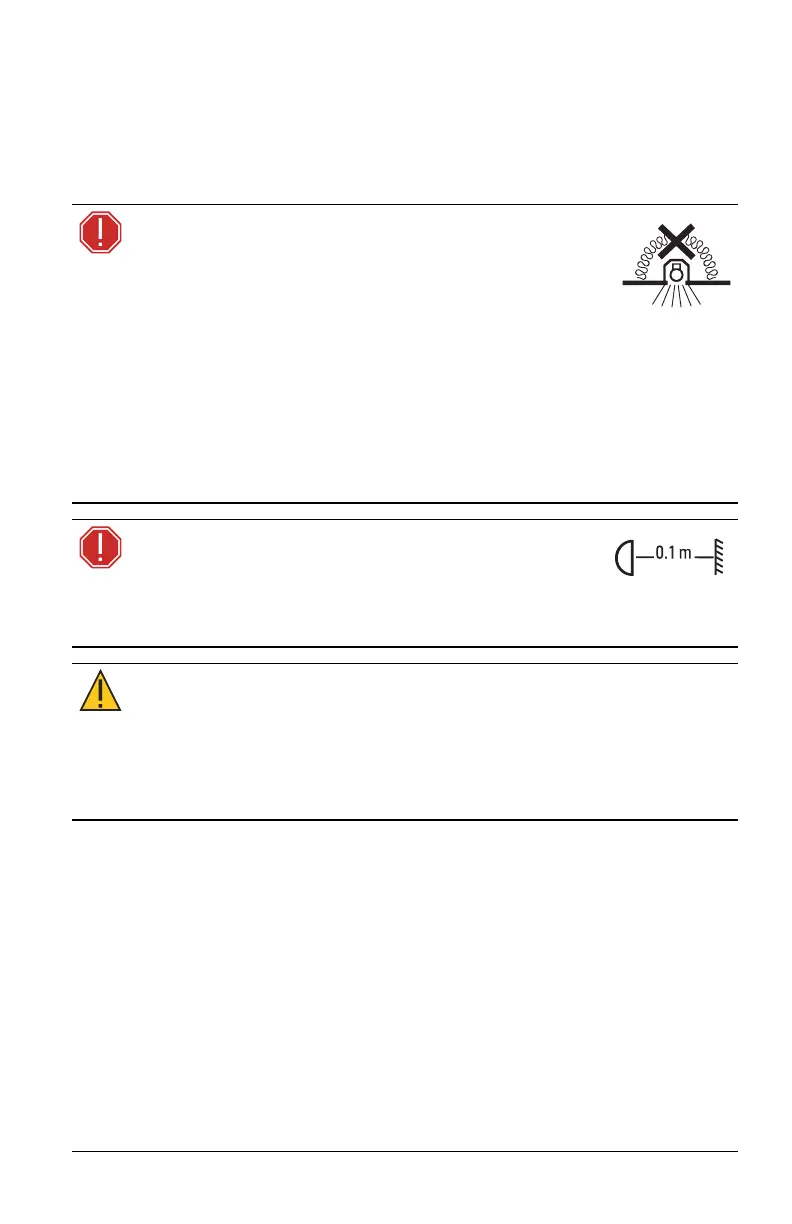
WARNING: Navis 100 luminaires are NON-IC rated
and therefore NOT suitable for installation in direct
contact with combustible materials or thermal
insulation.
DO NOT INSTALL INSULATION WITHIN 76 mm (3 in) OF ANY
PART OF THE LUMINAIRE.
AVERTISSEMENT : Les lampes Navis 100 sont classés
NON-IC, ils ne conviennent donc PAS pour une installation en
contact direct avec des matières combustibles ou une isolation
thermique.
NE PAS INSTALLER D’ISOLATION À MOINS DE 76mm (3po) DE
TOUTE PARTIE DE LA LAMPE.
WARNING: The luminaire must be installed at
least 0.1 m (4.0 in) away from all lighted objects.
AVERTISSEMENT : Le luminaire doit être installé à au moins
0,1 m (4,0 po) de tout objet allumé
CAUTION:
RGBW luminaires should be positioned so that
prolonged staring into the luminaire at a distance of 1.0m
(3ft3in) is not expected.
ATTENTION : Les luminaires RGBW doivent être positionnés
de manière à éviter un regard prolongé dans le luminaire à
une distance de 1,0m (3pi3po).



 To Next Page