Navis 100 Installation Guide 15
9. Remove the wall wash angle template from the luminaire.
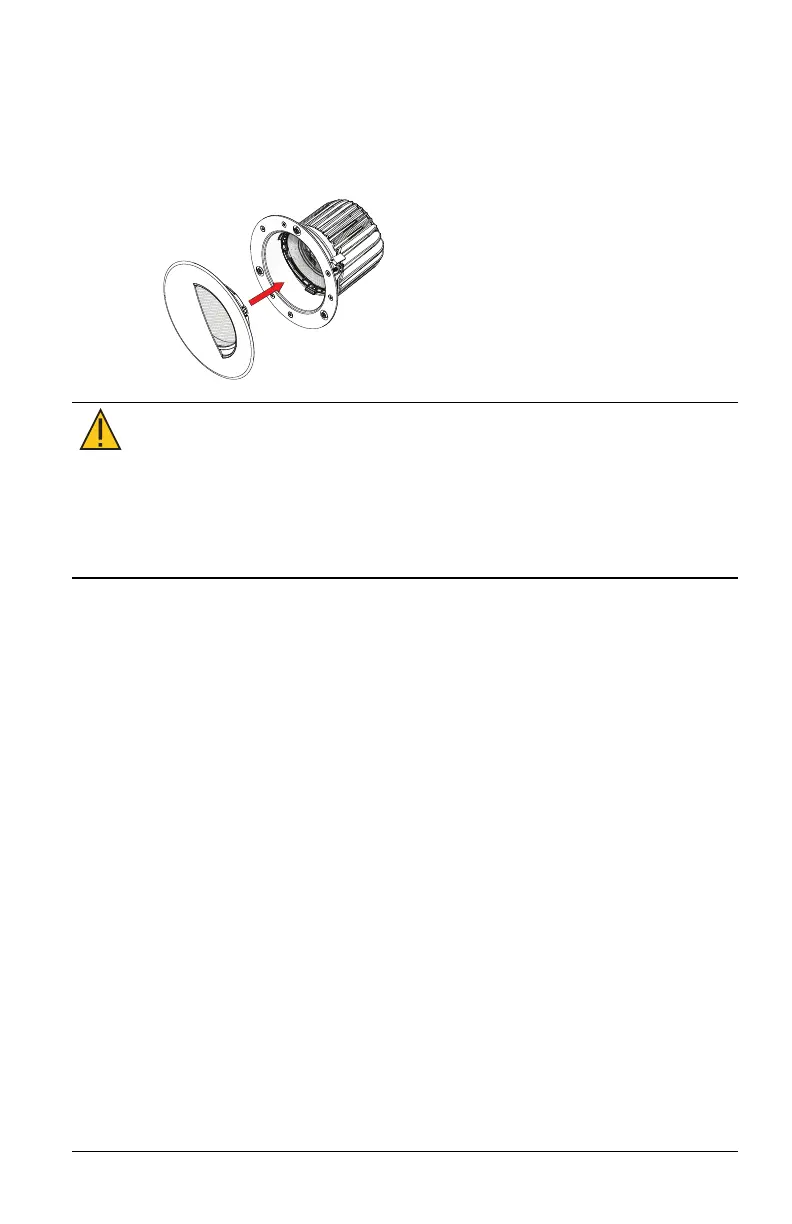
10. Attach the magnetic wall wash trim plate to the base of the
luminaire so that the angled top of the trim plate fits into the
angle of the luminaire. Ensure that the trim plate connects firmly
with the three magnets on the base of the luminaire.
CAUTION:
It is very important that the trim plate is firmly
attached to the luminaire with all three magnets engaged so
that the trim plate does not detatch from the luminaire.
If the trim plate will not solidly attach to the luminaire, verify
the angle of the luminaire. Loosen the yellow locking screw
and repeat to step 2, making sure the template is firmly
seated in the lens holder. Then repeat steps 6–9.



 To Next Page