2 Basic Menu Navigation 40
Keypad
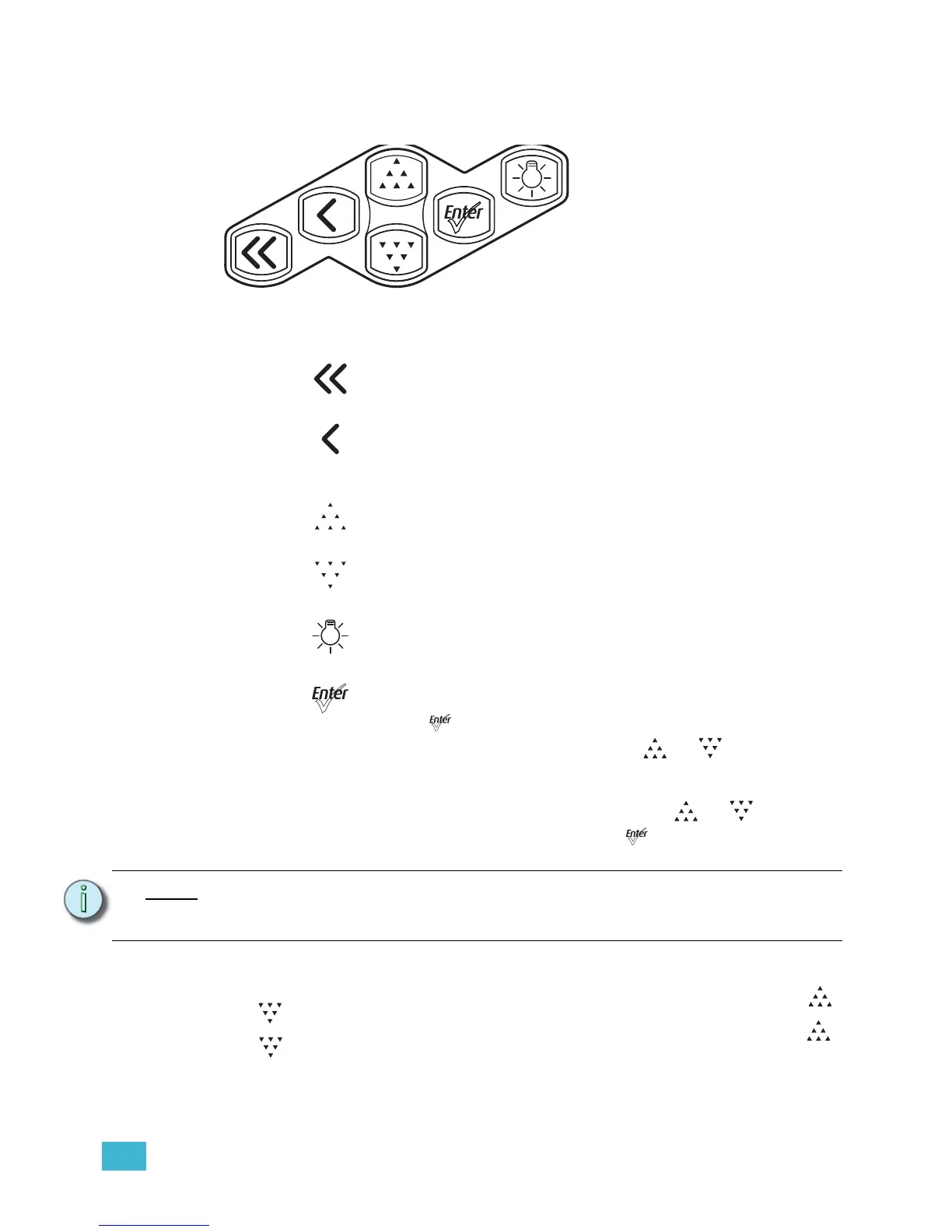
Use the keypad buttons to access and navigate the menus on the LCD.
Figure-2.2 Keypad buttons.
Keypad Lockout
The keypad may be locked to prevent unauthorized access to fixture settings. Press []
and [] simultaneously for approximately 3 seconds. A small padlock icon appears in the
corner of the UI screen to indicate that the keypad is locked. To unlock, again press []
and [] simultaneously for approximately 3 seconds. The padlock icon disappears. The
locked or unlocked status of the keypad persists through on/off power cycles. Keypad
lockout does not affect access to fixture settings via RDM.
Home
Opens the home screen.
Back
Cancels the current operation and returns to the previous screen.
Multiple presses of the back button will eventually take you to the
status display.
Up
Increases a value or menu choice by one. Pressing and holding the
push button increases the rate of change.
Down
Decreases a value or menu choice by one. Pressing and holding the
push button increases the rate of change.
Light Bulb
Opens the Presets and Sequences menu.
Enter
• Activates a menu selection or stores a value. For most settings,
push [] repeatedly to scroll through available options while the
setting is highlighted, and then push [] or [] to commit the
change and move to a different setting.
• Certain settings require the selection of a numeric value. Press
Enter once to highlight the number, push [] or [] to reach
the desired value, and then press [] to commit the change.
Note:
When the fixture is in the stand-alone mode of the Studio profile, the functionality of
the buttons changes. For more information, see Operation From Home Status Screen
(Studio Standalone), page 77.













 To Next Page