2 Basic Menu Navigation 42
Status (Home) Screens
The status (home) screens display when you press [] or when there is no activity for a
specific time. The home screens display the status of multiple fixture settings. These may
or may not include:
• Quick Setup
• Input settings
• DMX address
• LED settings
• Preset or Sequence that may be active
• Master or Slave status, when applicable
• Diagnostic messages
• DMX signal status
• Software version
Most of the settings can be adjusted either on the home screen or within a short series of
menus. When a quick setup is selected, the settings of the setup are displayed on the home
screen.
For more information about status screens, see Home Screen Displays, page 45.
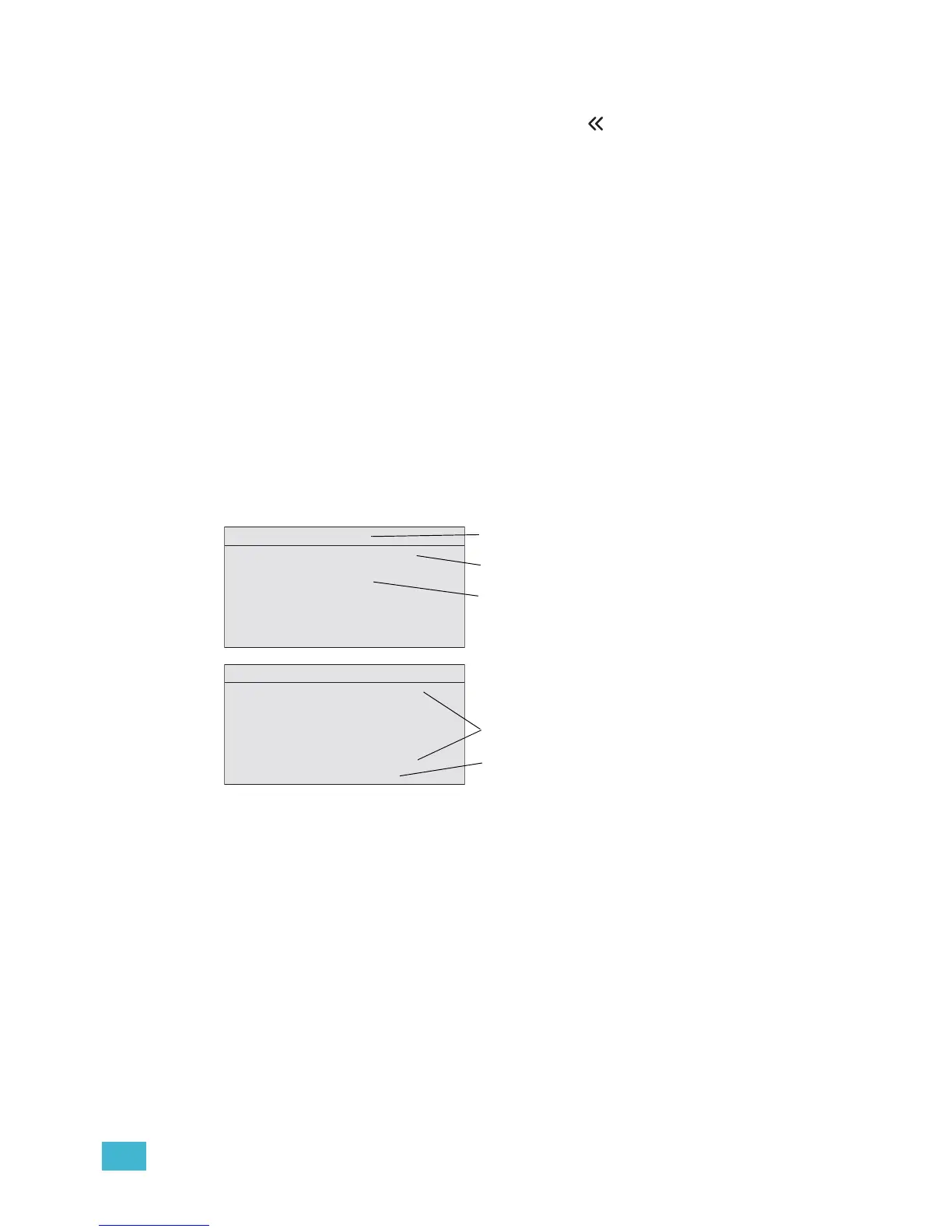
Figure-2.5 Examples of status screens.
Display Title
A menu’s title appears in the first row of every display for easy navigation.
Input Settings
Displays the parameters for the Quick Setup that is active. For more information, see Home
Screen Displays, page 45.
DMX Address
Indicates the DMX address when the fixture is receiving DMX. For more information, see
DMX Start Address, page 47.













 To Next Page