3 Operation 62
Save DMX as Preset
You can take a snapshot of the incoming DMX signal when the fixture is in HSI mode and
save it as a preset value.
Step 1: On the Presets screen, scroll to Preset and press [].
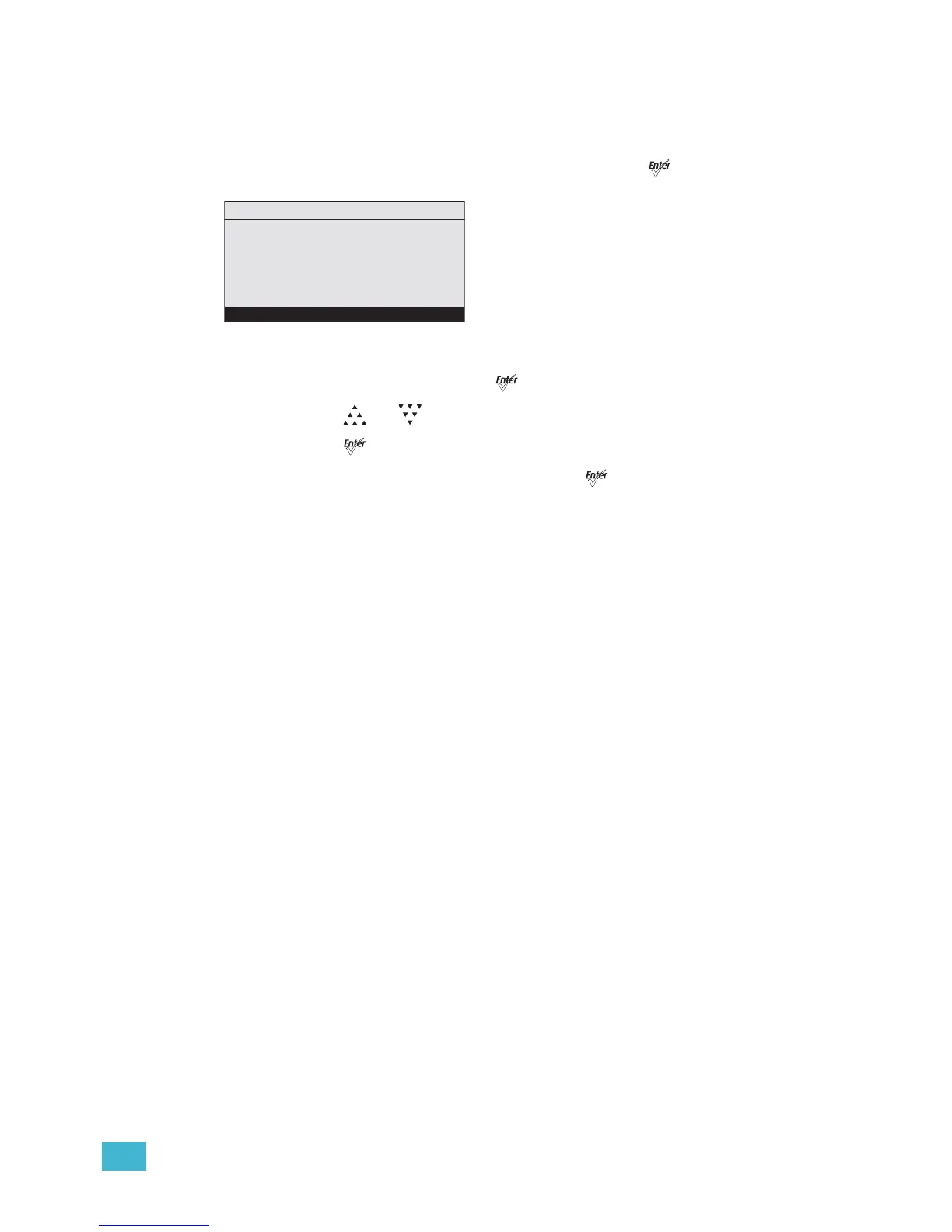
Figure-3.22 Save the DMX as a Preset.
Step 2: With Preset selected, press [].
Step 3: Press [] or [] to set the desired preset number.
Step 4: Press [].
Step 5: Scroll to Save DMX as Preset and press [].













 To Next Page