9
2096580-16-11/22 (translation of the original operating instructions)
Operating Instructions
Non-Contact Safety Switch CES-A-.5
EN
7. Changing the approach direction
NOTICE
Risk of damage to equipment as a result of trapped cables.
Ì Make sure that the cables are not trapped or torn off when the approach direction is changed.
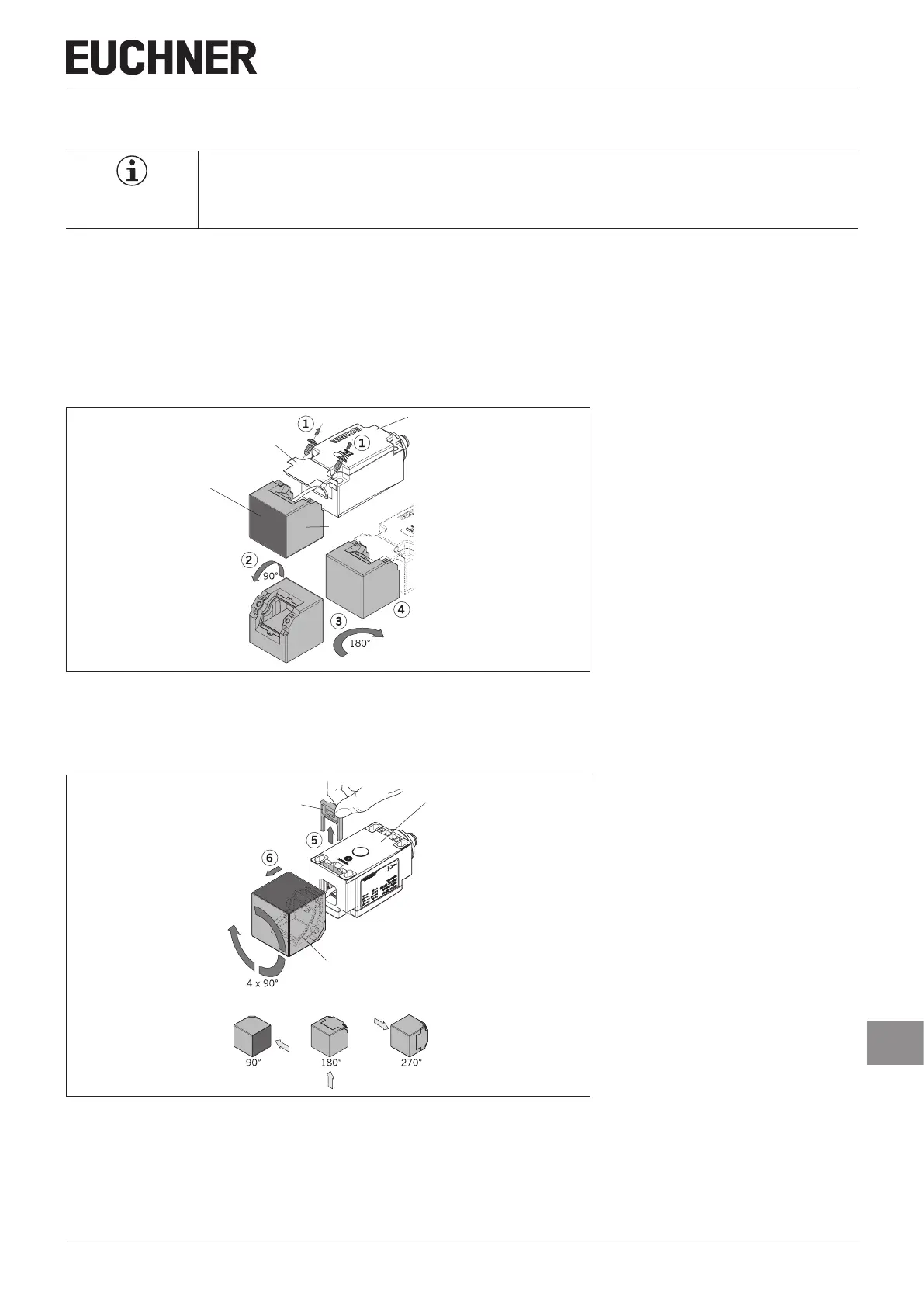
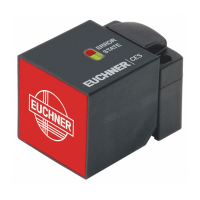
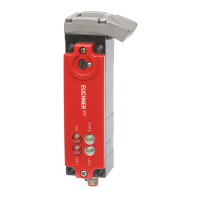
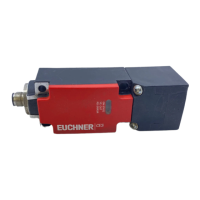
The active face of the read head can be adjusted in 5 directions. It is marked by the red face.
1. Unscrew the screws on the fastening bracket.
2. Pull the read head off the fastening bracket and tilt the read head by 90° (arrow 2).
¨ The active face is now pointing downward.
3. Turn the read head by 180° (arrow 3).
4. Re-tighten the screws for the read head on the fastening bracket. Tightening torque 0.6 Nm.
Housing
Fastening bracket
Active face
Read head
5. Remove the clip from the underside of the housing to change the lateral approach direction.
6. Pull the read head off the housing and turn it in 90° steps in the desired approach direction.
7. Fit the read head to the housing and re-t the clip.
Housing
Read head
Clip
Other approach directions




 To Next Page