EN 11
• Make sure the Self-Empty Station is plugged in, otherwise
RoboVac will not automatically return to it. When the Self-
Empty Station connects to AC power, the LED indicator on the
Self-Empty Station is steady white.
• Please do not place the self-empty station on rugs or carpets, as
it will interfere with RoboVac's return to the self-empty station
for recharge.
Use the Self-Empty Station
• With Allergycare™ certified by TUV Rheinland, the Self-Empty
Station can lock in 99.9% of allergens (such as dust, garbage,
dust mites, pet dander, etc.) to prevent them from emitting into
the air.
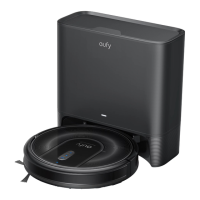
• RoboVac will return to the Self-Empty Station at the end of a
cleaning cycle or when its battery is running low.
• Make sure the power cord is connected to a power outlet and
the dust bag is properly installed.
• If the cleaning time or the time period between two cleaning
sessions is too short, the Self-Empty Station may not empty the
dust box automatically.
• The emptying function will not be activated if you have selected
the 'Do-Not-Disturb' mode in the eufy Clean app.
• It is recommended that RoboVac moves away from the Self-
Empty Station to start cleaning.
• Some noise will be made when the Self-Empty Station is
working. It is recommended to place the device in a proper
location or select the 'Do-Not-Disturb mode' in the eufy Clean
app to prevent noise interference.
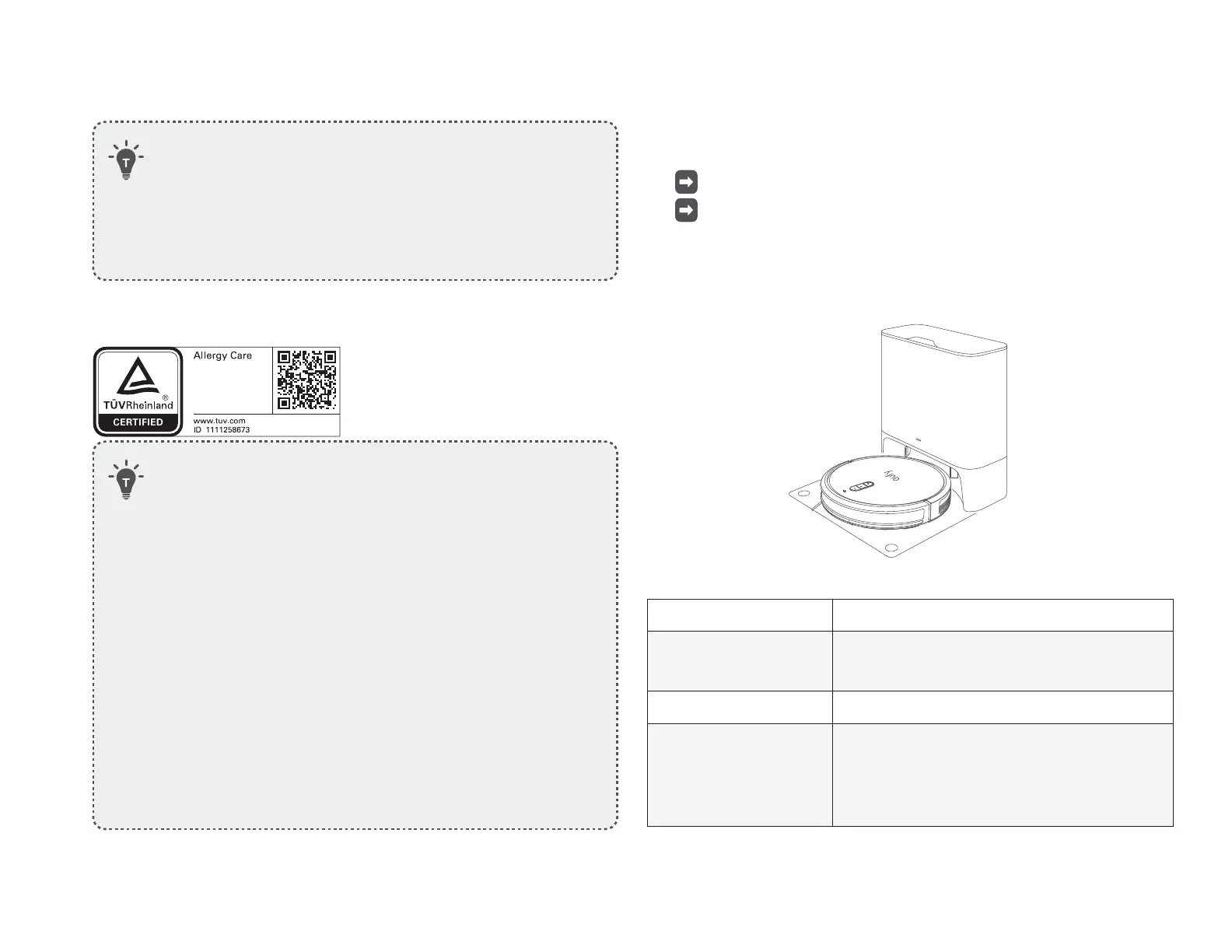
Attach RoboVac to the Self-Empty Station by aligning its charging
pins.
RoboVac starts charging automatically.
If RoboVac has finished a round of cleaning (a couple of
minutes), it will empty the dust box automatically by default
when it returns to the self-empty station. Make sure the dust
bag is properly installed.
LED Indicator Status of Self-Empty Station
Steady white, with 50%
brightness
Standby
Flashing white slowly Working normally
Flashing white quickly
Abnormal working status
(Refer to the "Troubleshooting" section in this
manual for solutions)










 To Next Page